
How to Convert Pencil Sketches to Clean Vector Line Art
How to Convert Pencil Sketches to Clean Vector Line Art To convert a pencil sketch to vector: scan at 600 DPI to capture graphite detail, boost contrast to separate lines from paper tone, decide which shading becomes line work and which gets dropped, hand-trace the final lines into vector paths, and export AI, EPS, SVG, […]
Tattoo Design to Vector: Prep Your Art for the Tattoo Artist
Tattoo Design to Vector: Prep Your Art for the Tattoo Artist To prepare a tattoo design vector file: finalize the artwork at the exact print size, convert all lines to clean vector paths with consistent weights, separate colors onto individual layers, and deliver AI, EPS, SVG, and PDF files. Tattoo artists need true vector files […]
From Doodle to Logo: Vectorizing Hand-Drawn Artwork
From Doodle to Logo: Vectorizing Hand-Drawn Artwork To turn a doodle to logo: photograph the doodle clearly, identify the one strong idea inside it, simplify it to bold readable shapes, hand-trace it into vector paths, and test it at small sizes. Doodles make great logos because they’re spontaneous — the job is preserving that spontaneity […]
How to Convert Your Drawing Into a Logo File
How to Convert Your Drawing Into a Logo File To convert a drawing to logo files: digitize the drawing at 300 DPI, decide which lines are final artwork, hand-trace it into vector paths, refine the design so it works at small sizes and in one color, then export AI, EPS, SVG, and PDF. The tracing […]
Turn a Hand-Drawn Sketch Into a Professional Vector Logo
Turn a Hand-Drawn Sketch Into a Professional Vector Logo To turn a hand drawn sketch to vector: scan or photograph the sketch at 300 DPI minimum, clean up smudges and stray lines, hand-trace the artwork into Bézier paths, simplify the anchor points, and export AI, EPS, SVG, and PDF files. Hand tracing beats auto-trace for […]
How to Convert a Hand-Drawn Signature Into a Vector File
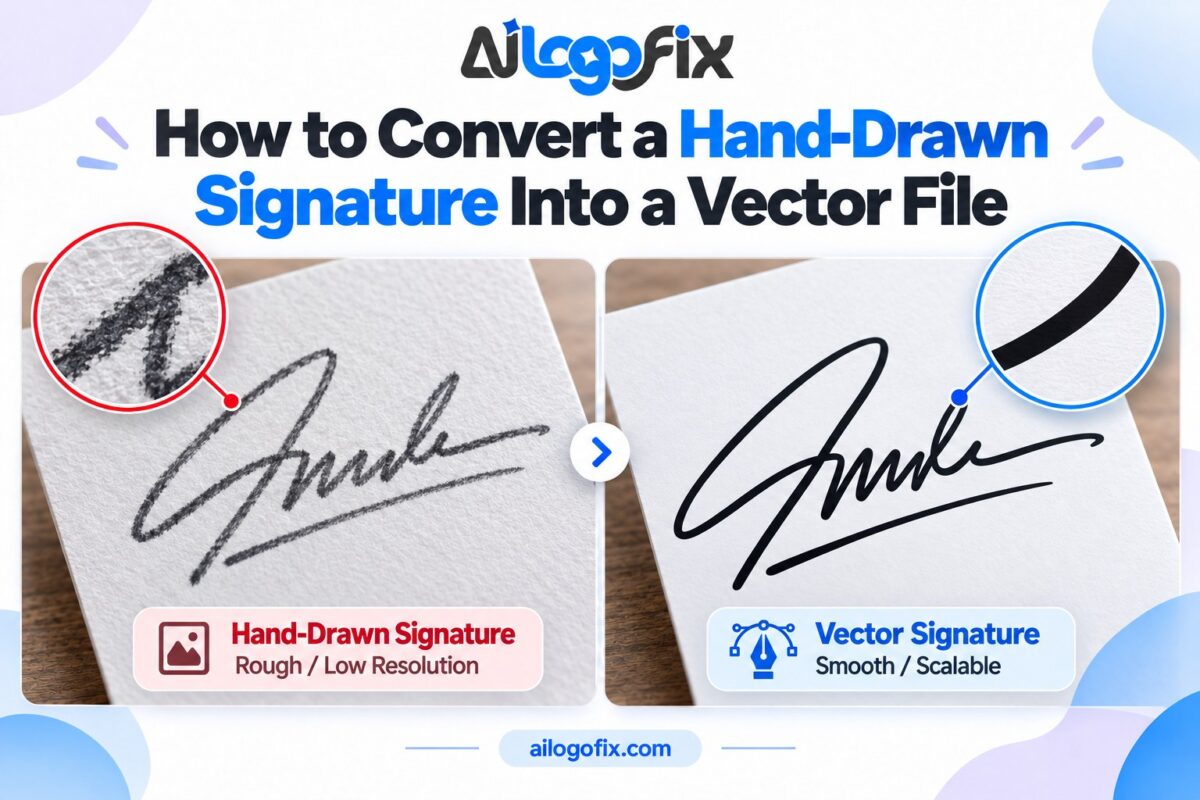
Turn your handwritten signature into a clean vector logo: write it right, shoot it well, and have it professionally traced.
From Napkin Sketch to Brand-Ready Logo: A Founder’s Workflow
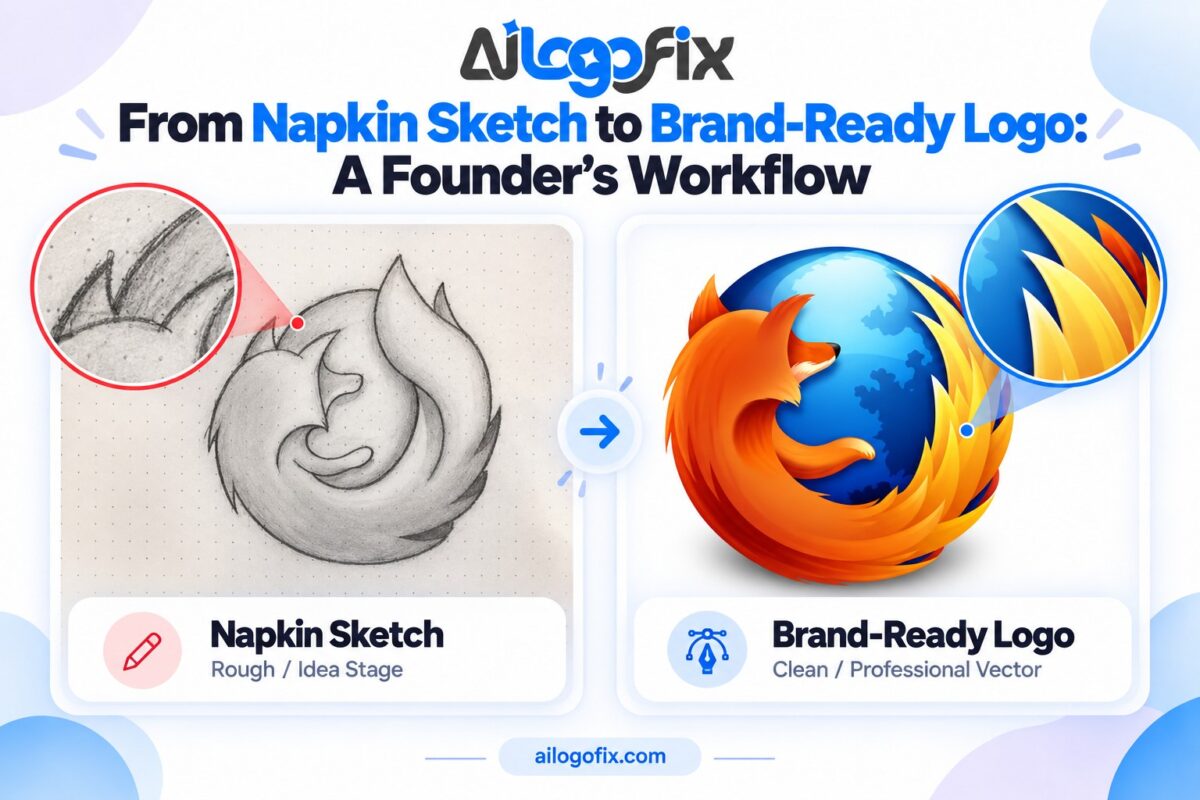
From napkin sketch to brand-ready logo: the founder’s workflow — capture, clarify, refine, vectorize, and package.