AiLogoFix helps businesses and creatives refine AI-generated or low-quality logos, sketches, and graphics into professional, vector-ready designs. We specialize in logo modification, raster to vector conversion, background removal, and other graphic enhancement services, delivering clean, scalable results tailored to your brand.
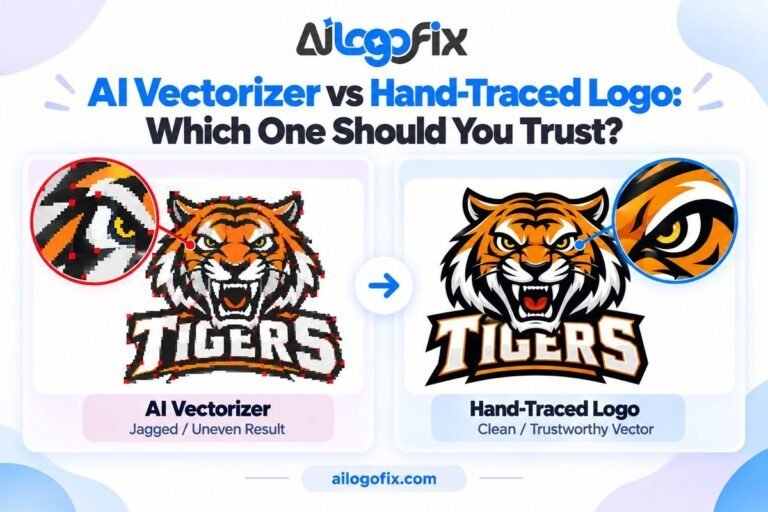
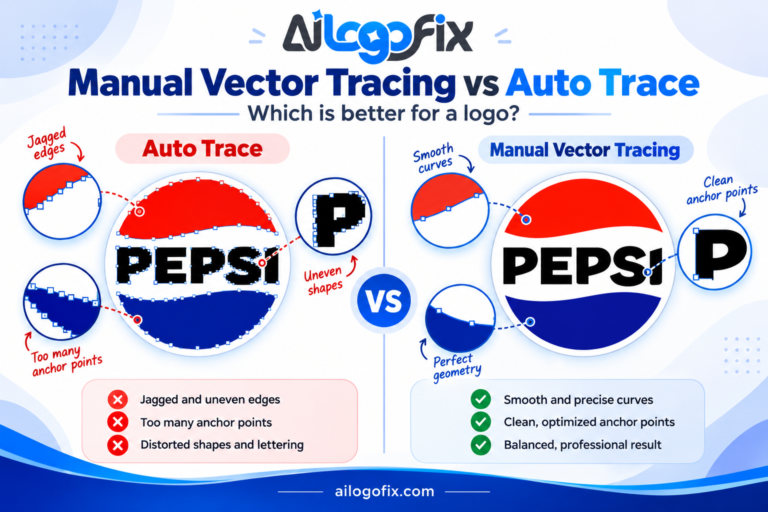
AI vectorizers promise a logo in five seconds. Here is what they do not tell you. Upload a logo, click a button, get an SVG back instantly. AI vectorizer tools have exploded in the last year, and it sounds like hand-tracing should be dead. But what happens when that auto-traced file goes to a real […]
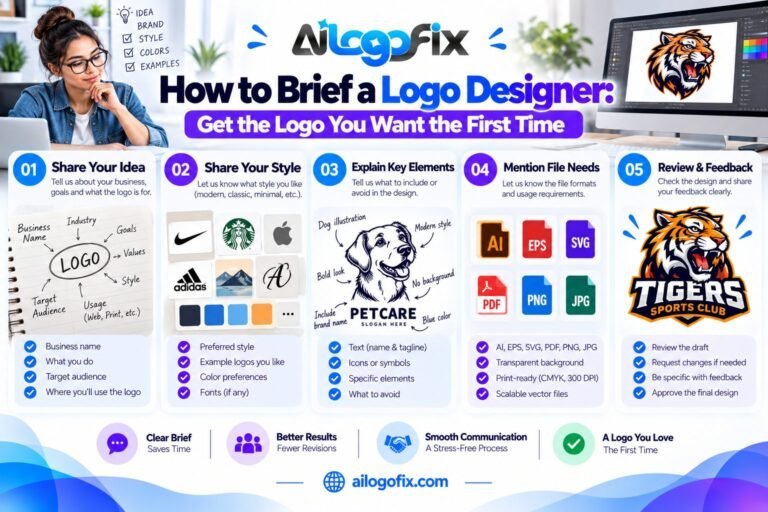
How to Brief a Logo Designer: Get the Logo You Want the First Time To brief a logo designer well, share your business description, target audience, 3–5 style references, color preferences, must-avoid list, exact deliverables, timeline, and budget. A complete brief cuts revisions in half. Vague briefs produce vague logos — the designer can only […]
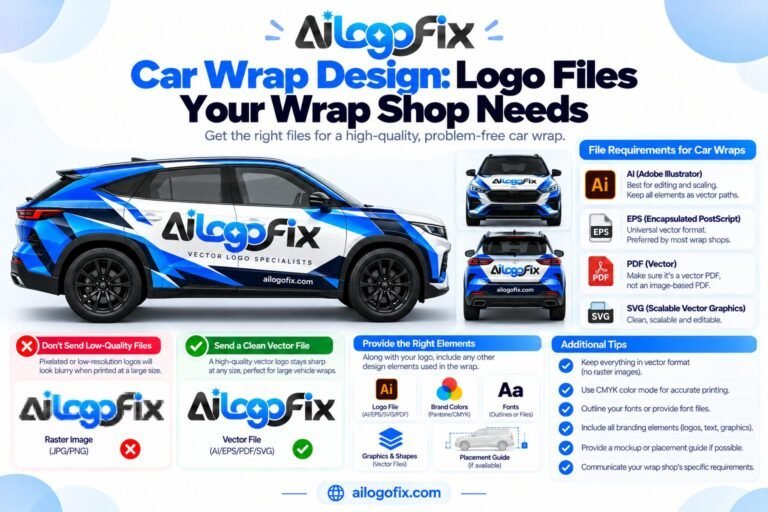
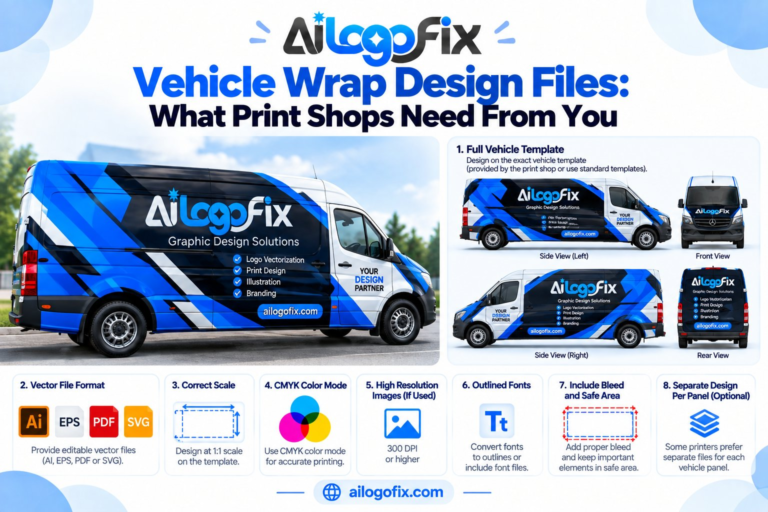
Car Wrap Design: Logo Files Your Wrap Shop Needs Car wrap shops need your logo as vector files because vehicle wraps print at enormous scale — a 5-meter print from a JPG turns to mush. Send AI, EPS, or vector PDF with outlined fonts and CMYK colors. If you only have a raster logo, get […]
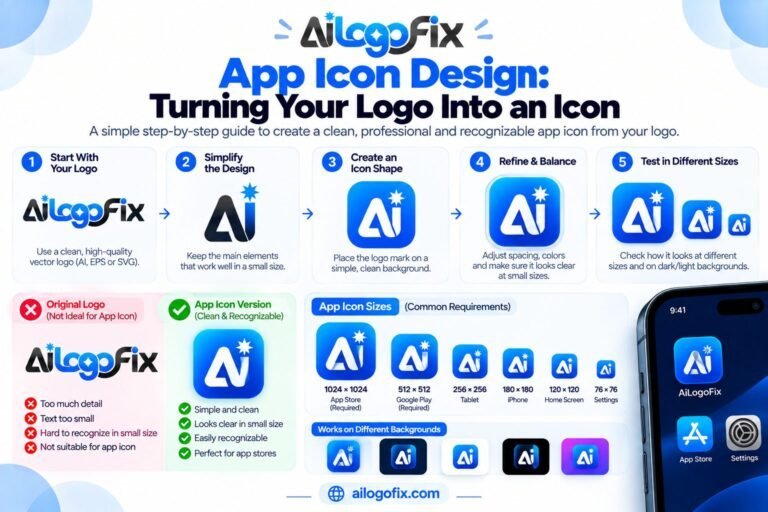
App Icon Design: Turning Your Logo Into an Icon Turning your logo into an app icon means simplifying it to one bold shape that reads at 60 pixels, then exporting at every required size from 1024px down. iOS and Android each demand specific sizes and safe areas. Start from your vector logo master — never […]
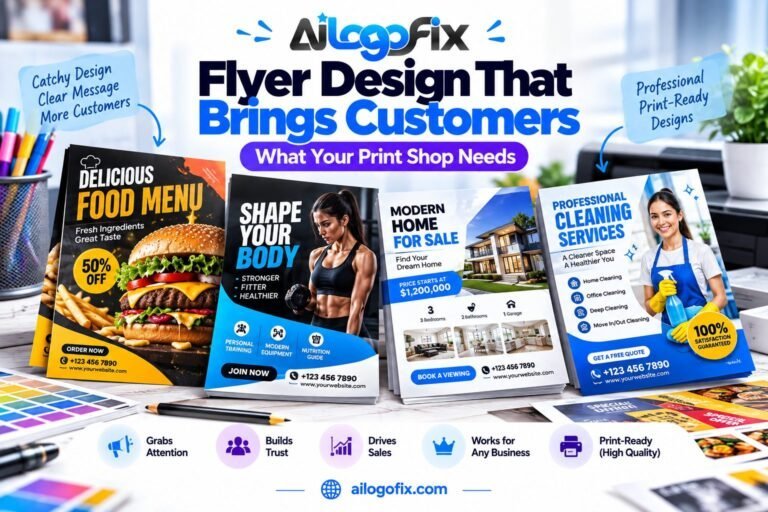
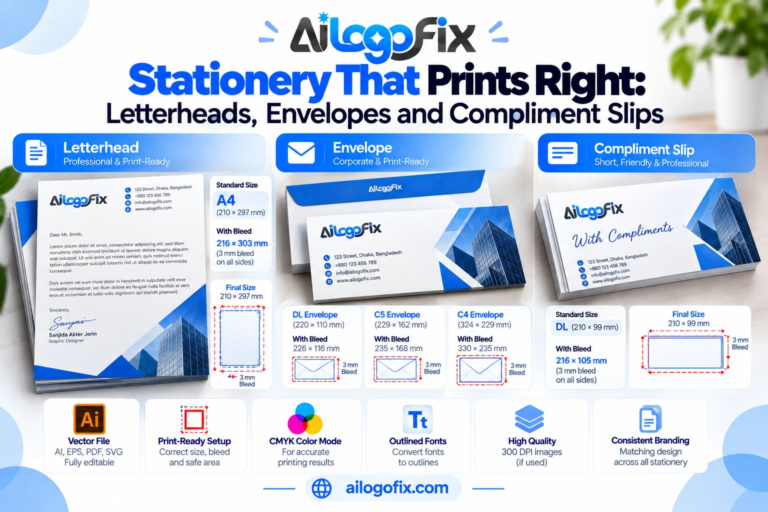
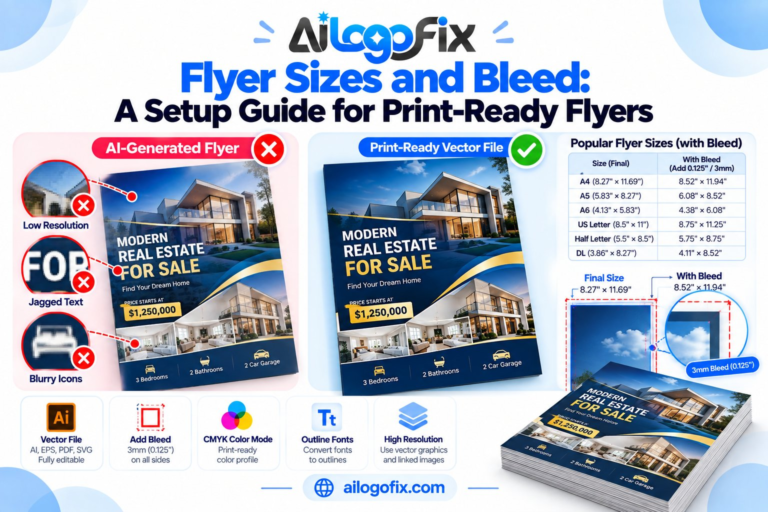
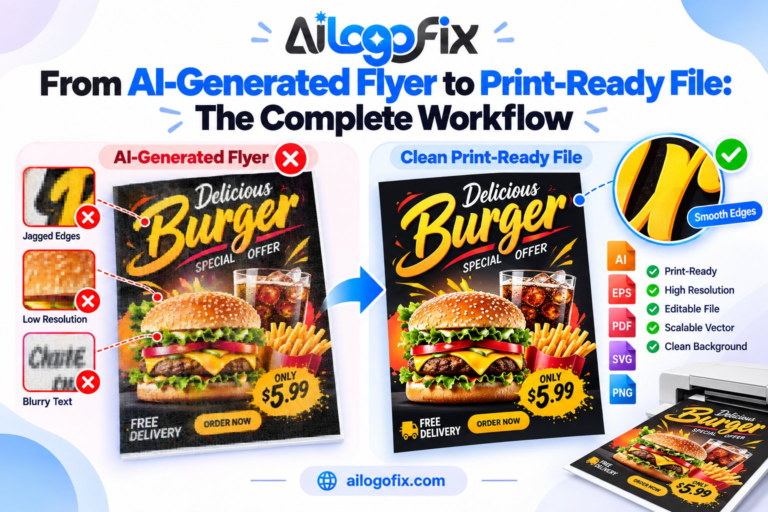
Flyer Design That Brings Customers: What Your Print Shop Needs A print-ready flyer design needs your logo as vector art, images at 300 DPI, 3mm bleed on all sides, and CMYK color mode. Miss any one of these and the print shop either rejects your file or prints it blurry. Get the file setup right […]
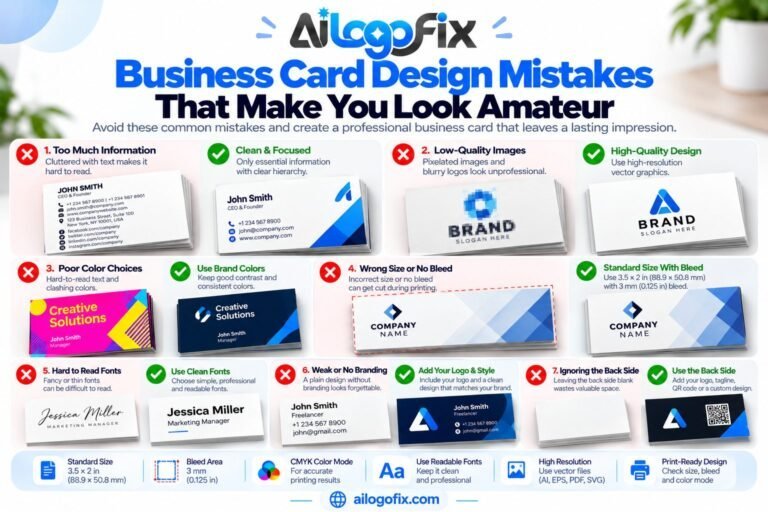
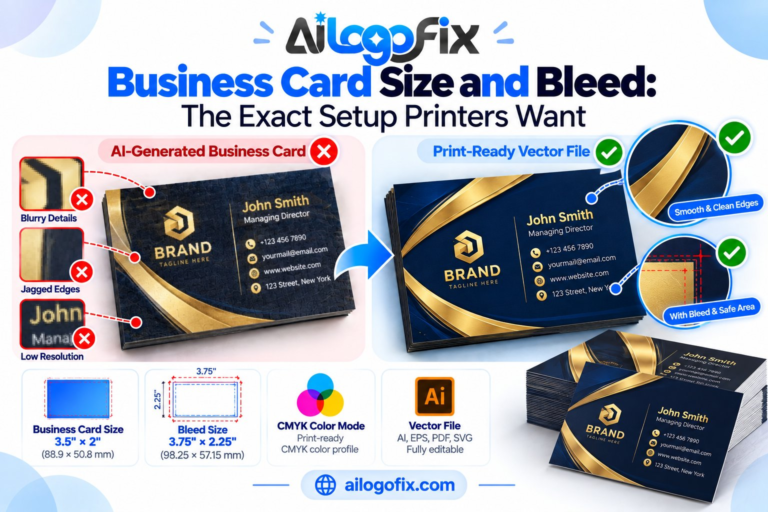
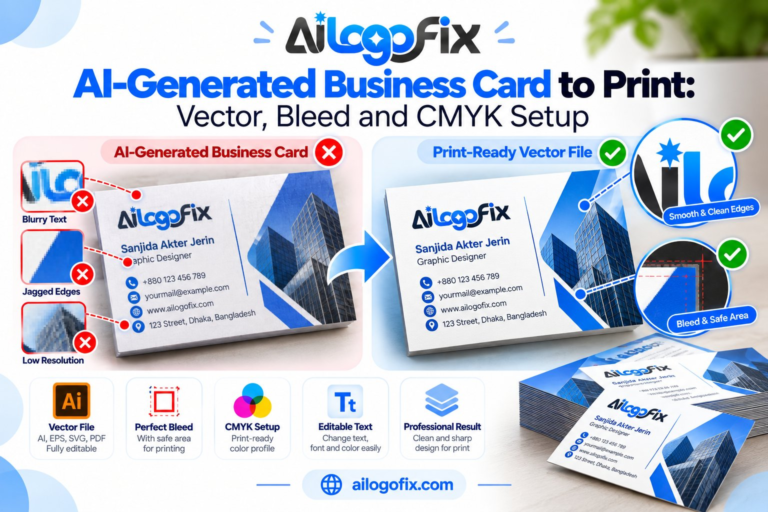
Business Card Design Mistakes That Make You Look Amateur The most amateur business card mistakes are pixelated logos, tiny unreadable text, missing bleed, cluttered layouts, and wrong color mode. Each one is easy to avoid once you know what print shops actually check. A professional designer catches all of them before your cards go to […]
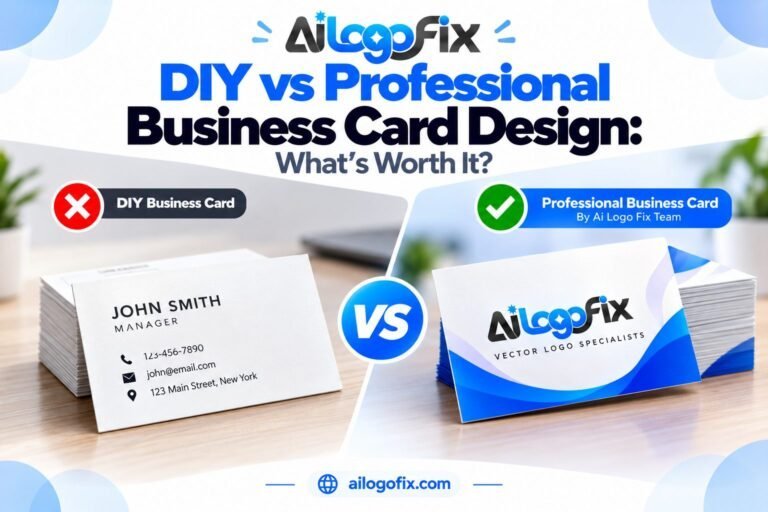
DIY vs Professional Business Card Design: What’s Worth It? DIY vs professional business card design comes down to this: templates work when you need something fast and cheap, but they look generic and often print badly. Professional design ($15–$50+) buys custom layout, print-ready files with proper bleed, and a card that actually represents your brand. […]
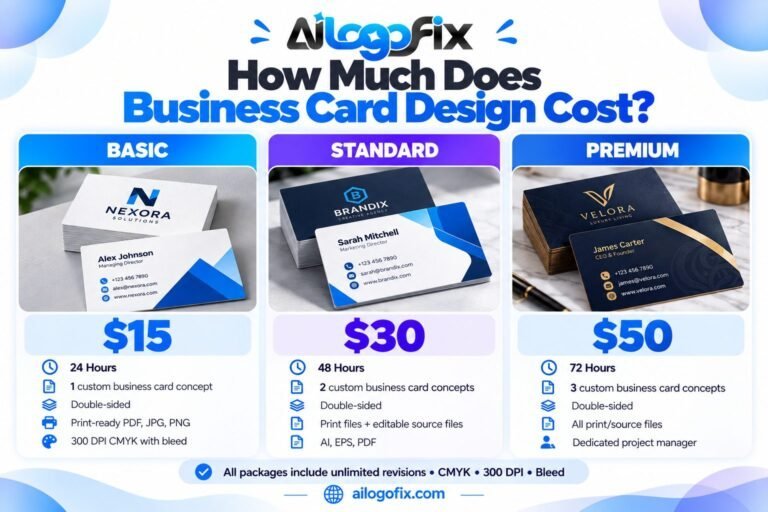
How Much Does Business Card Design Cost? Business card design cost runs $0–$15 for DIY templates, $15–$50 for custom professional design, and $100+ from branding agencies. At AiLogoFix, custom business card design starts at $15 for a print-ready, double-sided design delivered in 24 hours. What you pay depends on custom artwork, revision rounds, and proper […]
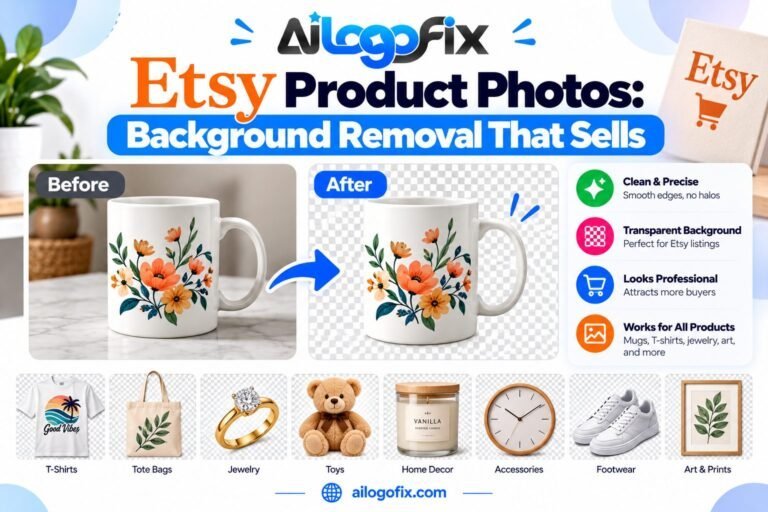
Etsy Product Photos: Background Removal That Sells Etsy background removal means cutting your product out of its original photo and placing it on a clean white or transparent background so listings look professional. Clean backgrounds raise click-through rates because shoppers instantly see what they’re buying. You can DIY with free apps, or hire an etsy […]
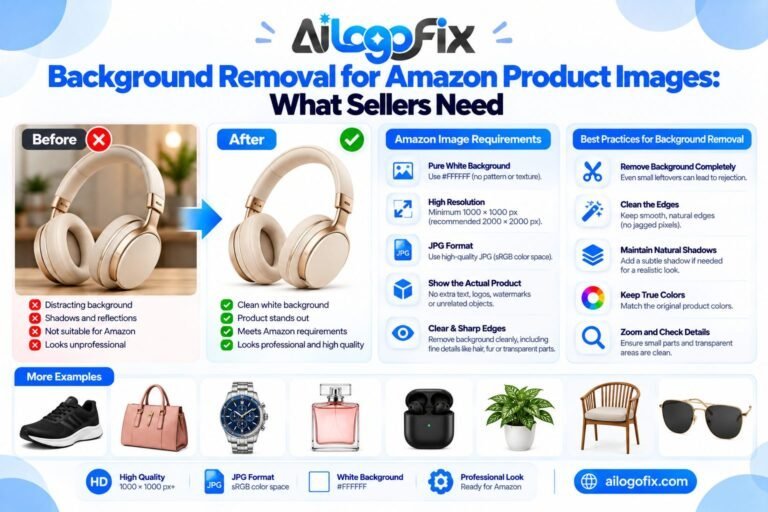
Background Removal for Amazon Product Images: What Sellers Need For amazon product background removal: deliver pure white backgrounds (RGB 255,255,255), product filling 85% or more of the frame, minimum 2000px on the longest side, sRGB JPEG format, and no text, logos, or props on the main image. These are Amazon’s documented main-image requirements — miss […]
Convert Any Photo Into Line Art for Tattoos and Prints To convert a photo to line art: choose a high-contrast photo with clear edges, trace the key contours as clean vector strokes, simplify details that won’t reproduce, set consistent line weights, and export AI, EPS, SVG, and PDF. The art lies in deciding which lines […]
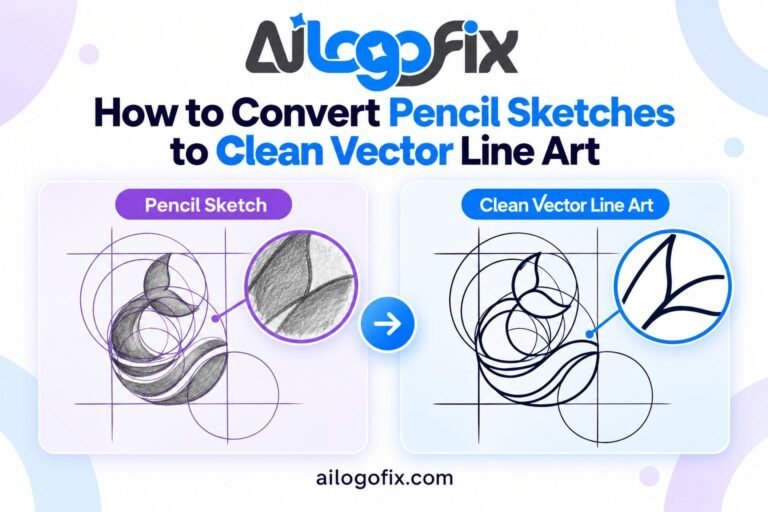
How to Convert Pencil Sketches to Clean Vector Line Art To convert a pencil sketch to vector: scan at 600 DPI to capture graphite detail, boost contrast to separate lines from paper tone, decide which shading becomes line work and which gets dropped, hand-trace the final lines into vector paths, and export AI, EPS, SVG, […]
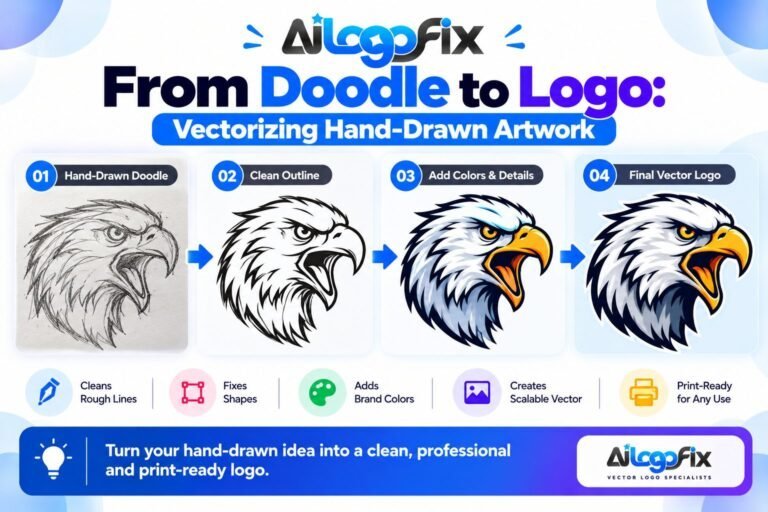
From Doodle to Logo: Vectorizing Hand-Drawn Artwork To turn a doodle to logo: photograph the doodle clearly, identify the one strong idea inside it, simplify it to bold readable shapes, hand-trace it into vector paths, and test it at small sizes. Doodles make great logos because they’re spontaneous — the job is preserving that spontaneity […]
How to Convert Your Drawing Into a Logo File To convert a drawing to logo files: digitize the drawing at 300 DPI, decide which lines are final artwork, hand-trace it into vector paths, refine the design so it works at small sizes and in one color, then export AI, EPS, SVG, and PDF. The tracing […]
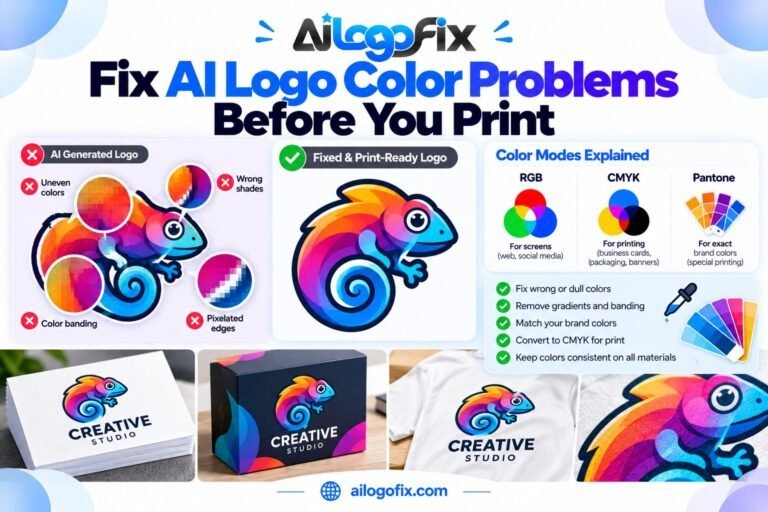
Fix AI Logo Color Problems Before You Print To ai logo color fix before printing: convert the artwork from RGB to CMYK, replace AI-generated gradients with flat Pantone-matched colors, keep total ink coverage under 300%, and proof the file on the actual stock. These four steps prevent the muddy, shifted, or oversaturated colors that AI […]
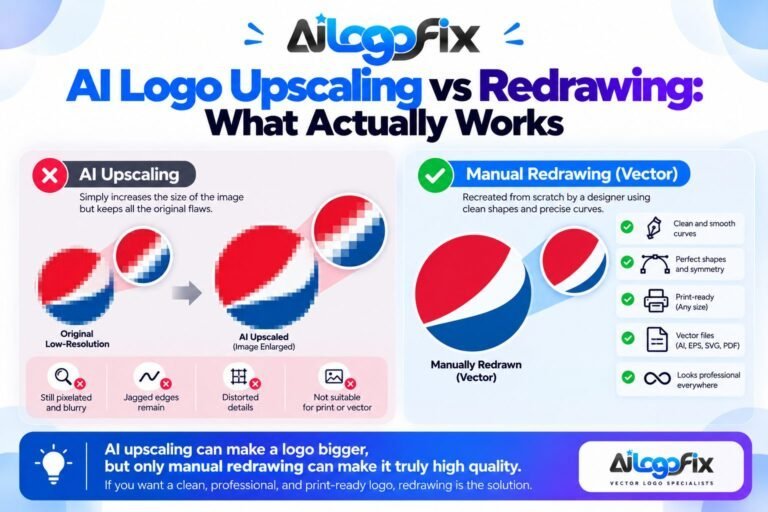
AI Logo Upscaling vs Redrawing: What Actually Works AI logo upscaling enlarges pixels but can’t create true vector quality — edges stay soft, details stay invented, and the file remains uneditable raster. Redrawing traces the design as clean vector paths: infinitely scalable, fully editable, and print-ready. For any professional use, redrawing wins; upscaling is only […]
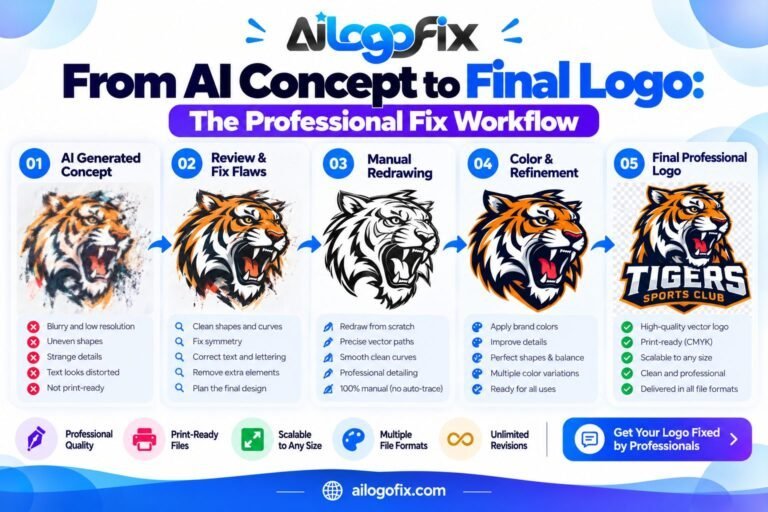
From AI Concept to Final Logo: The Professional Fix Workflow The professional workflow that takes an AI logo to final logo has four stages: 1) audit the AI output for artifacts, gibberish text, and asymmetries, 2) redraw the concept as clean vector paths (never auto-trace), 3) fix typography, colors, and spacing to professional standards, 4) […]
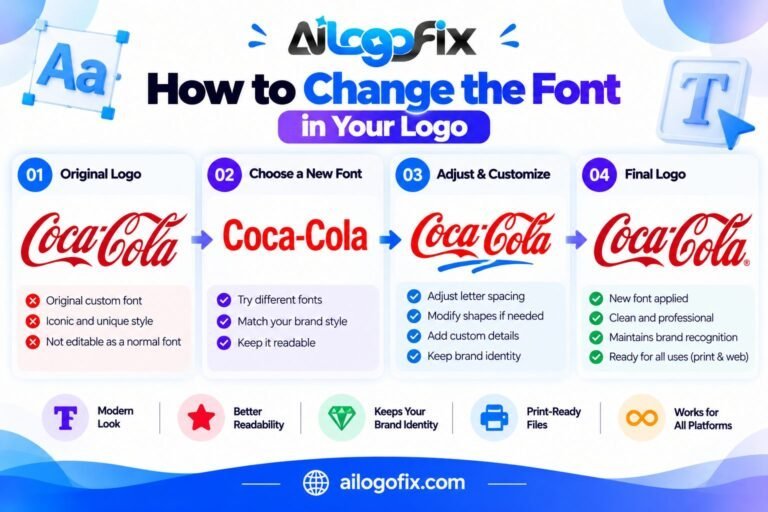
How to Change the Font in Your Logo To change logo font without breaking your brand: work from vector source files, choose a licensed typeface that matches your brand personality, adjust letter-spacing and kerning for the new font, test legibility at small sizes, and check that the font license covers commercial logo use. Never stretch […]
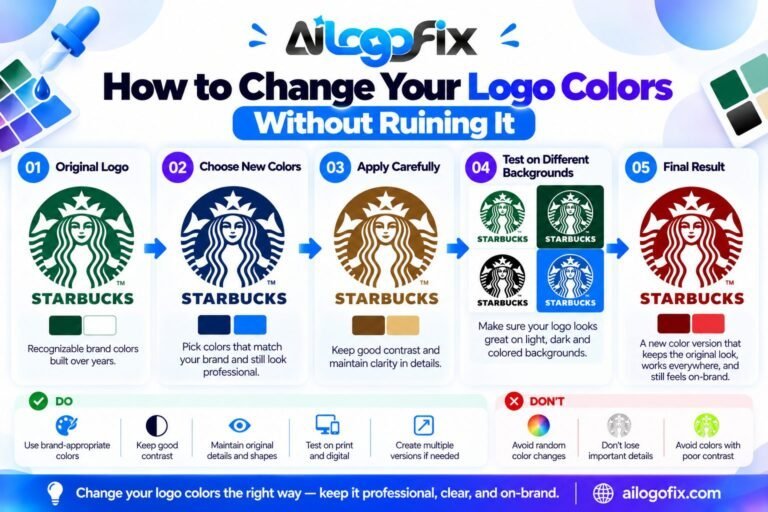
How to Change Your Logo Colors Without Ruining It To change logo colors without ruining it: work from your vector source files, test new colors in grayscale first for contrast, limit the palette to 1–3 colors, check accessibility contrast ratios, and update all brand materials at once. Never just recolor a JPG — rebuild or […]
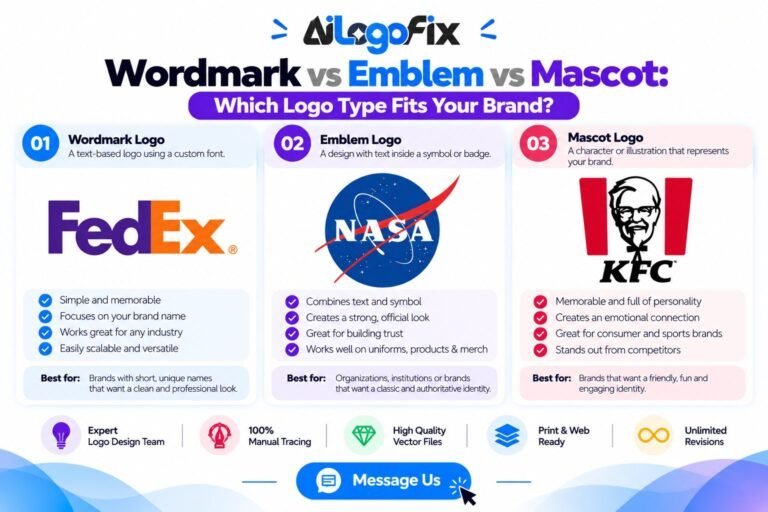
Wordmark vs Emblem vs Mascot: Which Logo Type Fits Your Brand? Wordmark, emblem, and mascot are the logo types every brand chooses between. A wordmark is your business name in distinctive type (Google, Coca-Cola); an emblem locks text inside a badge or shield (Starbucks, Harley-Davidson); a mascot is an illustrated character representing the brand (KFC’s […]
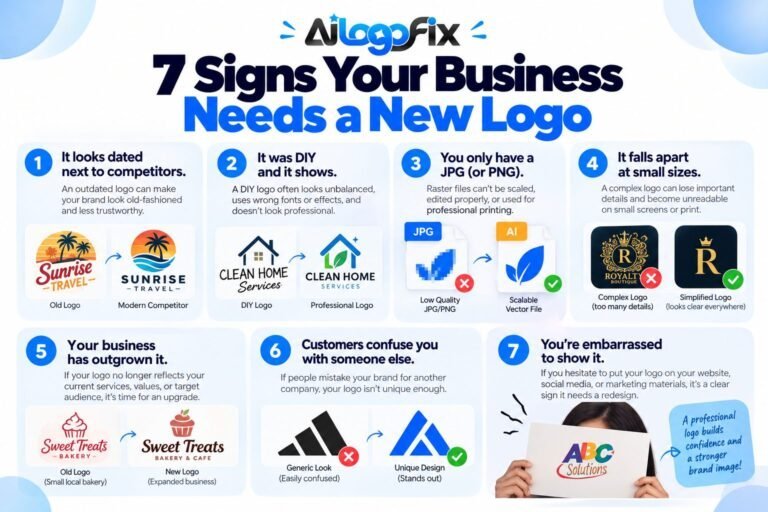
7 Signs Your Business Needs a New Logo The 7 signs your business needs a new logo: it looks dated next to competitors, it was DIY and it shows, you only have a JPG, it doesn’t work at small sizes, your business has outgrown it, customers confuse you with someone else, and you’re embarrassed to […]
How Long Does It Take to Design a Logo? How long logo design takes depends on who designs it: a freelancer typically needs 1–3 weeks, a branding agency 4–8 weeks, and an online logo service like AiLogoFix can deliver initial concepts in days. The biggest time factors are your feedback speed, the number of revision […]
Custom Logo Design vs AI Logo Makers: What’s Worth Paying For? Custom logo design gives you an original, trademark-safe mark with full vector files from a human designer — worth paying for. AI logo makers are fast and cheap ($0–$50) but produce generic, hard-to-trademark designs that are rarely print-ready — draft with AI, finalize with […]
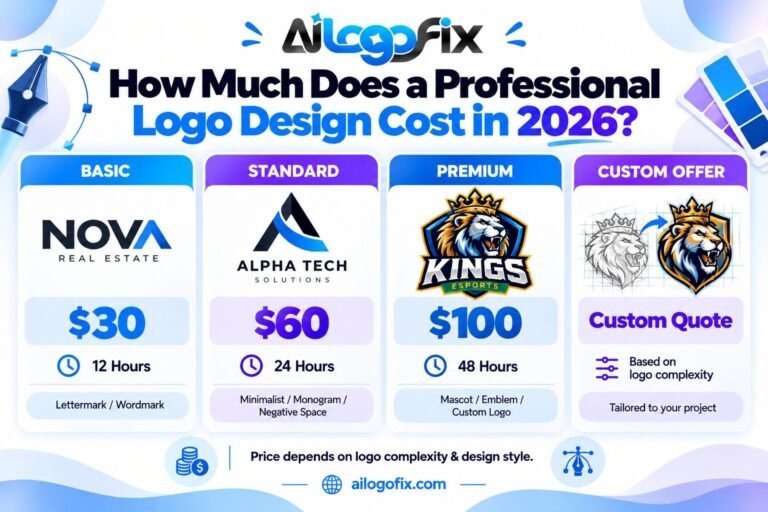
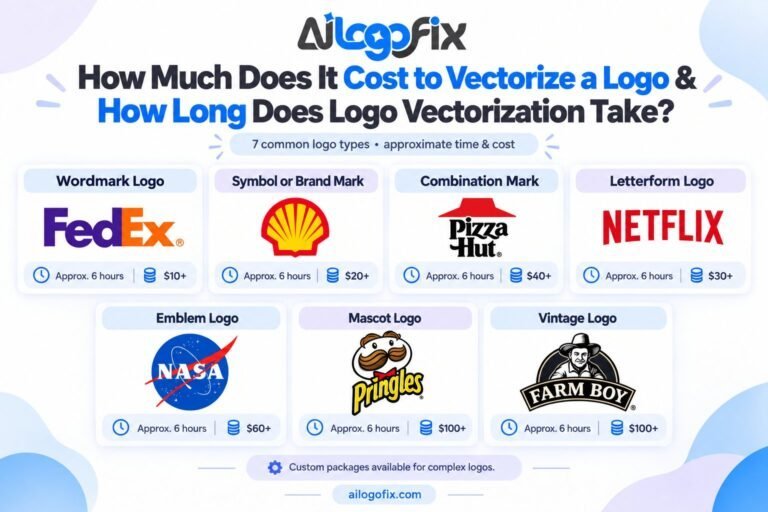
How Much Does a Professional Logo Design Cost in 2026? A professional logo design costs $30–$100 at AiLogoFix (Basic $30, Standard $60, Premium $100, plus custom offers), $50–$500 from freelancers, and $1,000+ from agencies. Logo design cost depends on designer experience, number of concepts and revisions, and file deliverables. Most small businesses get professional quality […]
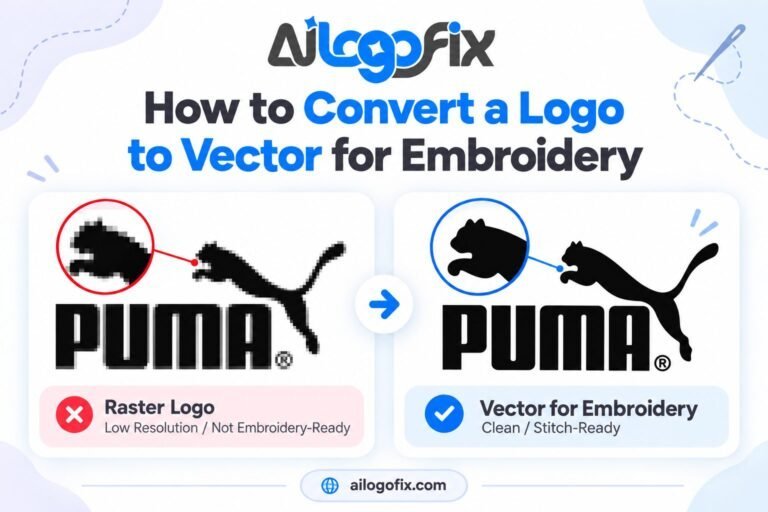
How to Convert a Logo to Vector for Embroidery A vector logo embroidery workflow starts by redrawing your logo as clean vector paths (AI, EPS, or PDF) with simplified shapes, solid colors, and minimum detail sizes of about 3mm. Embroidery digitizers trace vector paths to generate stitch files — a JPG’s fuzzy pixels can’t become […]
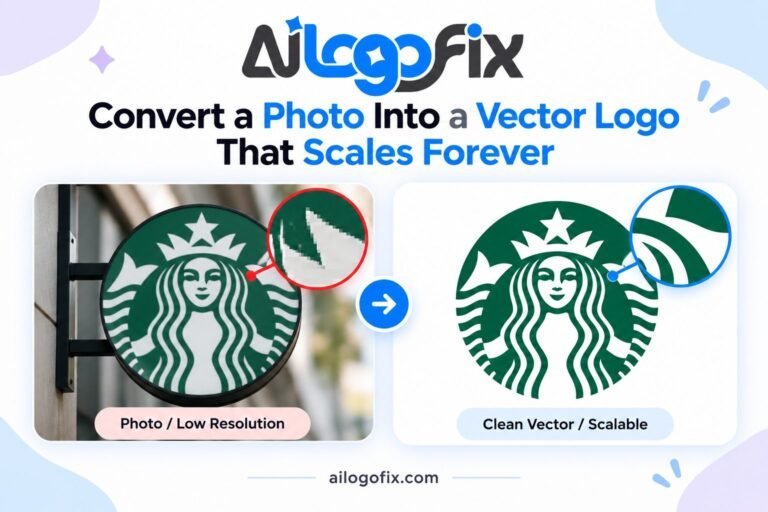
Convert a Photo Into a Vector Logo That Scales Forever To convert a photo into a vector logo, start with a high-contrast image, simplify it to 2–5 flat colors or black and white, trace it into vector paths in Illustrator or Inkscape (redraw by hand for text and fine detail), save as SVG, AI, EPS, […]
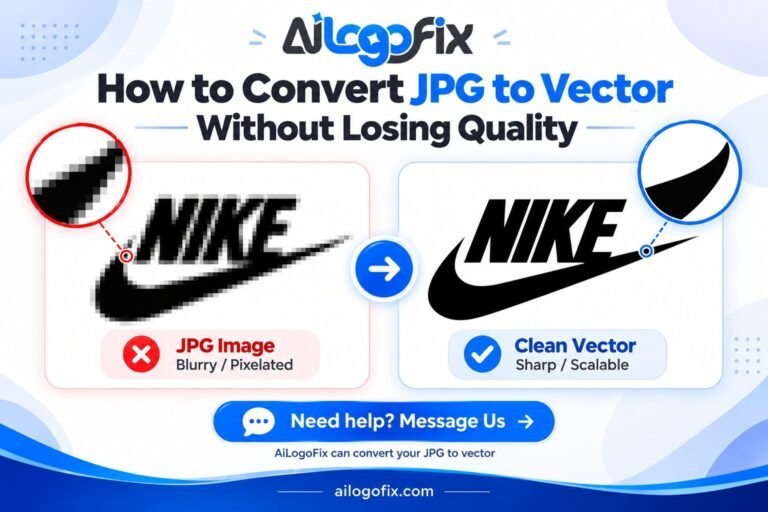
How to Convert JPG to Vector Without Losing Quality To convert a JPG to vector without losing quality, enlarge the largest version of the file, clean it in a photo editor (remove the background, boost contrast, sharpen edges), then trace it with controlled settings in Illustrator or Inkscape and manually simplify the resulting paths. This […]
AI logo text looks wrong? Learn why AI mangles logo lettering and how human designers fix AI logo text — correct spelling, spacing, and a vector rebuild.
Lasers follow your file literally — every flaw becomes permanent. Learn how to prepare your logo for laser engraving or CNC cutting: outlined text, closed paths, line weights, and the right formats.
Cutting machines need true vector files — not PNGs. Learn how to prepare a vector logo for vinyl cutting, Cricut, and Silhouette, and the mistakes that ruin a cut.
Only have a screenshot of your logo? Learn how to convert a screenshot into a clean vector file — what works, what fails, and how professionals rebuild it.
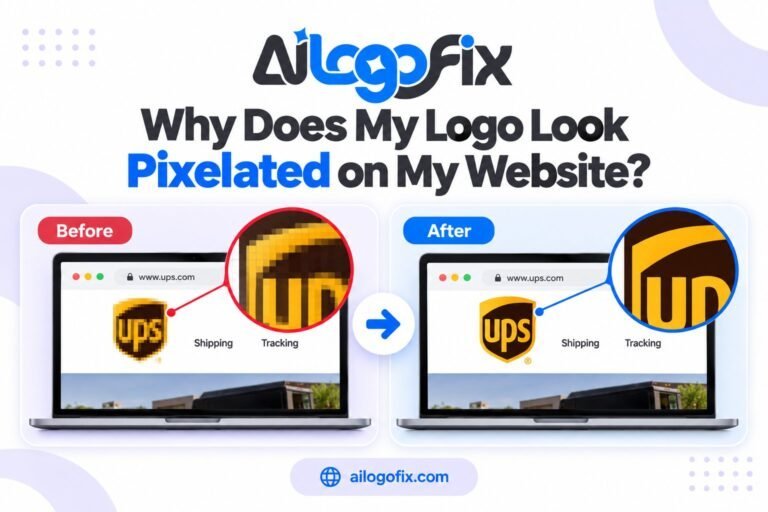
Is your logo pixelated on your website? Discover the 7 reasons website logos turn blurry — retina screens, wrong file size, compression — and the exact fix for each.
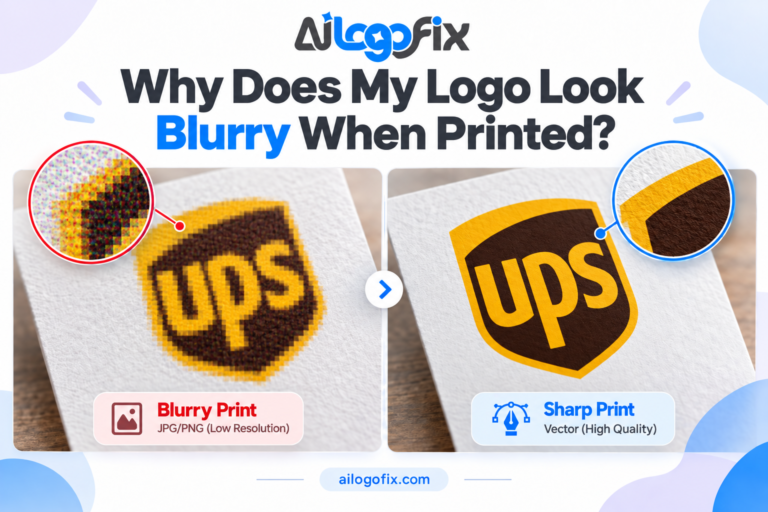
Why does your logo look blurry when printed? Learn the common causes, how resolution and file type affect print quality, and when vectorization is the right fix.
Manual vector tracing vs auto trace: compare accuracy, anchor points, curves, typography and brand detail preservation to choose the best method for your logo.
Learn how to convert a logo to vector without losing brand details. Preserve lettering, spacing, curves, colors and proportions with a professional vector workflow.
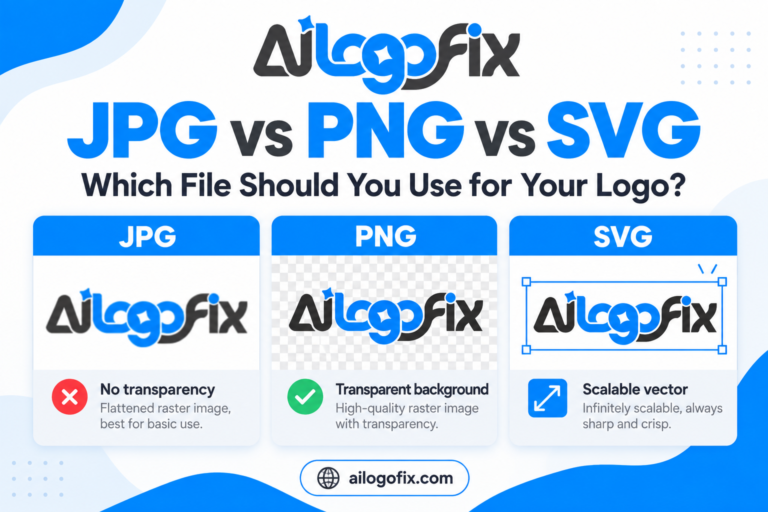
What is a vector file? Learn how AI, EPS, SVG and PDF work, how vector differs from JPG and PNG, and which file format you need for logos, print and web.
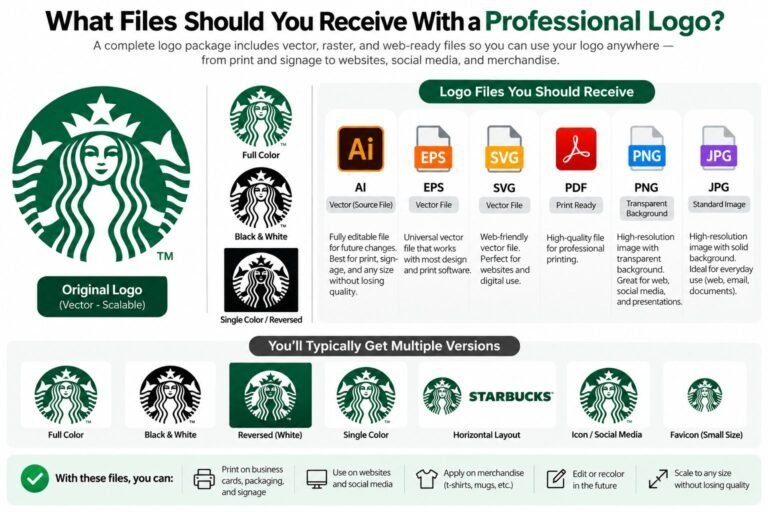
Convert a blurry raster logo into a clean, scalable vector file. Learn why logos pixelate, how manual vector redrawing works, and which AI, EPS, SVG, PDF and PNG files you need.
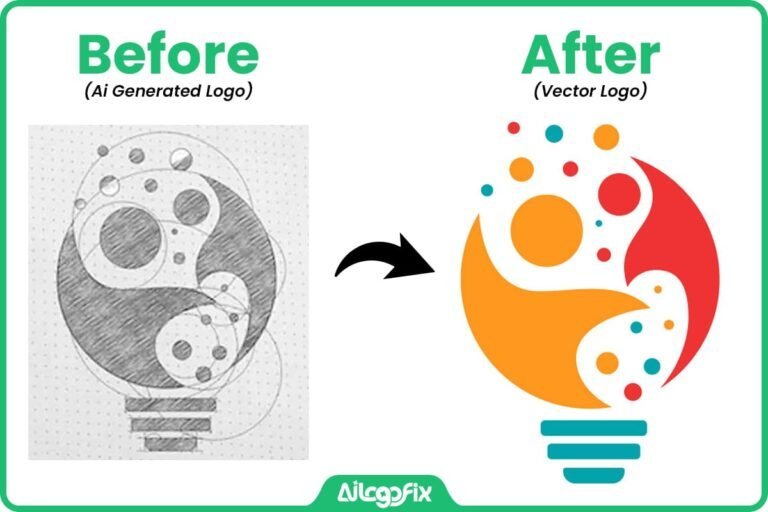
Turn a hand-drawn logo sketch into clean, scalable vector artwork. Learn how sketch to vector conversion works and see real AiLogoFix before-and-after examples.
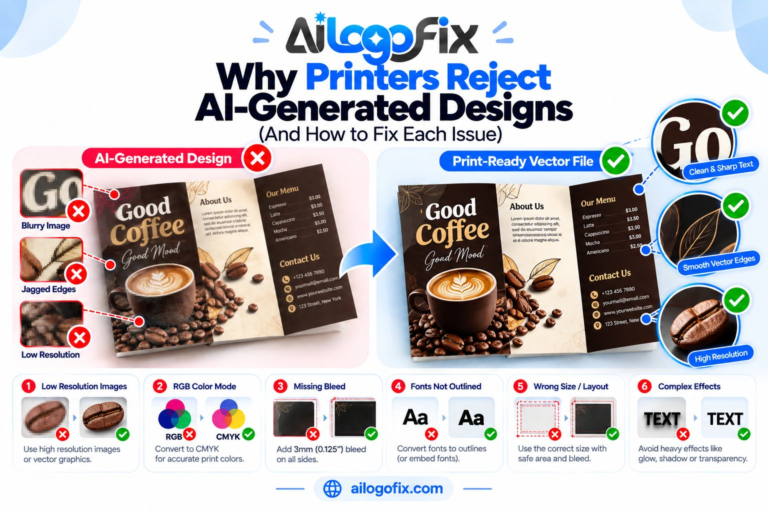
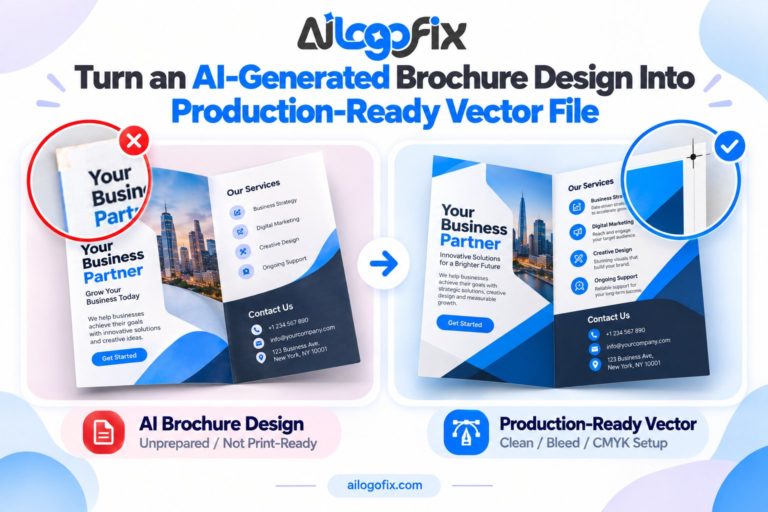
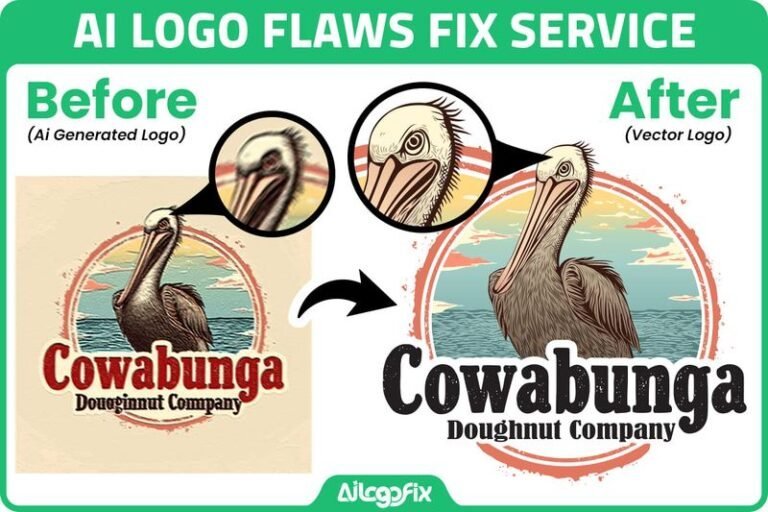
AI-generated logo has warped text, jagged edges, uneven shapes or print problems? See how professional cleanup turns it into clean, scalable vector artwork.
Need to recreate logo files quickly? In This Guide Step 1: Hunt Down Any Surviving Copy First Step 2: Have a JPG, PNG, or Screenshot? Get It Vectorized Step 3: Only Have a Sketch — or Just a Memory? Start Fresh Step 4: Need Just the Outline or Line Art? Step 5: Turn This Disaster […]
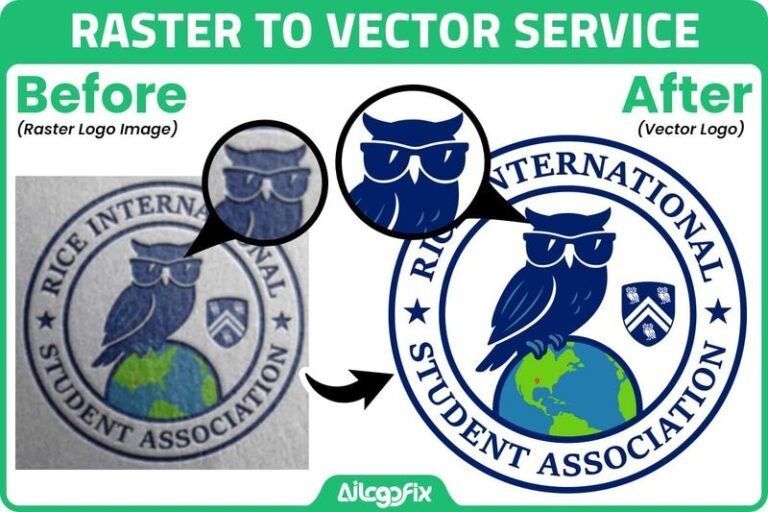
Your logo looks perfectly fine on your website. Then your printer asks for the vector file, or you try to put it on a banner, a t-shirt, or a shop sign — and suddenly it’s a pixelated mess. Raster to vector conversion is the fix. In This Guide Raster to Vector FAQ: 8 Questions Answered […]
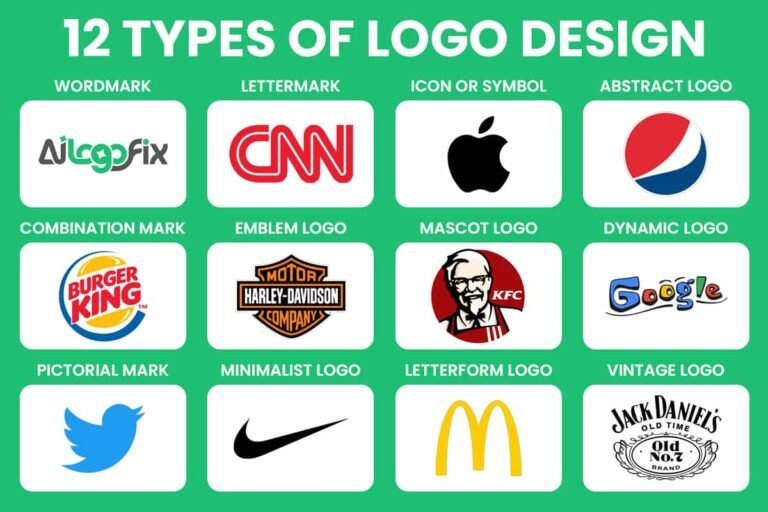
Introduction Your logo is the first thing people notice about your brand — and the last thing they forget. But with so many types of logo design out there, how do you pick the one that actually fits? Get it right, and your logo builds instant trust, recognition, and personality. Get it wrong, and even […]