
AI-Generated Pattern Design to Print-Ready Vector File
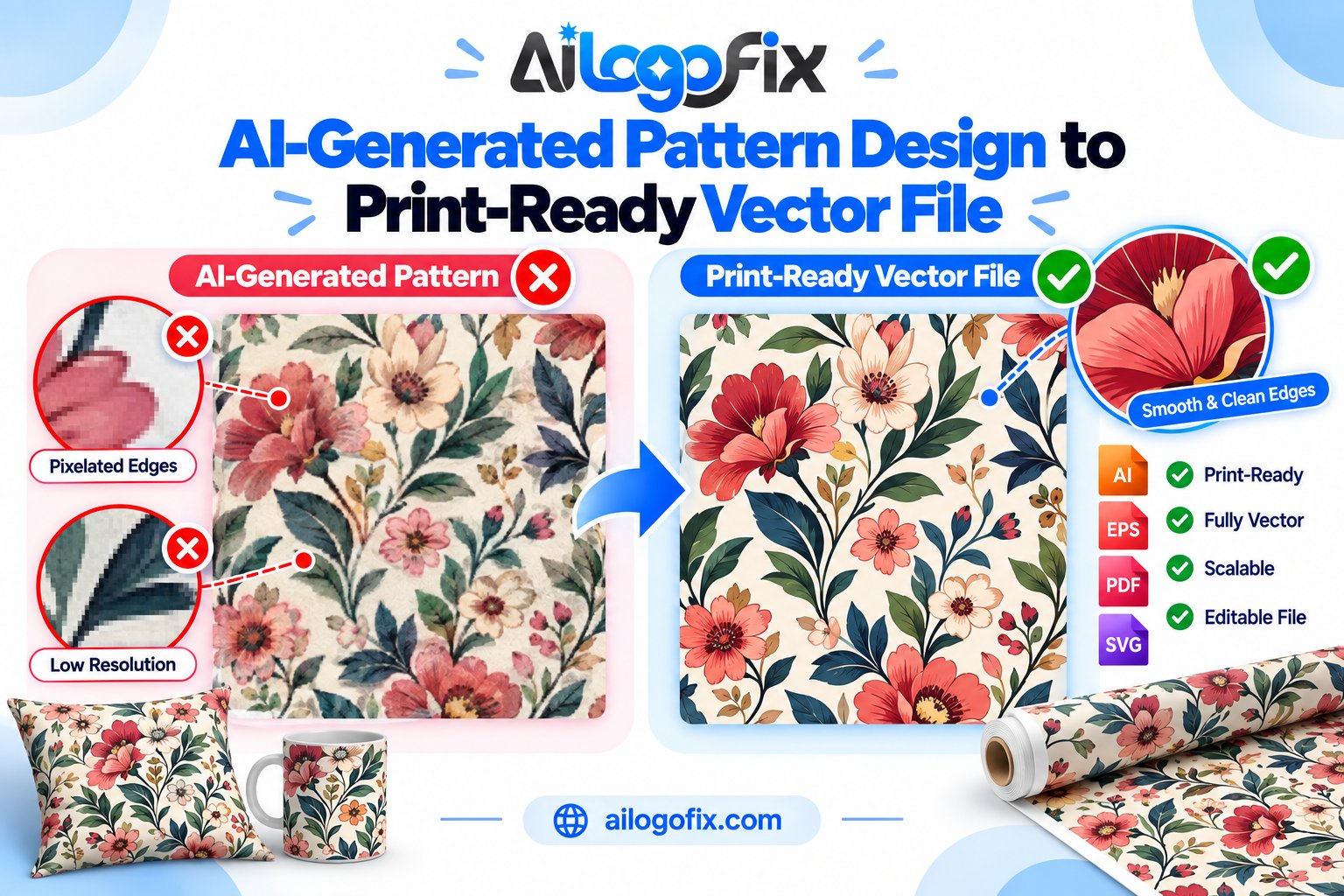
AI tools can generate a stunning seamless pattern in seconds — florals, geometrics, abstracts, anything you describe. But the PNG you download is not ready for fabric, wallpaper, or packaging. Turning AI pattern design into a true print-ready vector file takes a conversion process most people skip — and printers reject the results.
In This Guide
- Why Your AI Pattern Isn’t Print-Ready
- What Print-Ready Vector Means for Patterns
- The AI Pattern to Vector Workflow
- FAQs
- AI Pattern to Vector: Complete FAQ
- 7 AI Pattern to Vector Mistakes (and How to Fix Each)
- Deep Dive: Engineering a Perfect Pattern Repeat
- When to Hire a Designer for AI Pattern to Vector
- AI Pattern to Vector Delivery Checklist
Quick answer: AI pattern generators output raster images. For professional printing, the pattern must be rebuilt as a vector: clean paths, a perfect seamless tile, correct scale, and print color (CMYK/Pantone). That’s the file printers, textile mills, and packaging manufacturers actually accept.
Why Your AI Pattern Isn’t Print-Ready
That gorgeous AI pattern design has four hidden problems:
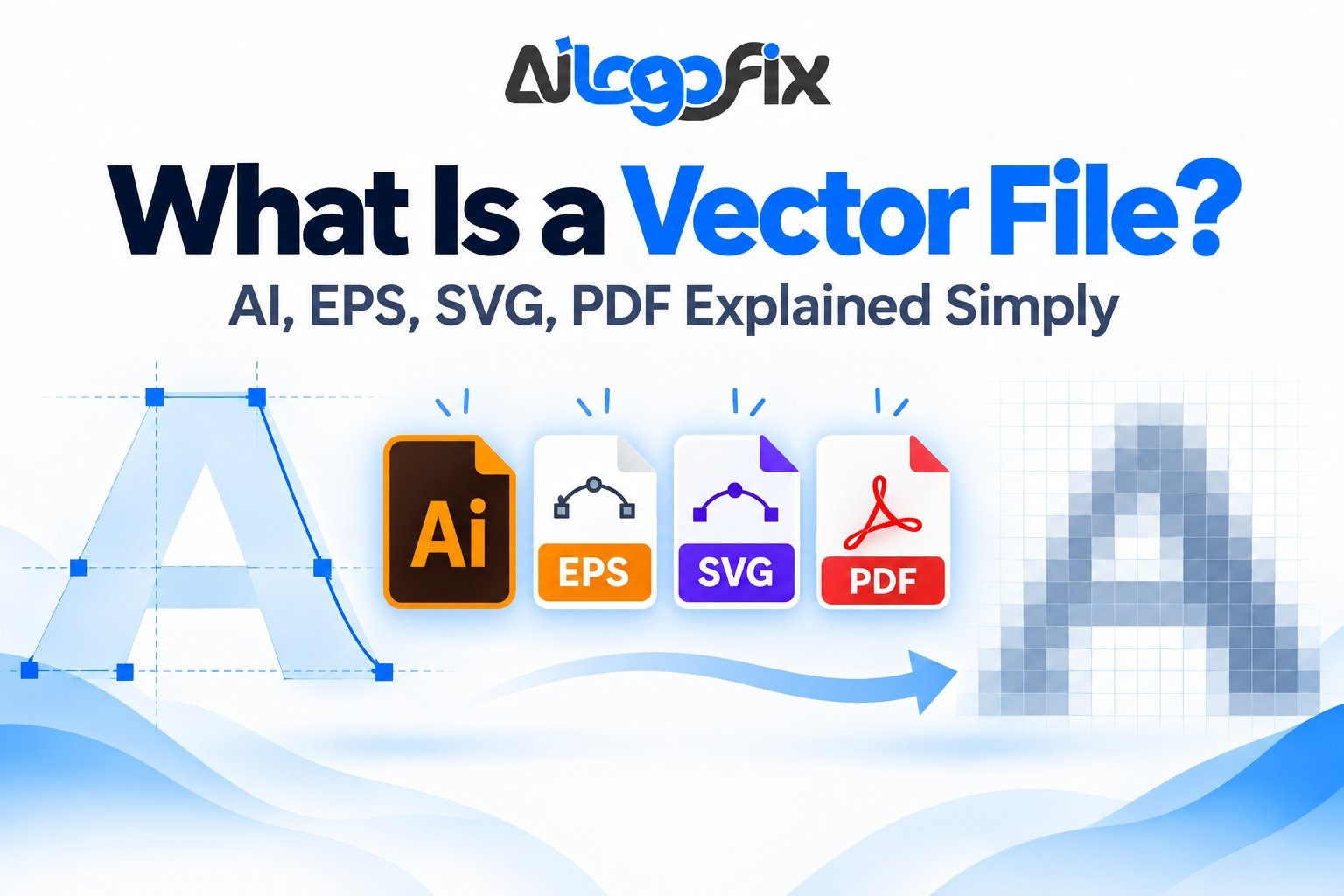
It’s raster, not vector. Enlarge it for a wallpaper roll or fabric bolt and it pixelates. Print production needs infinitely scalable vector paths.
The “seamless” tile often isn’t. AI generators approximate seamlessness — zoom in on tile edges and you’ll find visible seams, half-cut motifs, and misaligned repeats that show as ugly lines on fabric.
Resolution is too low. A 1024px tile printed at textile scale gives you mush. Print needs 150–300 DPI at final size, which AI outputs rarely deliver.
Colors are screen colors. AI works in RGB. Textile and packaging printers need CMYK or Pantone spot colors — and RGB brights often can’t be reproduced in print. See RGB vs CMYK vs Pantone.
What Print-Ready Vector Means for Patterns
A true print-ready pattern file has:
A perfect repeat tile — edges match pixel-perfectly in every direction, verified by tiling it 5×5 and inspecting every seam.
Clean vector paths — every motif as editable Bézier curves, no auto-trace jaggedness, organized in layers.
Correct scale — the tile sized for its real application (a 10cm fabric repeat vs. a 50cm wallpaper drop are different files).
Print color setup — CMYK builds or Pantone references for every colorway, so what you approve is what gets printed.
The right format — AI/EPS/PDF for the mill or printer, plus a high-res preview. Export it correctly with our print-ready PDF settings guide.
The AI Pattern to Vector Workflow
1. Audit the AI output. Tile it large, zoom to 400%, and mark every seam break, half-motif, and artifact.
2. Rebuild as vector. Trace or redraw every motif as clean vector paths. Auto-trace alone leaves thousands of junk anchor points — professional AI pattern design conversion means hand-cleaned paths.
3. Engineer the seamless tile. Reconstruct the repeat unit so motifs wrap perfectly across all four edges. This is precision work — a 1px misalignment repeats as a visible line across meters of fabric.
4. Set scale and colorways. Size the tile for the application, build each colorway in CMYK/Pantone.
5. Proof the repeat. Render a large swatch, check seams, verify colors on a printed proof before production.
Your AI Pattern, Print-Ready and Perfect
Send us your AI-generated pattern and our designers rebuild it as a true print-ready vector file — seamless tile, clean paths, correct scale and print colors. Ready for fabric, wallpaper, packaging, and more.
FAQs
Can AI generate seamless patterns?
AI tools approximate seamlessness, but their tiles almost always have visible seams and edge artifacts on close inspection. They need manual fixing for professional print.
Why do printers reject AI pattern files?
Usually: raster instead of vector, broken seams, low resolution, or RGB color. Any one of these fails prepress — see our preflight checklist.
What file format do textile printers need?
Vector AI/EPS/PDF with a perfect repeat tile, sized to the real repeat dimensions, in CMYK or with Pantone references — plus a rendered preview.
Can I just upscale my AI pattern?
Upscaling adds pixels, not detail — seams stay broken and edges stay soft. The pattern needs vector rebuilding, not enlarging.
How big should a pattern tile be?
It depends on the application: fabric repeats are often 10–30cm, wallpaper 30–60cm. The tile must be built at real scale in vector.
Do I own the commercial rights to my AI pattern?
It depends on the generator’s terms — most paid AI tools grant commercial rights, but check your specific plan’s license before producing merchandise.
The bottom line: AI pattern design gives you the artwork in seconds; the print-ready vector file is what makes it real. Seamless tile, clean vectors, correct scale and color — get those right and your pattern prints flawlessly at any size.
AI Pattern to Vector: Complete FAQ
Every question designers ask about the ai pattern to vector workflow, answered in depth. Patterns add seamless repeats and tiling math to the usual vector challenges.
Why can’t I use an AI pattern image directly for print?
AI generators output flat raster images: fixed pixels, no editable paths, no true repeat tile, and usually visible seams when tiled. Professional pattern work needs vector shapes that scale infinitely and tile seamlessly. The ai pattern to vector process converts the AI concept into clean, editable vector artwork with a mathematically perfect repeat. Without it, your pattern prints soft, cannot be recolored efficiently, and breaks the moment anyone scales it.
What does “seamless repeat” actually mean?
A seamless repeat is a tile engineered so its edges match perfectly when placed side by side, with no visible lines or jumps. AI generators fake this reasonably at thumbnail size, but zoom in and the seams show. The ai pattern to vector rebuild constructs a true repeat tile: motifs that cross tile edges are clipped and wrapped mathematically, so the pattern flows uninterrupted across any surface. This precision is impossible with raster images and is the core reason the vector conversion matters.
How do I vectorize an AI pattern without losing detail?
Manual redrawing beats auto-trace for patterns. Auto-trace creates thousands of messy anchor points, mangles fine details, and produces files that choke printers. The professional ai pattern to vector method: isolate the best tile from the AI output, redraw the key motifs as clean vector shapes, arrange them on a precise grid, and test the repeat by tiling a large preview. Tedious, but the result is a crisp, lightweight file that scales from business card to billboard.
What file formats do printers want for patterns?
Vector AI, EPS, or PDF with all pattern swatches properly defined, plus a high-resolution preview showing the repeat. Native pattern swatches (in Illustrator) or tiled clones (in Inkscape) keep files editable and lightweight. The ai pattern to vector deliverable should include the master tile, a preview sheet showing multiple repeats, and spot or CMYK color definitions. Never send a JPG and call it a pattern; printers cannot separate, recolor, or scale it.
Can auto-trace handle AI patterns?
Poorly. Auto-trace treats the whole image as one job, producing bloated paths, merged colors, and broken repeats. It cannot distinguish a deliberate motif from JPEG noise, so fine pattern details turn to mush. The ai pattern to vector workflow uses auto-trace at most as a rough starting sketch for simple geometric motifs, then rebuilds everything by hand. For organic or detailed patterns, skip auto-trace entirely and redraw from the start.
How do I test whether my pattern repeat is truly seamless?
Tile it large and inspect at 100 percent zoom, checking every edge and corner where tiles meet. Then print a test strip at actual size and view it from normal distance; some seams hide on screen but show in print. The ai pattern to vector quality check also includes offsetting the tile by half in both directions to catch diagonal mismatches. If you can find the tile boundary, the repeat is not seamless yet.
What colors work best for vector patterns?
Limit the palette deliberately. Each color in a screen-print or spot-color job is a separate screen or plate, so a 12-color AI pattern becomes expensive fast. The ai pattern to vector recoloring step simplifies the AI’s muddy gradients into clean flat colors or smooth blends. For CMYK process printing, more colors are fine, but keep them intentional. Learning how vector graphics store color explains why flat vector fills recolor instantly while raster gradients fight you.
How long does AI pattern to vector conversion take?
A simple geometric repeat takes 2 to 4 hours; a detailed floral or organic pattern takes a full day or more. The ai pattern to vector timeline depends on motif complexity, color count, and how clean the repeat needs to be. Rush jobs cut corners on the repeat math, and the seams always show eventually. Budget properly: pattern vectorization is skilled, meticulous work, and the quality difference between careful and hurried is visible at a glance.
What software is best for AI pattern to vector work?
Adobe Illustrator is the industry standard thanks to its dedicated pattern tool, which handles edge wrapping and repeat previews automatically. Inkscape is a capable free alternative with tiled clones serving a similar role. Affinity Designer sits in between on price and power. Whichever you choose, the ai pattern to vector fundamentals do not change: exact tile math, clean paths, and deliberate color. Learn one tool deeply rather than switching; pattern work rewards fluency with the pattern and clipping features of your chosen app.
7 AI Pattern to Vector Mistakes (and How to Fix Each)
Patterns fail in specific ways. These ai pattern to vector mistakes ruin otherwise lovely AI concepts.
1. Tracing the whole image at once. Auto-tracing a full AI pattern sheet produces a megafile of junk paths. Fix: extract one clean tile first, then vectorize only that. The ai pattern to vector rule is simple: perfect one tile, then repeat it.
2. Ignoring the repeat math. Eyeballing tile edges guarantees visible seams. Fix: use exact numeric positioning for tile dimensions and wrap edge-crossing motifs with clipping masks or pattern tools.
3. Too many anchor points. Bloated paths slow every downstream tool and print workflow. Fix: simplify paths aggressively after tracing. A clean ai pattern to vector file uses the fewest points that preserve the shapes.

4. Keeping AI color mud. AI blends colors into murky intermediates that separate badly. Fix: rebuild the palette with deliberate flat colors or controlled gradients during the ai pattern to vector recolor pass.
5. No scale testing. A pattern that works at postcard size can fall apart on wallpaper. Fix: test the vector repeat at the smallest and largest intended sizes before delivery.
6. Forgetting the background. Transparent versus solid backgrounds change everything about tiling. Fix: decide the background treatment first and build the tile around it.
7. Delivering without a preview. Sending only the tile file leaves the client guessing. Fix: include a rendered preview showing at least a 3×3 repeat at realistic scale with every ai pattern to vector delivery.
Deep Dive: Engineering a Perfect Pattern Repeat
The repeat is the soul of pattern design, and it is pure geometry. Mastering it is what elevates the ai pattern to vector workflow from craft to profession.
Start with the tile, not the artwork. Before redrawing anything, define your tile dimensions numerically. A 200 x 200mm tile, for example, must be exactly that, with every motif positioned by the numbers. The ai pattern to vector repeat only works when the tile is mathematically exact; a 0.5mm error compounds across a wall into a visible drift. Set up guides, lock the artboard, and treat the tile boundary as sacred.
Wrap edge motifs deliberately. Any shape crossing the tile edge must continue seamlessly on the opposite edge. The technique: copy the motif, position the copy offset by exactly one tile width or height, and clip both with the tile boundary. Illustrator’s pattern tool automates this; manual builders do it with clipped groups. Either way, the ai pattern to vector edge treatment must be intentional, never eyeballed.
Choose your repeat structure. The basic block repeat tiles identically in rows and columns. A half-drop repeat offsets alternate rows by half a tile, hiding the grid structure for organic patterns. A brick repeat does the same horizontally. Mirrored repeats flip alternate tiles for symmetry. The ai pattern to vector plan selects the structure that suits the motif: geometric designs suit block repeats, florals love half-drops.
Test at multiple scales and rotations. Render the repeat at 3×3 tiles minimum, zoom to 100 percent, and hunt for seams along every boundary. Then scale the whole pattern to 10 percent and 1000 percent; some flaws only appear at extremes. The open SVG standard even supports pattern fills natively, which shows how fundamental tiling math is to vector graphics. Print a physical test at final size whenever the application allows it.
Keep the master editable. Deliver the tile as live, organized vector layers with named colors, not flattened outlines. Future recolors, resizes, and motif swaps then take minutes instead of hours. A professional ai pattern to vector deliverable is a working file, not a dead export.
When to Hire a Designer for AI Pattern to Vector
Pattern vectorization is among the most meticulous design tasks. Here is when the ai pattern to vector job belongs with a specialist.
The pattern covers a large or valuable surface. Wallpaper, fabric runs, vehicle fleets, packaging lines. At scale, every flaw multiplies across square meters, and the cost of a bad repeat dwarfs the design fee.
You need color separations. Screen printing and spot-color jobs need each color on its own layer or plate. Separation is expert work that beginners get wrong, and wrong separations ruin entire print runs.
The AI pattern is highly detailed. Intricate florals, ornamental geometrics, and textured abstracts take days to redraw properly. A specialist’s speed and accuracy beat weeks of frustrated evenings.
You need multiple colorways. The same pattern in five palettes for a textile line requires systematic color management. Designers build swatch-driven files where new colorways take minutes.
Deadlines are real. Product launches and trade shows do not wait for repeat math to click. Hand the AI concept to a professional and get a flawless ai pattern to vector file back in days.
Need it done properly? Message our design team with your AI pattern. We redraw it as a true seamless vector: clean paths, perfect repeat, organized colors, and print-ready files. See also our raster to vector service for the full conversion offering.
AI Pattern to Vector Delivery Checklist
- Single master tile defined with exact numeric dimensions
- Repeat tested seamless at 100 percent zoom across all edges
- Motifs redrawn as clean vector paths, anchor points minimized
- Palette rebuilt with deliberate flat colors or controlled blends
- Pattern tested at smallest and largest intended output sizes
- Background treatment decided and built into the tile
- 3×3 repeat preview rendered at realistic scale
- Colors defined as named swatches (spot or CMYK as required)
- Master file delivered with live, organized, editable layers
- Print test approved at final size where the application allows
Bottom line: The ai pattern to vector workflow turns a pretty AI image into professional production artwork. Exact tile math, clean redrawn paths, deliberate color, and ruthless repeat testing. Master those four and your patterns tile flawlessly at any scale, on any surface.
Bottom line: Converting AI patterns to vector is not optional for professional print work — it is the difference between a design that works and one that fails on press. Get your ai pattern to vector conversion done right the first time, and your patterns will print perfectly on fabric, paper, and packaging. Message our team to get started.