Most businesses do not realise they have a logo file problem until something goes wrong — a printer rejects the file, a banner comes back blurry, a shirt prints with jagged edges. By then the deadline is already tight.
A vector version of your logo prevents all of that. Vectors are built from lines and curves defined by maths, not pixels, so they stay crisp at any size — from a tiny icon to a giant outdoor banner. If any of these ten signs sound familiar, your logo needs a vector version.
1. Your logo goes blurry when you enlarge it
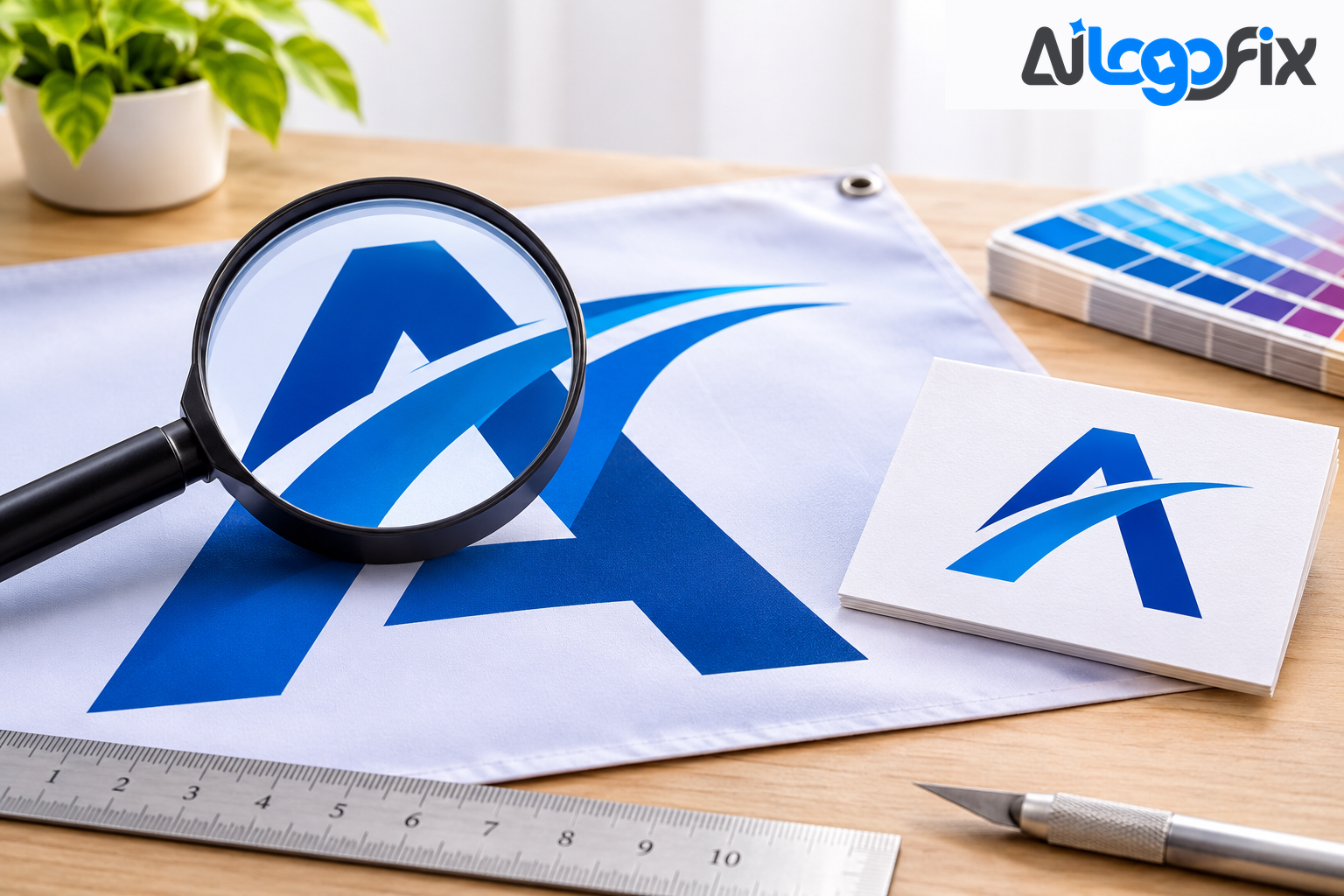
This is the number one indicator. If your logo becomes pixelated, grainy, or fuzzy when you enlarge it for printing or display, you are using a raster image. A vector logo stays razor-sharp at every size. Quick test: zoom into your logo file at 300–400%. If the edges get blurry, fuzzy, or staircase-like, that is raster pixelation — and the file needs to be recreated as a vector.
2. Your printer keeps asking for a vector file
Printers often require AI, EPS, SVG, or editable PDF files. If they keep asking for vector format, it is because raster files cannot produce clean prints. Every time you send a JPG and get the same reply, that is the sign. A print-ready vector ends the back-and-forth.
3. Your logo has jagged edges on merchandise
T-shirts, mugs, caps, and packaging all expose the weaknesses of raster graphics. Vector graphics use clean curves that stay smooth in every medium. If your logo looks fine on screen but rough on a shirt, the file is the problem, not the print shop.
4. You cannot change the colours easily
A vector logo allows easy colour adjustments without damaging quality — something raster files cannot offer. Need a white version for a dark background, or a single-colour version for a stamp? With a vector, that is a two-minute edit. With a JPG, it is a rebuild.
5. You cannot get a clean transparent background
Vectors allow background changes, transparency, and scaling without quality loss. If your logo always sits on a white box — on your website, on a photo, on packaging — you are missing the transparent version that only a vector master file gives you properly.
6. You only have a JPG or PNG — and nothing else
Logos pulled from a website, a social media profile, or an old email signature are almost always raster images. They look fine on a screen but fall apart the moment they are enlarged or printed. If your only version of the logo is a JPG, a PNG, a photo of a business card, or a screenshot, there is no scalable source file to work from. It needs to be recreated as clean vector art first.
7. You are redesigning or updating your branding
For any redesign or refresh, a vector master file is essential. It preserves editing accuracy and brand consistency — every future designer works from the same clean source instead of re-tracing a tired JPG each time. If your logo needs a refresh, see the Logo Modify service, and if it needs a fresh start, the Logo Design service builds a new one from scratch.
8. You need the logo for large-format printing
Banners, posters, billboards, and storefront signs require high-resolution artwork — only vectors can handle enormous sizes. A raster file that looks fine on a business card will turn to mush on a banner. And for print work, remember the rule: if a printer needs a raster file instead, it should be at least 300 DPI at the size it will actually print.
9. You need it for laser cutting, engraving, or vinyl cutting
CNC and laser machines read vector paths. Raster images simply will not work — the machine needs clean outlines to follow, not pixels. The same goes for embroidery: digitizing a low-quality raster logo directly often results in stitch errors and muddy detail, while vector conversion first means the digitizer works from clean, accurate lines.
10. You have no master file for your business
Operating without a vector master file leads to inconsistency, branding issues, and limited design flexibility. Every new use — a sign, a shirt, a social post, a business card — becomes a scramble for "whatever file we have." One vector master file ends that. It is the single source every designer, printer, and vendor works from.
How many signs apply to you?
- One or two: get the vector made soon, before the next print run forces the issue.
- Three to five: you are already working around the problem. A vector version will save time on every job from here on.
- Six or more: stop patching it. Your logo needs a vector master file now — every day without one is another deadline risk.
How to get a vector version of your logo
You have two real options. Tracing software can convert a clean, high-resolution logo in seconds — but it only works well when the source already behaves like a graphic: flat colours, hard edges, roughly 800 pixels or more on the long edge, and legible lettering. Tracing does not add information; it only re-describes what is already there. If the PNG is bad, the SVG will be bad in exactly the same way.
For anything else — a blurry source, small text, a logo headed for print or a machine — the reliable route is a manual redraw. A designer rebuilds your logo as clean paths, and you get a true master file: AI, EPS, SVG, and PDF, ready for everything.
FAQ
How do I know if my logo is raster or vector?
Try to enlarge it. Open the file and zoom to 300–400%. If the edges stay perfectly sharp, it is a vector. If they go blurry or staircased, it is raster. You can also check the file extension: JPG, PNG, and GIF are raster; AI, EPS, and SVG are vector (PDF can be either).
Can a JPG be converted to a vector?
Yes — by tracing it or redrawing it. Tracing works on clean, high-resolution logos. Redrawing works on anything, including blurry or damaged sources, and gives a cleaner result.
What file formats will I receive?
A proper vector conversion delivers AI, EPS, SVG, and PDF, plus high-resolution PNG and JPG for everyday use. Those four vector formats cover printers, sign shops, embroiderers, and designers.
How long does it take to get a vector version?
A simple logo can be converted in a day. AiLogoFix's Raster to Vector service delivers from 24 hours, with the exact time shown on the package you choose.
My logo was made by an AI generator — can it still be vectorized?
Yes, but AI logos usually need more than a trace: garbled text and warped shapes must be rebuilt by hand. That is a fix job, not just a conversion.
Conclusion
If your logo goes blurry when enlarged, if printers keep asking for a different file, if merch comes back jagged, or if you simply have no master file at all — those are not separate problems. They are one problem: your logo is not a vector yet. Fix it once, and every future use — print, signs, shirts, screens — just works.
How many of the ten signs apply to your logo?
Our specialist team at AiLogoFix manually rebuilds logos as clean, production-ready vectors — AI, EPS, SVG, and PDF — with full commercial rights and refinements within your selected package and agreed brief. Send us whatever file you have, even a screenshot, and we will turn it into the master file your business should have had all along.
Get a vector version of your logo →
Questions first? Message the team — we reply fast.