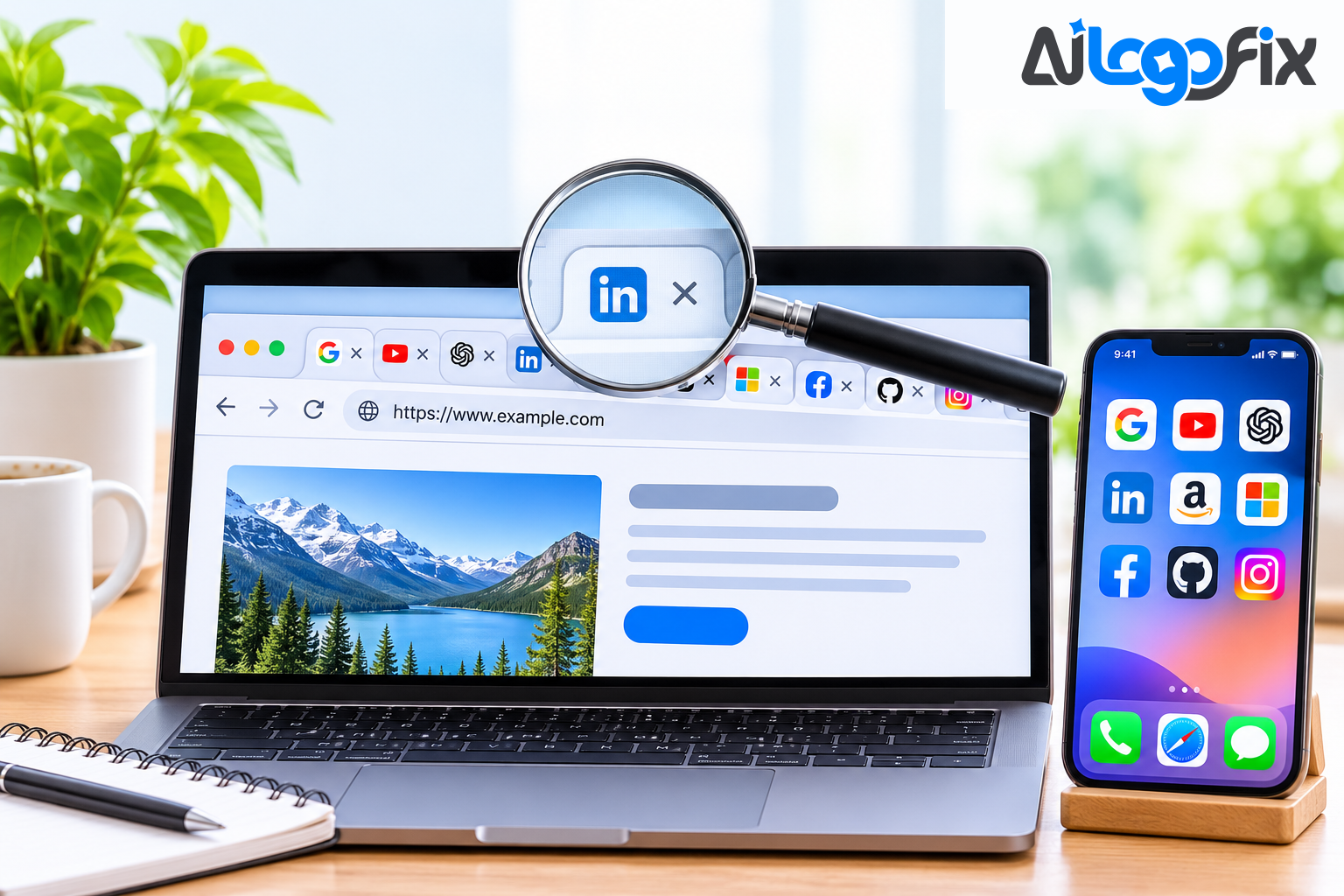
Your favicon is the smallest brand asset you own — a 16-pixel square in a browser tab — and one of the hardest working. It is the first thing a visitor sees when they have ten tabs open, the icon on their phone's home screen, and the mark in their bookmarks. A blurry or missing favicon tells a visitor the site is unfinished before they have read a word.
In 2026, a favicon is not a single file. It is a system of assets: an SVG for modern browsers, PNGs at several sizes for phones and tablets, an ICO file as a fallback, and a manifest for progressive web apps. The best tools in 2026 are the ones that generate the icon with AI and then deliver the whole system — not just one file. These are the four that do it best.
What a good favicon generator must do
Before the list, here is the checklist a tool has to pass:
- SVG output. SVG is the gold standard in 2026: scalable, usually under 2 KB, razor-sharp on high-DPI and 4K screens, and able to adapt to dark mode with CSS. A tool that only outputs PNG is already behind.
- ICO and PNG fallbacks. Safari does not support SVG favicons, so a complete package still needs a multi-resolution ICO file and PNGs at 16, 32, 180, 192, and 512 pixels.
- Dark-mode support. A dark logo on a dark browser tab disappears. The best tools generate a light variant or embed a prefers-color-scheme rule in the SVG.
- Transparency preserved. A favicon needs a transparent background, or it shows up as a white box on dark tabs.
- HTML code included. A package without the link tags is only half the job.
- A real free tier. A favicon is a small job; the tool should not demand a subscription for it.
1. Recraft.ai — best for AI-generated vector icons
Recraft.ai is the strongest pure AI option on this list, because it generates vectors natively rather than pixels. You describe the icon — "minimalist fox head, flat, two colours" — and it returns editable SVG paths, not a raster image that has to be traced afterwards. That matters at 16 pixels: a native vector stays crisp where a traced PNG goes soft.
It also handles the details other generators skip: dark-mode adaptation, so the same icon stays visible on light and dark tabs, and recolouring tools that let you adjust the icon to your brand palette without opening a design program. For anyone starting from an idea rather than an existing logo, Recraft is the fastest route to a professional SVG favicon.
The trade-off is that Recraft is a freemium tool: the free tier covers standard generation, while heavier use and some pro features need a paid plan. And it produces the icon, not the full multi-platform package — you will still want a package builder (see number 2) for the ICO file, the PNG sizes, and the HTML code. Best for: creating the icon itself from a text prompt, in true vector form.
2. RealFaviconGenerator — best for the complete package
RealFaviconGenerator is the undisputed industry standard for turning an image into a complete, technically correct favicon package — and in 2026 it remains the essential final step in any professional workflow. It does not dream up an image the way an AI tool does; it engineers an existing image for survival in the browser environment.
Upload a source image — ideally an SVG — and it generates the full set: favicon.ico with multiple resolutions inside, PNGs for iOS, Android, and Windows, a web app manifest for PWAs, and the exact HTML code to paste into your site, with a checker that previews how the icon looks on every platform. No other tool covers the technical side as thoroughly.
It is free, and it accepts SVG as both input and output. The honest note is that it is not an AI generator — it perfects an icon you already have rather than inventing one. That is exactly why it belongs on this list: AI generation gives you the icon, and RealFaviconGenerator makes it work everywhere. Use them together and the workflow is complete. Best for: the final, production-ready package for a real website.
3. Free AI Favicon — best free all-in-one
Free AI Favicon (freeaifavicon.com) is the newest kind of tool on this list: a 100 percent free, browser-based favicon studio that does the whole job in one place. Upload an image, prompt with AI, or design from text and emoji, and it generates ICO files, PNGs, dark-mode SVG, a PWA web manifest, and the HTML tags — with no server uploads at all, because all processing happens on your own device in the browser.
That privacy point is the real difference. Most generators upload your logo to a server; this one never sends it anywhere. It also handles the details that usually need a second tool: adaptive dark-mode SVG with embedded prefers-color-scheme CSS, a multi-resolution binary ICO file containing 16, 32, and 48-pixel frames, batch processing for ten or more logos at once, and a WordPress plugin generator.
The trade-off is maturity: it is a newer, more specialised tool than the established names, so its AI generation is simpler than Recraft's and its brand recognition is lower. But for a free, private, complete package in one visit, nothing else on this list matches it. Best for: a full favicon package, free, without uploading your logo to anyone's server.
4. Favicon.io — best for fast and simple
Favicon.io is the simplest tool on this list, and sometimes simple is the right answer. It converts an image, a piece of text, or an emoji into ICO and PNG favicons in seconds, with no account and no learning curve. Need a favicon from your initials, or from an emoji that matches your brand? Type it in, download the file, done.
It does not generate AI vector art, it does not output SVG, and it will not build a PWA manifest. What it does, it does instantly and for free. For a personal project, a quick prototype, or a placeholder while the real branding is being designed, it is the fastest route from nothing to a working favicon. Best for: a favicon in under a minute, from text, emoji, or an existing image.
Which one should you pick?
- Starting from an idea and want a real vector icon: Recraft.ai, then finish with RealFaviconGenerator.
- Want the whole package free, in one place, privately: Free AI Favicon.
- Already have a logo and want it working perfectly on every platform: RealFaviconGenerator.
- Need something in the next sixty seconds: Favicon.io.
One more combination worth knowing: if you use an AI image generator for the icon and it comes back as a flat PNG with garbled details, do not use that file as your favicon source. AI-generated logos commonly have warped shapes and unreadable details at small sizes — and a favicon is the smallest size there is. Get the logo rebuilt as a clean vector first, then generate the favicon from that.
The favicon workflow that actually works
1. Start from a clean logo. A favicon is your logo at its smallest, so the logo has to be simple and clean first. If your logo only exists as a JPG, get it redrawn as a vector — AiLogoFix's raster to vector service hand-redraws logos as clean SVG artwork from $10. 2. Simplify for 16 pixels. Fine details, thin lines, and small text all vanish at favicon size. If your logo has a tagline or thin lettering, use the icon mark alone. The logo modify service can simplify a logo for small sizes from $15. 3. Generate the icon with an AI tool, in SVG. 4. Run it through a package builder for the ICO, PNGs, manifest, and HTML. 5. Test it at 16 pixels in a real browser tab, in light and dark mode, before you ship it. A favicon that looks great at 512 pixels and disappears at 16 is not finished.
FAQ
What size should a favicon be?
A complete package covers 16 by 16 and 32 by 32 pixels for browser tabs, 180 by 180 for Apple touch icons, 192 by 192 for Android, and 512 by 512 for progressive web apps. SVG has no fixed size, which is why it is the preferred primary format.
SVG or ICO — which one should I use?
Both. Use SVG as the primary favicon for modern browsers — it is scalable, tiny, and supports dark mode. Keep an ICO file as the fallback, because Safari does not support SVG favicons and older systems still expect an ICO.
Why is my favicon blurry?
Usually because it was made from a low-resolution raster image, or because a detailed logo was shrunk without simplifying it first. Start from a clean vector source, simplify the design for small sizes, and generate from a high-resolution master.
Does Safari support SVG favicons?
No. Safari defaults to PNG or ICO fallbacks, which is why a complete package always includes them alongside the SVG. Generate all formats from one clean source and every browser is covered.
Can I use an AI-generated logo as my favicon?
You can, but check it at 16 pixels first. AI logos often have garbled text and warped shapes that only show up at small sizes. If the icon looks wrong, have the logo rebuilt as a clean vector before generating the favicon — a favicon is the worst place for a flawed logo to appear.
Conclusion
The best favicon workflow in 2026 is not one tool but two steps: generate a clean vector icon with AI, then build the complete package with a dedicated generator. Recraft.ai makes the best AI vector icons, RealFaviconGenerator makes the most complete packages, Free AI Favicon does the whole job free and privately in your browser, and Favicon.io is the fastest when you just need something now. Pick the one that matches where you are starting from — and always test the result at 16 pixels, in a real tab, before you call it done.
Your logo deserves a favicon that stays sharp at 16 pixels.
A favicon is your brand at its smallest — and it only works if the logo behind it is clean, simple, and properly drawn. AiLogoFix's specialist team designs original logos from $30, plus custom offers, and redraws existing logos as clean vector artwork, so your favicon stays sharp on every tab, phone, and bookmark. Every order includes refinements within your selected package and agreed brief, and full commercial rights.
Get a Logo Worthy of a Favicon →
Already have a logo that needs simplifying for small sizes? Message the team — send your logo and we will tell you exactly what it needs, for free.