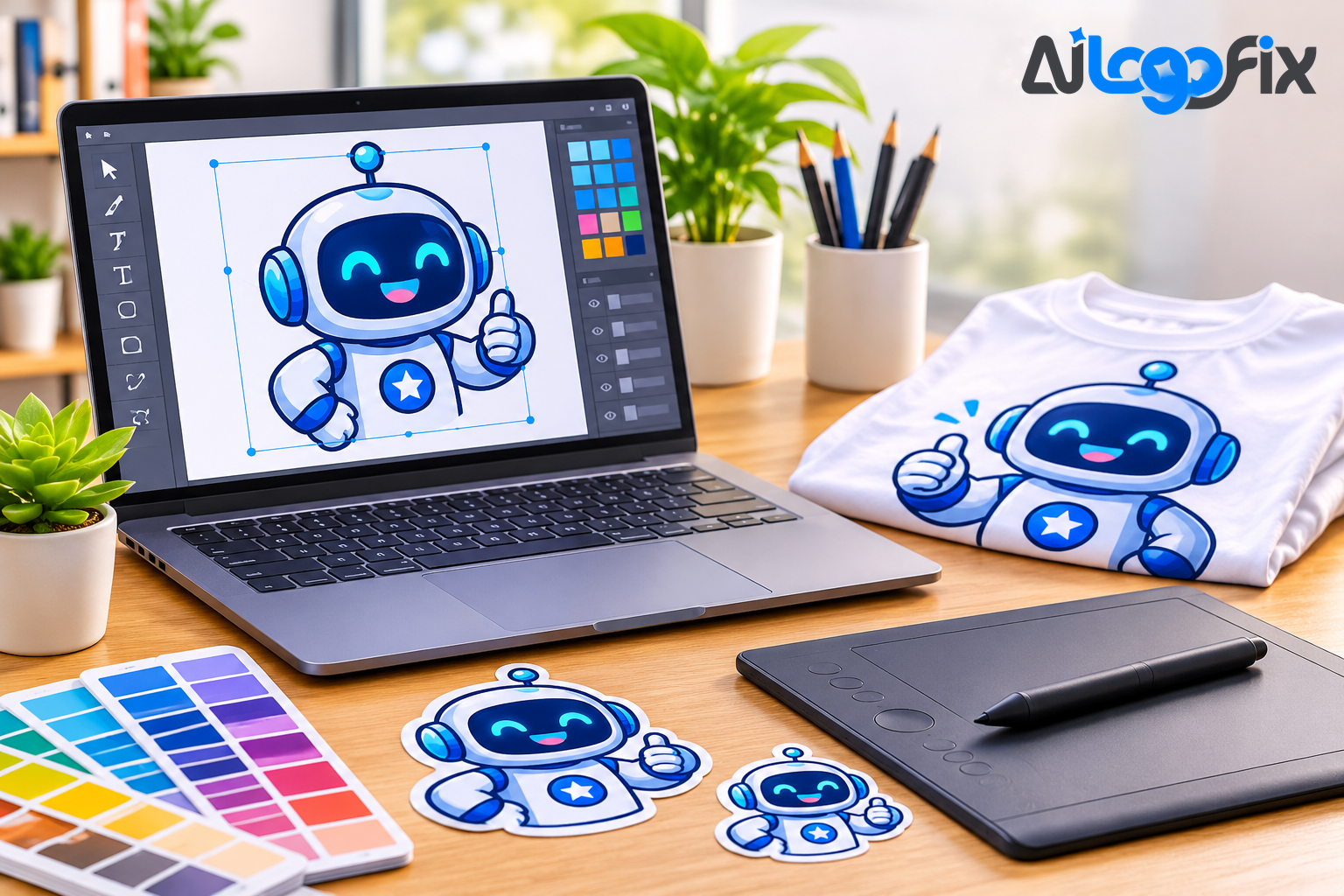
A mascot is the friendliest thing a startup brand can own. A fox, a robot, an owl, a coffee cup with a face — one character that shows up on the website, the packaging, the social posts, and the merch, and people remember it long after they forget the company name. Startups love mascots because a character makes a new, unknown brand feel human on day one.
AI tools can now generate that character in seconds. But here is the honest part most roundups skip: almost none of them hand you a real mascot SVG. They hand you a picture of a mascot — a flat PNG you cannot scale, recolour, or print on a shirt. For a startup mascot, the file matters as much as the face. These are the five tools that matter in 2026, what each one actually gives you, and how to turn their output into a mascot that works everywhere your brand does.
What a mascot SVG has to do
Before comparing tools, it helps to know what you are asking for. A mascot for startup branding is not a poster. It has to work as a tiny app icon and a huge trade-show banner, in full colour and in one colour, on a website header and on a hoodie. That means it must be a vector file — real paths and anchor points, not pixels — with clean, separable shapes you can recolour, and lettering that is actually readable if the mascot carries a name.
No current AI model reliably produces a finished, production-ready logo file on its own. The tools below produce a strong starting point: a character, a direction, a draft. The craft — cleaning the shapes, fixing the face, setting the type, delivering the file — is still human work. Keep that in mind while you read the rankings: the winner is the tool whose output is easiest to finish, not the one with the prettiest first render.
1. Recraft — the only one that makes a real SVG
Recraft is the most important tool on this list, for one narrow reason that decides everything: it generates native, editable vector graphics directly from a text prompt. Its V4 models, launched in February 2026, produce true SVG — actual paths and anchor points you can open in Illustrator or Figma and edit — not a raster image dressed up as a logo. For a mascot, that is the difference between a file you can use and a picture you can only look at.
For mascot work specifically, Recraft's strengths line up well: flat vector illustration is its home turf, it offers brand styles so the character stays consistent across variations, and its V4.1 Vector models produce discrete colour regions, so the shapes come out clean and separable — which is exactly what you need when you want to recolour a mascot for a dark background or a one-colour print.
The catch is the licence. Recraft's free tier gives 50 credits a day, but everything it makes is public and carries no commercial rights — a non-starter for a real brand. Paid plans start at $10 a month and grant full commercial rights. If your mascot will ever appear on a sign, a shirt, or anything printed, Recraft is the tool that gets you closest to a usable file — and the one whose output a designer can finish fastest.
2. Ideogram — the best for a mascot with a name
Ideogram is the typography specialist. Its models render readable text at roughly 90 percent accuracy, which is a different world from what general image models manage with lettering. If your mascot carries your startup's name — a badge, a wordmark under the character, a speech bubble — Ideogram is the tool that will not hand you garbled letters.
The trade-off is the file: Ideogram outputs raster images, not vectors. A mascot generated here is a beautiful PNG that still needs to be traced into a vector before it can be printed, cut, or scaled. The standard workflow is to generate in Ideogram, then vectorize — in Illustrator, through Recraft's image-to-vector, or by hand. The free tier gives roughly 10 generations a week, and the Plus plan costs $20 a month.
Use Ideogram when the words matter as much as the character. Generate the mascot and the wordmark separately — image models still garble letterforms when they are baked into a busy illustration — then combine them in the vector stage.
3. Midjourney — the best for character exploration
Midjourney remains the strongest tool for exploring what a mascot could be. Its current default model, V8.2 since July 2026, is built for art direction: mood, style, personality, and the kind of character design that makes a mascot feel alive rather than clip-arty. When you do not yet know whether your mascot is a friendly robot, a sleepy owl, or a fox in a hoodie, Midjourney is where you find out fastest — generate twenty directions in an evening and react to them.
It is a raster tool, from $10 a month, and its output is a starting point in the truest sense: a gorgeous character that exists only as pixels. Every Midjourney mascot needs a second step — tracing or redrawing — before it becomes a brand asset. Use it for the idea, not the file. The winning direction from a Midjourney session, redrawn as a clean vector, is one of the best mascot workflows there is.
4. Adobe Firefly — the safest for commercial use
Adobe Firefly is the choice when legal safety matters. Its image model is trained solely on licensed and public-domain content, and paid plans carry IP indemnity — a contractual commitment no other tool on this list offers. For a startup that plans to put its mascot on products for sale, that matters: you do not want your brand character to be the subject of a training-data dispute.
Firefly's vector capability lives in Illustrator as Text to Vector Graphic, built on the Firefly Vector Model — the first generative model built specifically for vector graphics, announced at Adobe MAX in October 2023. It generates editable vector scenes, subjects, icons, and patterns, and hands the result directly into Illustrator for finishing. Firefly plans start at $9.99 a month, and Illustrator's single-app plan costs $22.99 a month on an annual plan.
Choose Firefly if your mascot will be sold on merchandise or used by a team already inside Creative Cloud. The indemnity and the Illustrator handoff are worth more than a slightly prettier first render.
5. Looka — the fastest finished brand kit
Looka is different from the other four: it is not a general image generator but a logo maker that turns your preferences into a finished logo plus a full brand kit. Its Premium one-time purchase of $65 includes vector files — SVG and EPS — plus full ownership rights, and its Brand Kit plan adds hundreds of templates for social posts, business cards, and more.
For a startup that needs a mascot logo and everything around it in one sitting, Looka is the fastest route to a usable result. The mascot itself will be simpler and less characterful than a Midjourney exploration — Looka works from templates and combinations rather than open-ended art direction — but what it produces is finished, owned, and ready to use. Its Basic tier costs $20 as a one-time purchase for PNG files.
Pick Looka when speed and completeness beat character: you need the mascot, the wordmark, the social templates, and the brand kit today, and you would rather have a clean, simple character than spend a week art-directing one.
The workflow that actually works
No matter which tool you start with, the workflow that produces a real mascot SVG is the same:
- Explore the character in Midjourney or Firefly, and generate the wordmark separately in Ideogram if the mascot carries a name.
- Generate or convert the chosen direction into a vector — natively in Recraft, or by tracing the raster output.
- Finish it by hand: clean the shapes, fix the face and symmetry, set the type properly, and define the brand colours as flat, named values.
- Deliver the full set: SVG for the web, AI and EPS for print, PDF for sharing, plus high-resolution PNG and JPG for everyday use — and a one-colour version for stamps, embroidery, and single-colour printing.
That finishing step is where most AI mascots fail. An auto-traced mascot has thousands of unnecessary anchor points, wobbly curves, and muddy colours — a file a printer or cutter cannot follow cleanly. A hand-finished mascot has clean paths, true geometry, and real text. AiLogoFix's raster to vector service does exactly that finishing work: your AI-generated character, hand-redrawn as a production-ready vector from $10. And if the AI mascot came back with garbled text, warped shapes, or broken symmetry — the classic AI logo flaws — the AI-generated logo fix service rebuilds it properly by hand from $20.
If you would rather skip the tools entirely and start from a brief, the logo design service creates original mascots and logos from $30, plus custom offers — designed by a human, delivered as a complete vector package.
FAQ
Which AI tool makes a real mascot SVG?
Recraft is the only mainstream tool that generates true, editable SVG natively from a prompt. Ideogram, Midjourney, and most other generators output raster images that must be vectorized afterwards. Looka's Premium tier also delivers SVG and EPS files.
Can I use a free AI mascot for my startup brand?
Be careful. Recraft's free tier makes your generations public with no commercial rights, and other free tiers typically grant personal use only. For a real brand, use a paid plan that grants commercial rights — or have the character redrawn as your own original artwork.
Why does my AI mascot look blurry on a t-shirt?
Because it is a raster image. AI generators output pixels, and enlarging pixels makes them soft. A mascot needs to be a vector file to print sharply at any size — generate it in Recraft, or have the raster version traced or redrawn as a vector.
Should the mascot and the company name be generated together?
No — generate them separately. Image models still garble letterforms when text is baked into a busy illustration. Generate the character on its own, generate or set the wordmark separately, and combine them in the vector stage.
Can an AI-generated mascot be copyrighted?
In most jurisdictions, a purely AI-generated logo cannot be copyrighted. A mascot that a designer finishes, redraws, or substantially transforms has a much stronger claim to ownership. That is another reason the human finishing step matters.
Conclusion
The best AI tool for a mascot SVG depends on the job: Recraft for a real editable vector, Ideogram for a mascot with readable text, Midjourney for exploring the character, Firefly for commercial safety, and Looka for a finished brand kit in one sitting. None of them hands you a finished brand on its own — they hand you a starting point. The mascot your customers remember is the one that survives the finishing step: clean paths, true colours, readable type, and a file that works from a favicon to a billboard.
Your mascot deserves a real vector file, not just a pretty picture.
Our specialist team takes your AI-generated character and hand-redraws it as a clean, production-ready mascot SVG — AI, EPS, SVG, and PDF included — so it prints sharp, scales forever, and stays yours. Every order includes refinements within your selected package and agreed brief, and full commercial rights.
Turn My AI Mascot Into a Real Vector
Want a mascot designed from scratch instead? See our custom logo design service — original characters from $30, plus custom offers. Questions first? Message the team.