Your logo looks fine on your website. Then a print shop asks for a vector file, you send the JPG, and they send it back. Or you try to blow it up for a banner and it turns into a blurry mess. If any of that sounds familiar, you have a raster problem — and vector tracing is the fix.
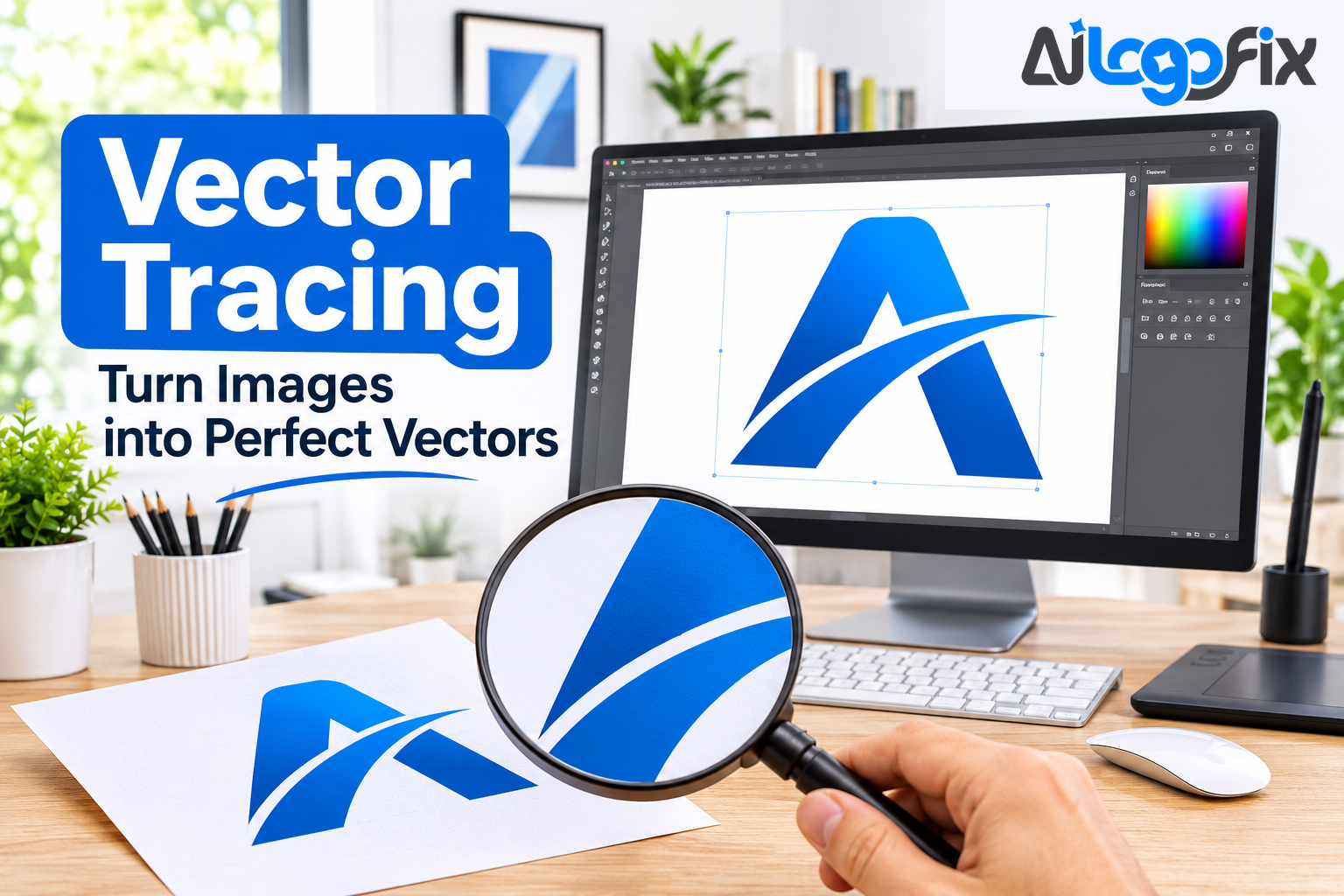
Vector tracing is the process of turning a pixel-based image into a vector file: clean, editable paths that scale to any size without losing quality. This guide explains what vector tracing is, how it works, when you need it, and how to tell a good trace from a bad one.
What Is Vector Tracing?
Vector tracing — also called raster-to-vector conversion or vectorization — is the conversion of raster graphics into vector graphics. A raster image (JPG, PNG, GIF, BMP) stores your picture as a fixed grid of pixels. A vector image stores it as mathematical descriptions of shapes: points, lines, and curves.
That difference is everything. Scale a raster image up and you see the grid — soft edges, visible squares, blur. Scale a vector image up and the math recalculates — edges stay sharp at any size, from a 16-pixel favicon to a ten-foot banner.
As Wikipedia's article on image tracing puts it, vectorization is the inverse of rasterization, and while rasterization is straightforward and algorithmic, vectorization involves the reconstruction of lost information — which is why it requires judgment, not just a button press. A pixel image does not contain the shapes; the tracing process has to rebuild them.
Raster vs Vector: The Core Difference
- Made of: Raster (JPG, PNG): A grid of pixels; Vector (AI, EPS, SVG, PDF): Mathematical paths and shapes
- Scaling: Raster (JPG, PNG): Blurs and pixelates when enlarged; Vector (AI, EPS, SVG, PDF): Sharp at any size
- Editing: Raster (JPG, PNG): Hard to change shapes or colors; Vector (AI, EPS, SVG, PDF): Fully editable paths, colors, and text
- Best for: Raster (JPG, PNG): Photos, complex images; Vector (AI, EPS, SVG, PDF): Logos, icons, line art, text
- Print use: Raster (JPG, PNG): Needs high resolution at print size; Vector (AI, EPS, SVG, PDF): Print-ready at any size
Most logos start life as raster files: a JPG from a designer, a PNG downloaded from a website, a screenshot, a photo of a sign. None of those are vector files, even if they look sharp on screen. Only a true vector file — built from paths — gives a printer, cutter, or embroidery machine what it needs.
One trap worth knowing: renaming a file does not convert it. A JPG saved as an EPS is still pixels inside a new wrapper. As Vector Design US explains in its raster-to-vector guide, the software does not "sharpen" the pixels — it draws new shapes on top of them, and those shapes become the file.
How Vector Tracing Works
There are two ways to trace an image, and the difference between them decides the quality of the result.
Auto-Trace: Fast, But Approximate
Auto-trace tools — Adobe Illustrator's Image Trace, Inkscape's Trace Bitmap, CorelDRAW's PowerTRACE, and online converters — sample the pixels and generate paths automatically. The process generally runs in three stages, as the vectorization guide at png2svg.io describes: color quantization (the image is reduced to a limited set of flat colors), path tracing (edges are found and described as paths), and stacking and simplification (regions are layered and tiny specks discarded).
Auto-trace is quick, and for a simple, high-contrast graphic it can produce a usable result. But every step is an approximation. The output is a new interpretation of your image, not a pixel-perfect copy — and on anything compressed, scanned, small, or anti-aliased, it produces the classic faults: hundreds of unnecessary anchor points, wobbly edges where a straight line should be, corners rounded off, colors split into dozens of near-identical shades, and text that is no longer text.
Manual Tracing: A Designer Redraws Your Artwork
Manual vector tracing means a designer rebuilds the artwork by hand, shape by shape, with the Pen tool. True circles where the original was meant to be circular. Straight lines that are actually straight. Consistent corner radii. Symmetrical elements that are genuinely symmetrical. Type reset in the real font rather than traced as outlines of blurred pixels.
Manual tracing takes longer than a one-click trace, and it costs more than a free converter. What it gives you is a file that behaves properly everywhere: clean paths a printer can separate, closed shapes a cutter can follow, and lettering that stays readable at any size.
What Vector Tracing Is Used For
Vector tracing is not a niche trick. It is the standard step between "I have a logo" and "I can use my logo anywhere." Common uses include:
- Print: business cards, flyers, brochures, banners, and packaging all need vector files to print sharp.
- Signage and vehicle wraps: a logo blown up to billboard size must be vector, or it will pixelate.
- Embroidery: digitizers need clean vector artwork before they can create a stitch file.
- Screen printing: each ink color must be separated from clean, closed shapes.
- Laser engraving and CNC cutting: machines follow paths, and they can only follow clean ones.
- Merchandise: t-shirts, mugs, and promotional products all start from a vector master file.
Logos, icons, line art, and technical drawings are ideal for tracing. Photographs are not — a photo has millions of colors and no clean edges, so it traces poorly. If your artwork is a logo, a sketch, or a simple illustration, tracing is the right move.
When Do You Need Vector Tracing?
You need vector tracing when any of these sound familiar:
1. Your printer rejected your file. Print shops ask for AI, EPS, SVG, or PDF with paths. A JPG is not a substitute, no matter how high its resolution. 2. Your logo looks blurry when printed or enlarged. That blur is the pixel grid showing. Only a vector rebuild fixes it. 3. You lost the original logo files. All you have left is a small JPG on your website or a screenshot. Tracing rebuilds the logo from what you have. 4. You need the logo for something new. A sign, a shirt, an embroidered cap, a vehicle wrap — every one of these needs vector. 5. Your logo only exists as a photo or scan. A photo of a shop sign, a scanned letterhead, a hand-drawn sketch — all of these can be traced into a clean vector file.
If you only ever use your logo on a website at one small size, a PNG is fine. The moment the logo has to work in the real world — print, signage, merchandise — vector tracing is not optional.
What Files Do You Get After Tracing?
A finished trace is delivered as a set of files, not a single image. The standard package is AI, EPS, SVG, and PDF, with high-resolution PNG and JPG versions for everyday use. Each format has a job: AI and EPS are the editable masters print shops ask for, SVG is the web standard, PDF is the universal shareable file, and PNG and JPG cover screens and documents.
AiLogoFix's raster to vector service delivers exactly this set — AI, EPS, SVG, and PDF, with JPG and PNG included in the Standard and Premium packages — starting from $10, with delivery from 24 hours. Every file is redrawn by hand, never auto-traced, and comes with full commercial rights.
If your starting point is a hand-drawn sketch rather than a logo file, the sketch to vector service rebuilds it the same way. And if you need a clean outline version of an image, the image to outline service turns it into crisp line art.
How to Tell a Good Trace From a Bad One
Before you pay for tracing — or accept a file someone traced for you — run these quick checks:
- Zoom to 800%. Straight edges should be straight, corners sharp, curves smooth. Wobbles and stair-steps mean auto-trace.
- Count the anchor points. A clean trace uses the minimum number of points that hold the shape. Hundreds of points on a simple curve means the file was auto-traced.
- Check the colors. A good trace has flat, defined colors — one red, one black. A bad trace splits one color into dozens of near-identical shades.
- Test the text. Real text should be live type or accurately redrawn lettering. If the letters are lumpy outlines, the trace was automatic.
- Try to edit it. A proper vector file lets you change a color, move a shape, or resize a letter. An auto-traced file fights you at every step.
FAQ
What is vector tracing in simple terms?
Vector tracing is rebuilding a pixel image (JPG, PNG) as clean mathematical paths, so it becomes a vector file (AI, EPS, SVG, PDF) that scales to any size without blurring.
Can any image be vector traced?
Logos, icons, line art, sketches, and simple illustrations trace well. Photographs trace poorly because they contain millions of colors and no clean edges — a photo should stay a photo.
Is auto-trace the same as manual tracing?
No. Auto-trace is software guessing shapes from pixels in seconds; manual tracing is a designer redrawing every shape by hand. Auto-trace is fine for rough previews, but print, cutting, and embroidery need a manual redraw.
What do I need to send for vector tracing?
Just the image you have — a JPG, PNG, screenshot, scan, or even a photo of a sign. A designer rebuilds the artwork from it, so a small or compressed file is usually no obstacle.
How long does vector tracing take?
It depends on the artwork's complexity. AiLogoFix delivers raster to vector orders from 24 hours, with Standard at 48 hours and Premium at 72 hours for more detailed work.
Conclusion
Vector tracing is the bridge between the logo you have and the logo you can actually use. A raster file is a photograph of your logo; a vector file is your logo itself — sharp at any size, editable, and ready for every printer, cutter, and machine you will ever send it to.
The method matters as much as the result. A one-click auto-trace gives you a rough copy full of wobbly edges and excess points. A manual redraw gives you a clean master file that works everywhere, for years. If your logo matters to your business, get it traced properly — once — and never worry about file formats again.
Your logo, rebuilt as a clean vector — ready for anything.
Your logo deserves better than a blurry JPG. AiLogoFix's specialist team redraws your logo by hand into a clean, scalable vector file — AI, EPS, SVG, and PDF — so it prints sharp, cuts clean, and scales forever. Every order includes refinements within your selected package and agreed brief, and full commercial rights.
Not sure what your file needs? Message the team — send your logo and we will tell you exactly what it needs, for free.