
Fix AI Logo Color Problems Before You Print
Fix AI Logo Color Problems Before You Print To ai logo color fix before printing: convert the artwork from RGB to CMYK, replace AI-generated gradients with flat Pantone-matched colors, keep total ink coverage under 300%, and proof the file on the actual stock. These four steps prevent the muddy, shifted, or oversaturated colors that AI […]
How to Make Your AI Logo Look Less AI-Generated
How to Make Your AI Logo Look Less AI-Generated To make ai logo unique and remove the AI look: replace AI-generated lettering with real typography, simplify the design to one clear idea, flatten 3D gradients into clean 2D shapes, and rebuild the artwork as hand-traced vector paths. These four fixes eliminate the gibberish text, generic […]
AI Logo Upscaling vs Redrawing: What Actually Works
AI Logo Upscaling vs Redrawing: What Actually Works AI logo upscaling enlarges pixels but can’t create true vector quality — edges stay soft, details stay invented, and the file remains uneditable raster. Redrawing traces the design as clean vector paths: infinitely scalable, fully editable, and print-ready. For any professional use, redrawing wins; upscaling is only […]
From AI Concept to Final Logo: The Professional Fix Workflow
From AI Concept to Final Logo: The Professional Fix Workflow The professional workflow that takes an AI logo to final logo has four stages: 1) audit the AI output for artifacts, gibberish text, and asymmetries, 2) redraw the concept as clean vector paths (never auto-trace), 3) fix typography, colors, and spacing to professional standards, 4) […]
Fix Uneven Shapes, Bad Symmetry and Awkward Curves in an AI Logo
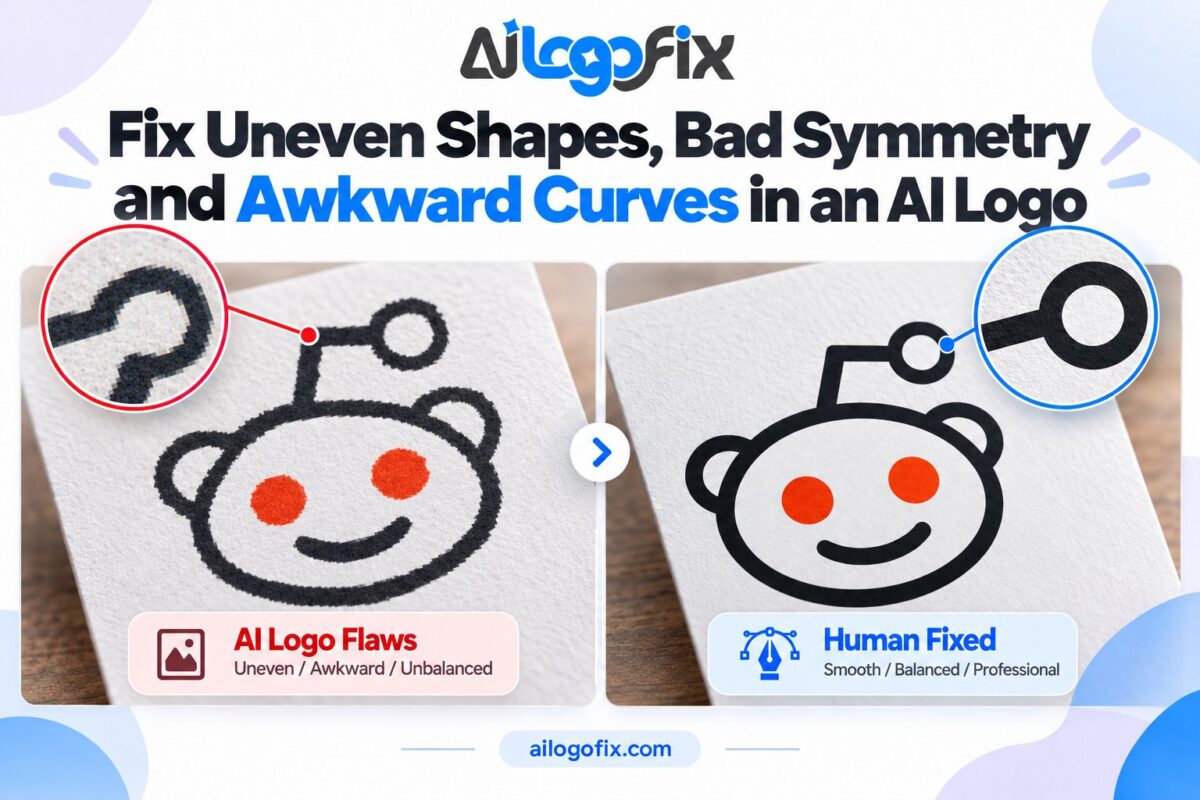
AI logos often have uneven shapes, broken symmetry and awkward curves. Learn how designers rebuild them into precise, professional vector geometry.
How to Turn a Midjourney, ChatGPT, Gemini, or Generative AI Logo Into a Professional Vector Logo
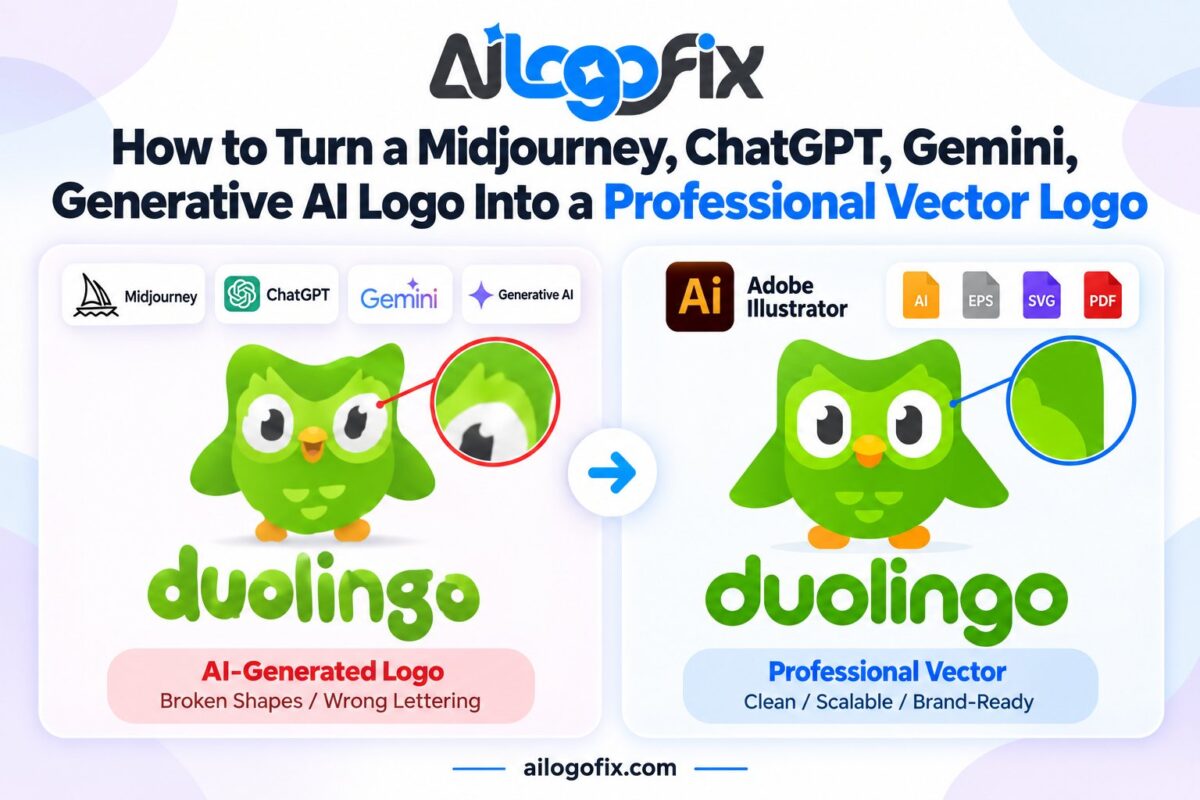
Turn your AI logo to vector the right way — how designers convert Midjourney, ChatGPT and Gemini logos into clean, professional vector files.
Common AI-Generated Logo Mistakes and How to Fix Them
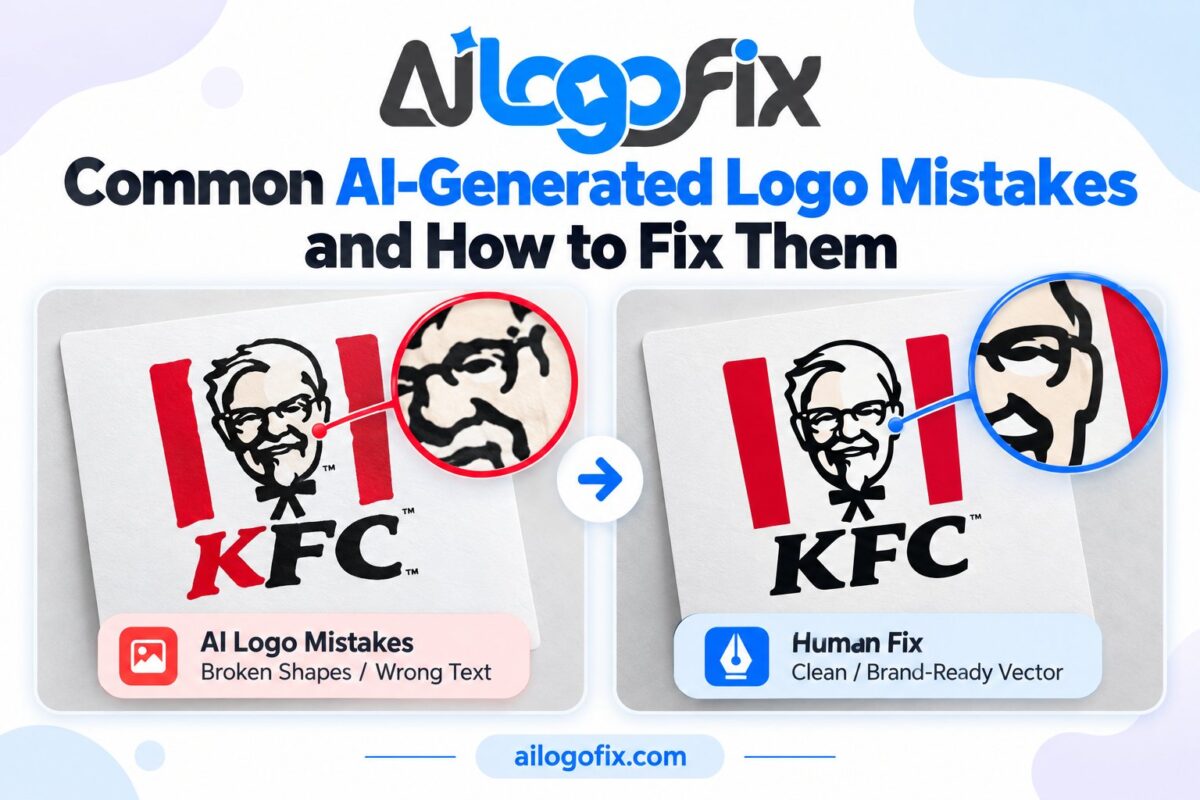
Spot the most common AI generated logo mistakes — garbled text, bad symmetry, artifacts — and learn the DIY fixes plus when to hire a designer.
AI Logo Text Looks Wrong? How Human Designers Fix Lettering Errors
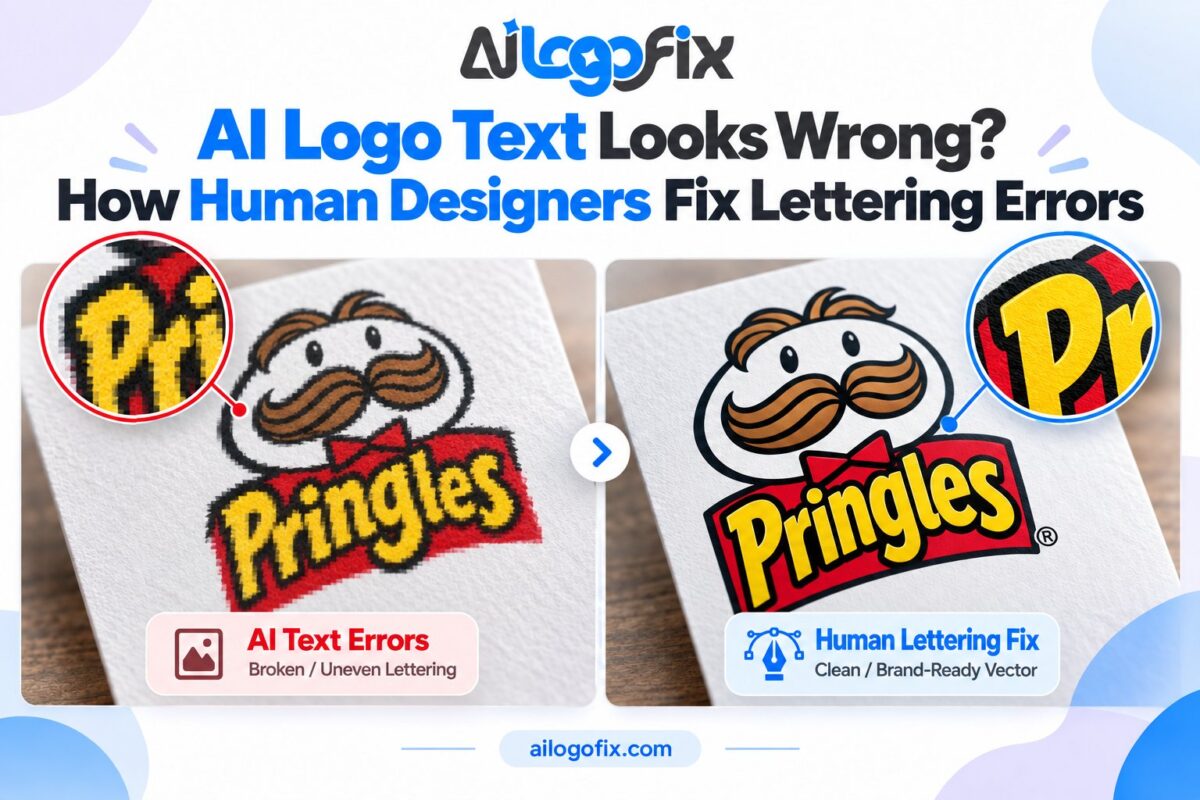
AI logo text looks wrong? Learn why AI mangles logo lettering and how human designers fix AI logo text — correct spelling, spacing, and a vector rebuild.