
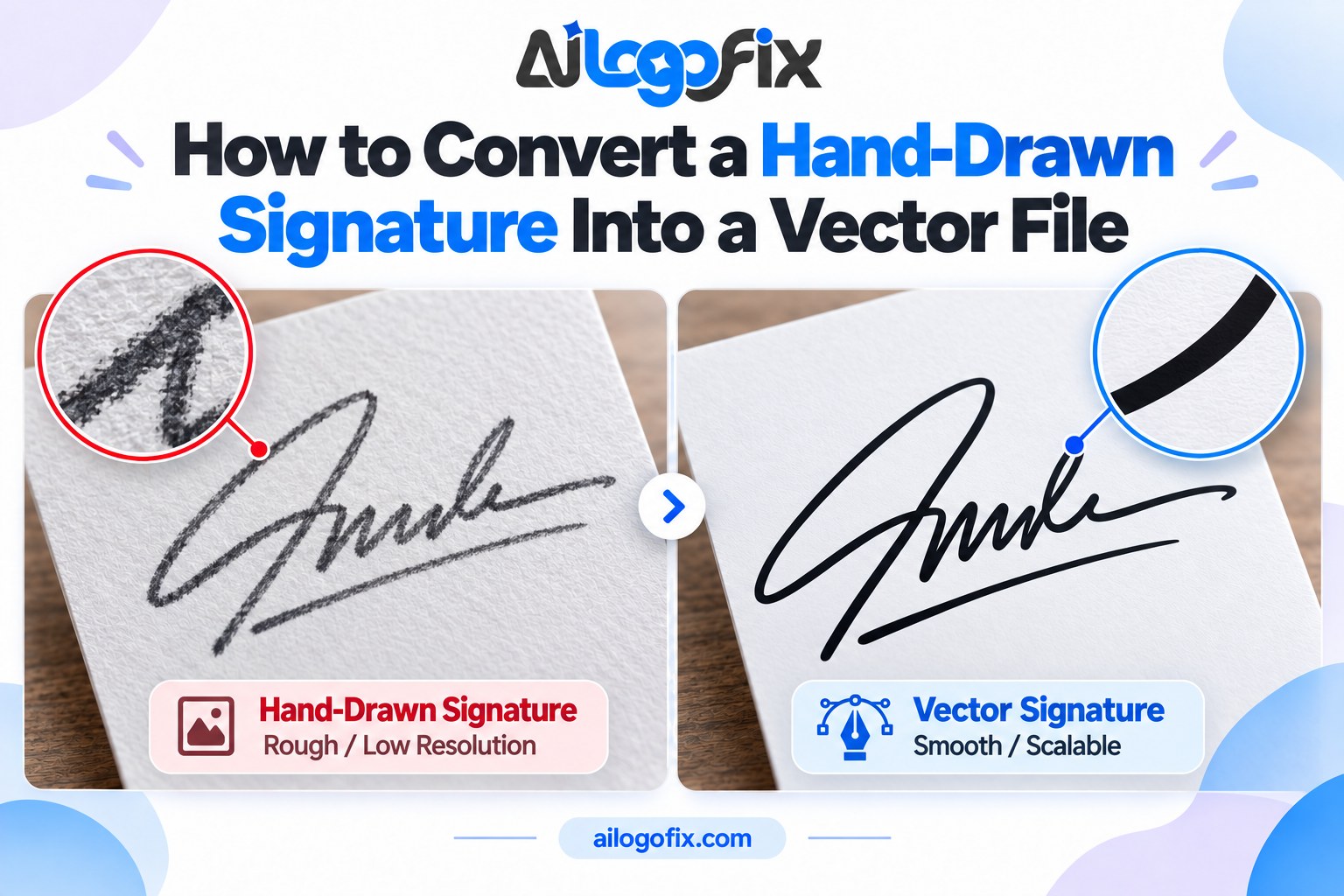
How to Convert a Hand-Drawn Signature Into a Vector File
A signature logo — your actual handwritten signature as your brand mark — is personal, distinctive, and impossible to fake with a font. But a phone photo of your signature is not a logo. Here is how to convert a hand-drawn signature into a vector file that stays crisp from business card to billboard.
In This Guide
- Step 1: Write It Right (the Source Matters Most)
- Step 2: Photograph It Properly
- Step 3: Manual Vector Tracing (the Right Way)
- Step 4: Refinement and Variations
- What You Receive
- FAQs
- Signature to Vector: Complete FAQ
- 6 Signature to Vector Mistakes and How to Fix Each
- Pro Tips for a Perfect Vector Signature
- When to Hire a Designer for Signature to Vector
- Signature Vector Glossary
Quick answer: Write your signature large with a thick black marker on plain white paper, photograph it in bright even light, then have a designer manually trace it into clean vector paths — preserving every quirk of your handwriting while removing wobbles, breaks, and paper texture. Good signature to vector work is manual tracing, not a filter.
Step 1: Write It Right (the Source Matters Most)
The quality of your vector starts with the quality of your handwriting sample:
Go big. Write your signature 3–4 inches wide — much larger than normal. Big strokes capture the character of your handwriting; tiny writing turns to mush.
Use a thick black marker on plain white unlined paper. Ballpoint pens create thin, broken lines that are hard to trace; markers give bold, continuous strokes.
Write it 10–20 times. Sign naturally and repeatedly, then pick the best 2–3. You are looking for the version with the best flow — confident strokes, no hesitations.
Keep strokes connected where your natural signature connects them. Lifts of the pen are fine — they are part of your style — but avoid dotted, scratchy writing.
Step 2: Photograph It Properly
Lay the paper flat in bright, even light (near a window, no flash, no shadows from your phone). Hold the phone directly overhead and fill the frame. Take several shots and pick the sharpest, most evenly lit one.
Do not use filters, and do not try to “clean it up” in an app — heavy contrast adjustments can break thin strokes. A clean, honest photo is the best starting point.
Step 3: Manual Vector Tracing (the Right Way)
This is designer work, and it matters more for signatures than almost any other logo type — because every wobble reads as your hand shaking. The process:
Trace, don’t auto-trace. An auto-tracer follows every paper fiber and pen wobble, producing a lumpy, noisy “vector” that looks nothing like confident handwriting. A designer manually draws smooth bezier paths that follow your strokes — keeping your style, removing the noise. That human judgment is the whole difference in signature to vector conversion. See manual vs auto trace for why this matters.
Preserve character, remove flaws. The quirks that make your signature yours — the loop, the underline flourish, the crossed t — are kept. The accidental wobbles, ink blobs, and broken strokes are fixed.
Close the gaps. Pen lifts create separate path segments; the designer joins them into clean, continuous artwork that scales perfectly.
Step 4: Refinement and Variations
Once the base vector exists, a designer typically refines it:
Stroke consistency: evening out pressure variation so the signature looks intentional at every size.
Spacing and balance: adjusting the overall proportions so it sits well in layouts — not too wide, not too cramped.
Variations: a full signature for formal use, and often a simplified monogram or initial mark for small sizes (favicons, social avatars) where the full signature would be unreadable.
Review the vector at multiple sizes before approving — a signature that looks great large can turn to spaghetti at favicon size.
What You Receive
The finished product is a complete logo package built from your signature: vector masters (AI, EPS, SVG), print and web versions, and the variations above. Full checklist: what files you should receive with a professional logo.
Turn Your Signature Into a Vector Logo
Send us a photo of your handwritten signature — our designers will manually trace it into a clean, professional vector logo that keeps every bit of your personal style.
FAQs
Can any signature be vectorized?
Almost any legible, confident signature works. Extremely tiny, faint, or heavily broken writing is harder — which is why writing large with a marker matters so much.
Will the vector look exactly like my handwriting?
Faithful to your style, cleaner in execution. Your loops, slants, and flourishes are preserved; accidental wobbles and ink artifacts are removed.
Why not just use a script font instead?
A font is generic — thousands of brands use the same one. Your actual signature is uniquely yours and impossible to replicate, which is the whole point of a signature logo.
Can I use my vector signature as a legal signature?
A logo-ized signature is a brand mark, not a legal signature. Keep your legal signature separate; the vector version is for branding.
How long does signature vectorization take?
Typically quick — a clean marker signature is simpler than a detailed illustration. Most are done within a day or two, plus a review round.
Do I get a simplified version for small sizes?
You should. A full signature is unreadable at favicon size, so a professional delivery includes a simplified monogram or initial mark for tiny applications.
The bottom line: Your signature is the most personal logo you can own — but only as a clean vector does it become a usable brand asset. Write it big, shoot it well, and let a human trace it properly.
Signature to Vector: Complete FAQ
Convert a signature to vector the right way. Whether it is a personal signature for documents, an artist’s mark, or a brand signature logo, this signature to vector FAQ covers scanning, tracing, and cleanup for perfect results.
Why convert a signature to vector instead of using a scan?
Scans are resolution-locked and always carry background noise, paper texture, and fuzzy edges. When you convert signature to vector, the signature becomes infinitely scalable mathematical paths: razor-sharp at any size, with a genuinely transparent background. A signature to vector file works on contracts, websites, watermarks, and engraved products without ever degrading. Scans pixelate when enlarged and look amateurish on high-resolution displays; vector signatures look intentional and professional everywhere they appear.
How do I scan my signature for vector conversion?
Sign with a smooth black pen on clean white unlined paper, larger than you normally would; bigger strokes convert more accurately. Scan at 600 DPI in grayscale, or photograph in bright even light if no scanner is available. This high-quality source makes the signature to vector tracing dramatically cleaner. Sign five or six times and pick the best one; natural variation means one will have the ideal flow. A crisp, high-contrast source is half the signature to vector battle won before tracing begins.
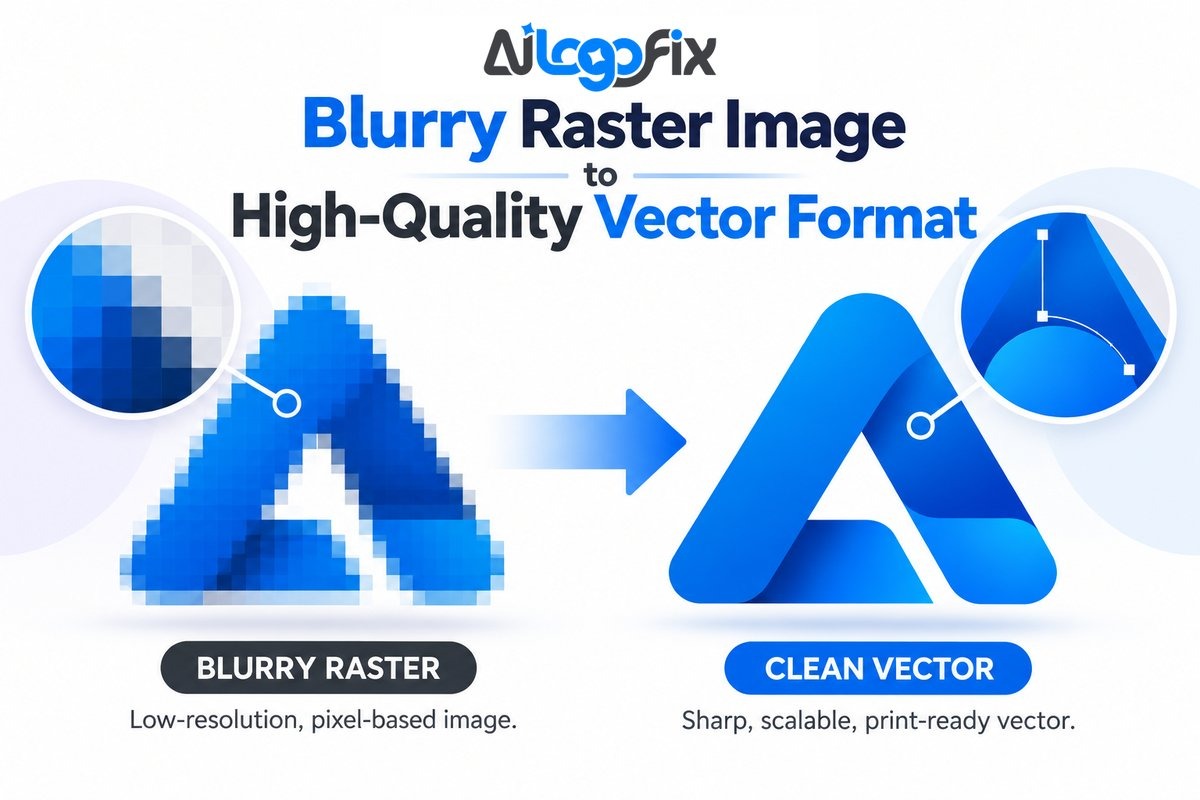
Can auto-trace handle a signature to vector conversion?
Poorly. Signatures are all curves, pressure variation, and delicate connections; auto-trace turns them into lumpy approximations with thousands of messy anchor points. A proper signature to vector conversion needs manual redrawing or at minimum heavy manual cleanup of the trace. The loops, crossings, and tapering strokes that make your signature yours are exactly what auto-trace mangles. For a signature to vector result that actually looks like your hand, human refinement is non-negotiable.
How do I keep my signature’s personality in vector form?
Personality lives in stroke contrast, speed, and imperfection, so the signature to vector artist must preserve them deliberately. Tell your designer which quirks matter: the dramatic underline, the oversized capital, the trailing flourish. During signature to vector cleanup, the goal is removing scan noise while keeping every intentional wobble. Review the vector at large size against the original scan; it should feel like the same hand, just with a steadier pen. Over-smoothing is the enemy of a good signature to vector conversion.
What file formats should a vector signature include?
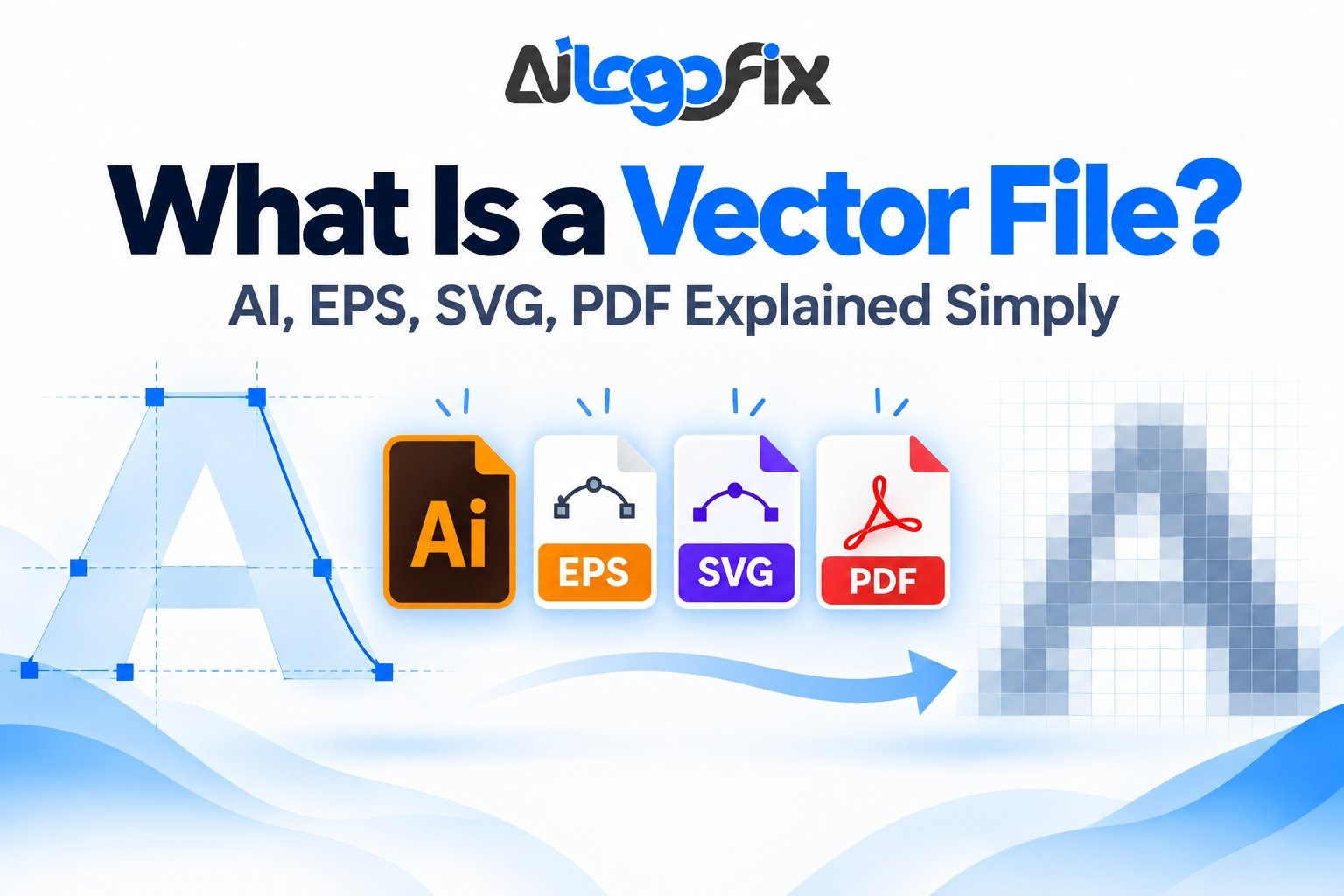
Demand the full set from any signature to vector service: AI or EPS masters for editing, SVG for web use, PDF for documents, and transparent PNG exports for quick placement. The vector masters are the real deliverable; everything else derives from them. A complete signature to vector package also includes a reversed (white) version for dark backgrounds. Without editable source files, you own a picture of your signature, not a signature to vector asset you can actually use.
Is a vector signature legally valid for documents?
A vector signature is simply a cleaner image of your signature; its legal weight comes from how you apply it, not the file format. Many businesses use signature to vector files for branded document headers, email signatures, and marketing, while using certified e-signature platforms for binding agreements. Check your jurisdiction’s rules for what constitutes a valid signature on contracts. The signature to vector file itself is a design asset; legal validity depends on consent and process around its use.
How much does signature to vector conversion cost?
Professional signature to vector service typically costs $15 to $50 for a standard signature, more for elaborate calligraphic marks with complex flourishes. The work involves careful tracing, stroke cleanup, and file preparation, usually delivered within 24 to 48 hours. Considering a signature to vector file gets used for years across documents, branding, and products, it is one of the cheapest professional design investments you can make. Avoid free auto-trace tools; the cleanup time costs more than hiring it done right.
Can I convert my signature to vector myself with free tools?
You can try, but manage expectations. Free tools like Inkscape’s trace bitmap or online converters produce a rough signature to vector approximation that needs significant cleanup. The typical DIY signature to vector attempt yields jagged curves and uneven strokes that can look worse than a clean scan. If you enjoy the process, use free tools to learn what good vector paths look like, then decide whether the result meets your standard. For anything public-facing, a professional signature to vector service costs little and delivers dramatically better quality. Your signature represents you; it deserves better than a rough auto-trace.
6 Signature to Vector Mistakes and How to Fix Each
Steer clear of these signature to vector pitfalls.
1. Tracing a tiny, low-contrast photo. A dim phone photo of a receipt signature gives the tracer nothing to work with. Fix: resign larger on white paper and scan at 600 DPI. Every signature to vector project lives or dies on source quality.
2. Accepting raw auto-trace output. Unedited traces have jagged edges and bloated points that scream amateur. Fix: require manual path cleanup in your signature to vector order. Smooth curves and sensible point counts prove real work was done.
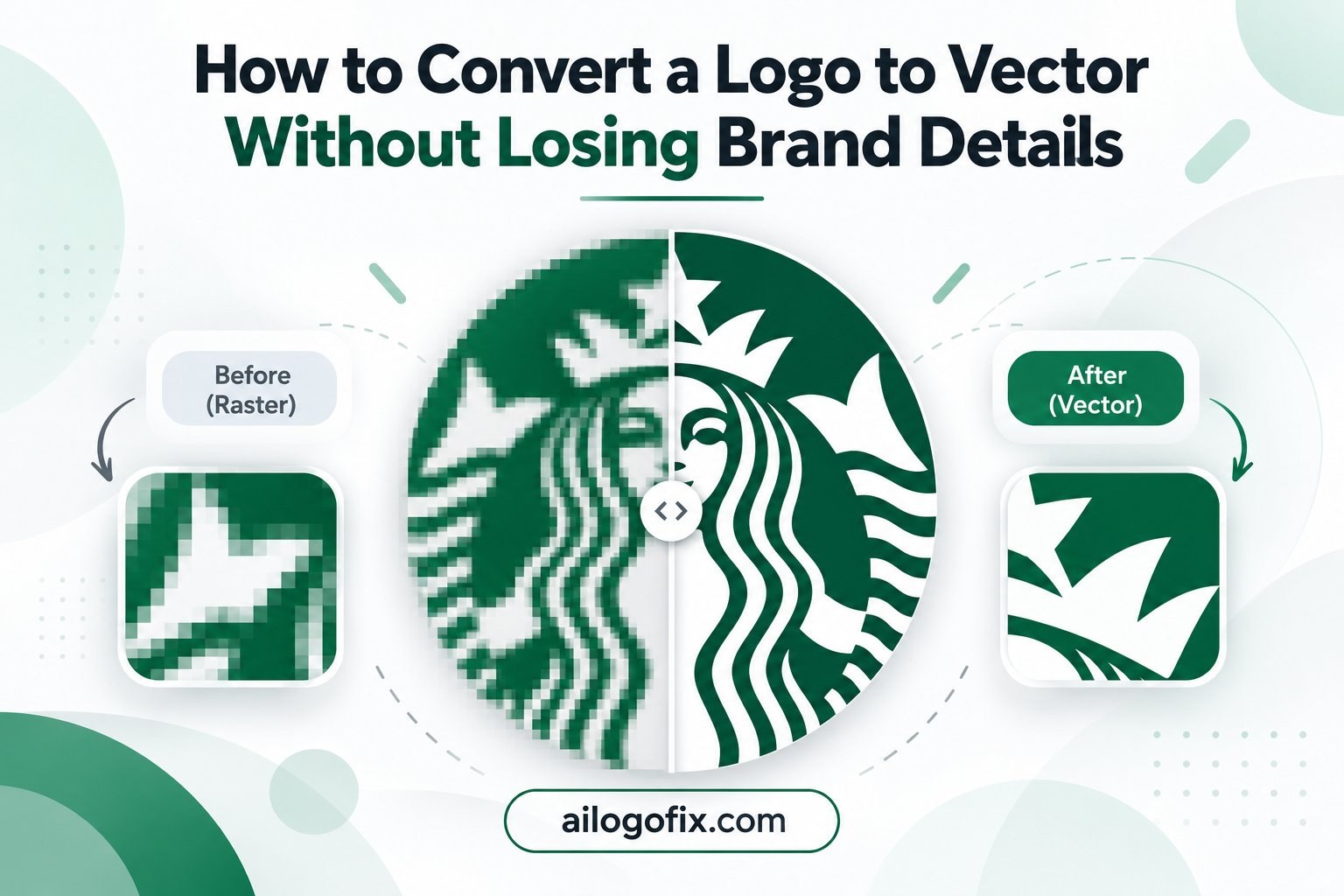
3. Losing stroke weight variation. Fountain pen signatures have thick-thin contrast that flat tracing kills. Fix: brief your signature to vector designer to preserve pressure variation, or ask for variable-width strokes in the vector file.
4. Keeping the paper background. A signature trapped in a white rectangle is useless on colored documents. Fix: specify true transparency in your signature to vector brief and verify the PNG has no background box.
5. Over-smoothing the character out. Aggressive path simplification erases the quirks that make a signature recognizable. Fix: compare the signature to vector result against the scan at 200 percent. If it looks like a font, it has been over-cleaned.
6. No reversed version. Dark document headers need a white signature, and most people forget until launch day. Fix: include positive and reversed versions in every signature to vector order from the start.
Signatures are personal marks with history: the art and purpose of signatures and why SVG is ideal for signature files.
Pro Tips for a Perfect Vector Signature
Get more from your signature to vector project with these expert moves. First, create a signature specifically for digitizing rather than using your legal scribble. Sign slightly larger and more deliberately than usual; the camera-friendly version of your signature to vector source will trace cleaner while remaining recognizably yours. Many executives keep a “public” signature for branding distinct from their private legal signature.
Second, think about stroke as design. Ask your signature to vector designer to refine the mark as a mini logo: balance the composition, strengthen weak connections, and ensure it reads at small sizes. The best signature to vector results feel designed, not merely digitized.
Third, build a signature kit. Beyond the master file, request social-size versions, an email-signature PNG at exact dimensions, and a favicon-scale simplified mark. A complete signature to vector delivery anticipates everywhere the signature will live.
Fourth, watermark wisely. Your vector signature is easy to copy, so use it thoughtfully. For public documents, consider a slightly simplified signature to vector version, keeping the full-detail master for trusted uses. And store the source files securely; your signature is an identity asset.
Fifth, version your signature for different contexts. A detailed signature to vector master might include fine flourishes that vanish at small sizes, so create a simplified variant for tiny applications like favicons, app icons, and email footers. Keep the full-detail signature to vector file for large display and print work, and use the simplified version wherever legibility matters more than flourish. Document which version serves which purpose in a short readme alongside the files, so future designers and vendors always grab the right one without guessing. A thoughtful signature to vector kit prevents the all-too-common mess of five conflicting signature files floating around your organization.
When to Hire a Designer for Signature to Vector
A signature represents you; its digital version should honor that. Hire a signature to vector professional when quality matters.
It is your personal brand. Authors, artists, executives, and creators use their signature as a logo. Professional signature to vector work gives it the polish a personal brand demands.
You need it for print and products. Book covers, merchandise, engraved gifts, and certificates need true vector paths. A proper signature to vector file engraves, embroiders, and prints flawlessly.
DIY traces look wrong. If your attempts produce lumpy, lifeless results, stop fighting the software. Our sketch to vector service handles signature to vector conversions with full manual refinement.
Your signature deserves better than a blurry scan. Message our design team and get a signature to vector file that looks like you on your best day.
Signature Vector Glossary
Key terms for your signature to vector project:
Centerline trace: Tracing the middle of strokes rather than outlines; ideal for pen signatures.
Outline trace: Tracing the outer edges of strokes; better for bold marker signatures.
Path simplification: Reducing anchor points while keeping curve shape; essential signature to vector cleanup.
Variable-width stroke: A vector stroke that tapers like real pen pressure.
Flourish: Decorative extending stroke, common in formal signatures.
Ligature: Connected letterforms within the signature.
Baseline: The invisible line the signature sits on; straightening it cleans the mark.
Reversed version: White signature for dark backgrounds.
Bottom line: Scan big, trace by hand, preserve the quirks, and demand true vector masters. A professional signature to vector conversion turns your handwritten mark into a sharp, versatile asset you will use for years.
Pro tip: Always keep your original signature scan alongside the vector file. If you ever need variations — different sizes, monochrome versions, or updated styling — starting from the high-resolution scan saves time. Store both files together with a clear naming convention so future designers can find them instantly.