
AI Logo Text Looks Wrong? How Human Designers Fix Lettering Errors
You typed your business name into an AI logo generator. The design that came back looked amazing — the colors, the icon, the style. Then you actually read the words.
In This Guide
- Why AI Gets Logo Text So Wrong
- The 6 Lettering Errors AI Makes Most
- DIY Fixes: What You Can Try Yourself
- How Human Designers Fix AI Logo Text: Step by Step
- Mistakes to Avoid When Fixing AI Logo Text
- When Fixing the Text Is Not Enough
- FAQs
- Fix AI Logo Text: Complete FAQ
- 7 Fix AI Logo Text Mistakes That Make Things Worse
- Pro Tips for a Perfect Fix AI Logo Text Result
- When to Hire a Designer to Fix AI Logo Text
- Fix AI Logo Text Glossary: 10 Key Terms
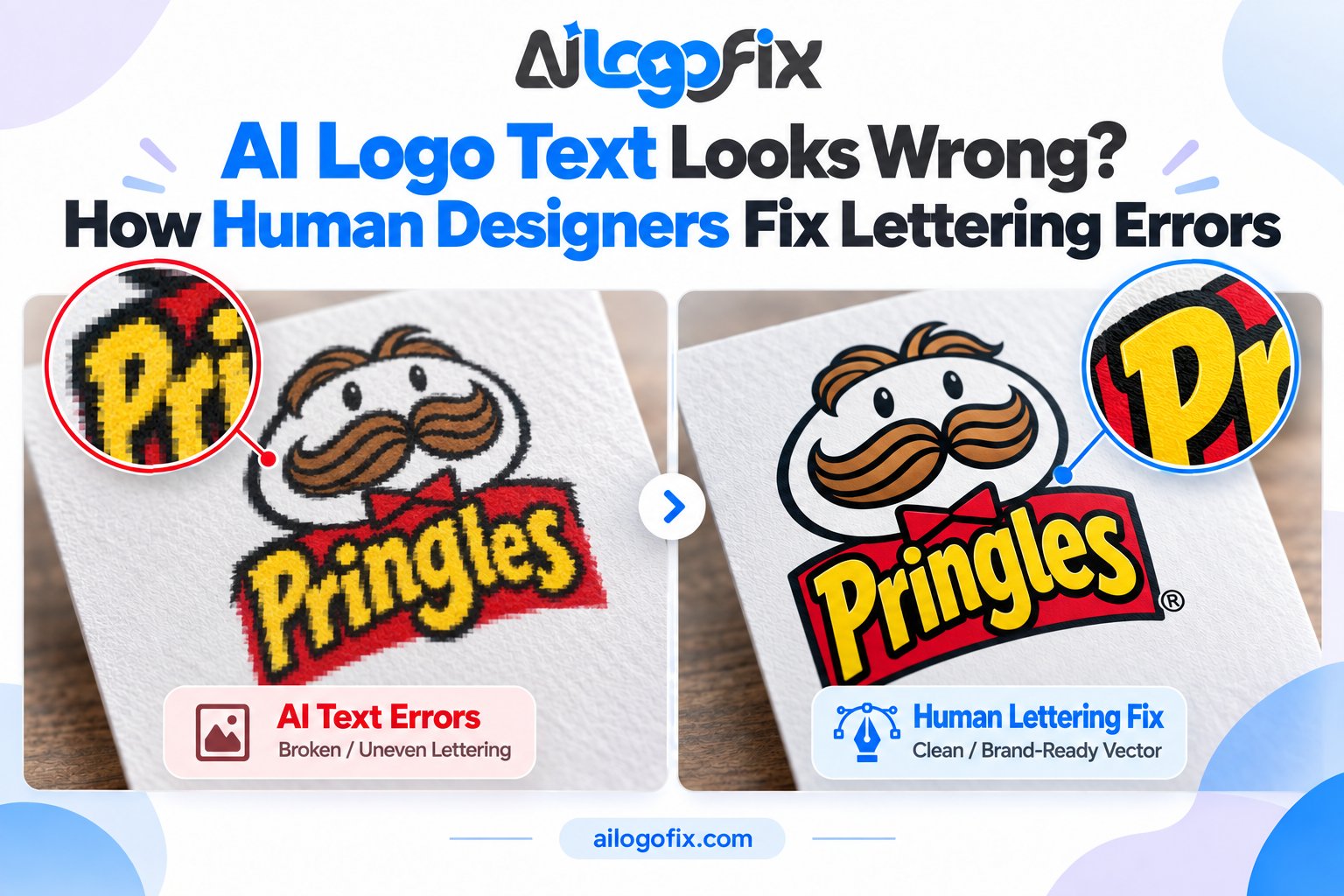
The letters are gibberish. Or almost right, but misspelled. Or spaced so strangely the name looks broken. If your AI logo text looks wrong, you are not alone — bad lettering is the single most common flaw in AI-generated logos. The good news: you can fix AI logo text without throwing away the design you love.
Quick answer: AI image generators paint letters as pixels instead of typing them with a real font, so garbled text is normal. A human designer fixes it by identifying the intended words, resetting them in proper typography (or hand-lettering that matches the AI’s style), correcting spacing and alignment, and rebuilding the wordmark as clean vector outlines.

Why AI Gets Logo Text So Wrong
AI image generators like Midjourney, DALL-E, ChatGPT, and Gemini do not “type” the way a word processor does. They generate images pixel by pixel, and letters are just shapes to them — they have no real understanding of spelling, fonts, or kerning.
Think of it this way: the AI has seen millions of logos, so it knows text usually appears in a certain spot and roughly what letter shapes look like. But it is guessing, not typing. That is why short brand names sometimes come out fine, while longer names, taglines, and small text almost always break.
Newer generators (Ideogram and the latest image models) handle text better than older ones, but even they stumble on long phrases, unusual spellings, and tiny lettering. For a logo — where the text is the brand — “almost right” is not good enough.
The 6 Lettering Errors AI Makes Most
Not all AI text errors are the same. Here are the ones designers see every day, and what each one means for your logo:
| Error type | What it looks like | Can it be saved? |
|---|---|---|
| Gibberish glyphs | Letters that look like an alien alphabet — shapes resembling letters but meaning nothing | Yes — the designer retypes the word from scratch |
| Misspellings | Your name with a wrong letter, e.g. “BAKREY” instead of “BAKERY” | Yes — quickest fix of all |
| Broken spacing | Letters jammed together or floating apart, uneven gaps inside words | Yes — fixed with proper kerning |
| Wavy baselines | Letters bouncing up and down instead of sitting on a straight line | Yes — realigned on a proper baseline |
| Melted letterforms | Two letters fused into one (“rn” becoming “m”), fake ligatures, half-formed characters | Yes — each letter redrawn cleanly |
| Dropped or doubled letters | A missing letter in the middle of a word, or a letter repeated twice | Yes — corrected when retyped |
If your logo has one of these, keep reading. If it has three or four at once — also normal. AI logos rarely have just one text problem.
DIY Fixes: What You Can Try Yourself
Before you pay someone to fix AI logo text, here is what you can try yourself — with honest expectations about each:
1. Regenerate with quoted, short text. Put the exact text in quotes in your prompt (“Sign reads: BAKERY”) and keep it short. This improves accuracy but is never a guarantee — the next generation can fail differently.
2. Use an AI text-fix tool. A new category of tools lets you draw a box over the garbled letters, type the correct text, and have the AI repaint just that patch in a matching style. This works well for mockups and social graphics.
3. Patch it in Photoshop. Erase the wrong letters and retype them in a similar font, or use generative fill on the text area. Fine for a quick social post, but the result is still pixels, not a real logo file.
Here is the honest limit of every DIY method: none of them gives you a proper logo file. You still have pixel-based text that cannot scale cleanly, cannot be converted to outlines, and cannot be printed professionally. For a real brand asset, the lettering needs to be rebuilt as vector artwork — and that is designer work.
How Human Designers Fix AI Logo Text: Step by Step
When a client sends us an AI logo with broken text, here is exactly what our designers do:
Step 1: Identify the intended words
First we confirm the correct spelling, capitalization, and wording with you — business name, tagline, and any other text. With heavy gibberish, we sometimes need you to tell us what the AI was supposed to write.
Step 2: Match the style, not the mistakes
This is the skilled part. The designer studies the AI’s lettering style — is it a bold modern sans-serif, an elegant script, a vintage badge font? — and finds a real, professional font with the same personality. If the AI invented a truly unique style, the designer hand-letters the wordmark to match it.
The goal is simple: keep the look you fell in love with, lose the errors.
Step 3: Set proper kerning, tracking, and baseline
Kerning is the space between individual letter pairs; tracking is the overall spacing; the baseline is the invisible line letters sit on. AI gets all three wrong. A designer sets them properly so the wordmark reads smoothly and looks balanced — the difference between “homemade” and “professional” is often just spacing.
Step 4: Rebuild the wordmark as vector outlines
The corrected text is converted to outlines — meaning the letters become editable vector shapes instead of font-dependent text. This locks the lettering forever: no font files needed, no reflow, no surprises. It also lets the designer fine-tune individual letterforms by hand.
This step matters more than people realize. Auto-tracing garbled AI text just gives you vector gibberish. To fix AI logo text properly, the text must be retyped correctly first, then vectorized — never the other way around. (We explain why in our manual vector tracing vs auto trace guide.)
Step 5: Test at real sizes
Finally, the fixed lettering is checked at favicon size, on a business card, and at large sign sizes. Lettering that survives all three is ready for the real world.
Mistakes to Avoid When Fixing AI Logo Text
Do not auto-trace the broken text. Tracing software copies exactly what it sees — including the gibberish. You will get a crisp, scalable version of the wrong letters.
Do not leave the errors and hope nobody notices. People notice. A misspelled brand name on packaging, signage, or an ad costs real money to fix after printing — prevention is far cheaper than reprints.
Do not swap in a random font. Picking “something close enough” destroys the style match that made you like the AI concept. The replacement typography should feel like it was always part of the design.
Do not stretch or squeeze letters to fit. Squashing a wordmark to fill a space distorts the letterforms. Proper kerning and sizing fix the fit without distortion.
When Fixing the Text Is Not Enough
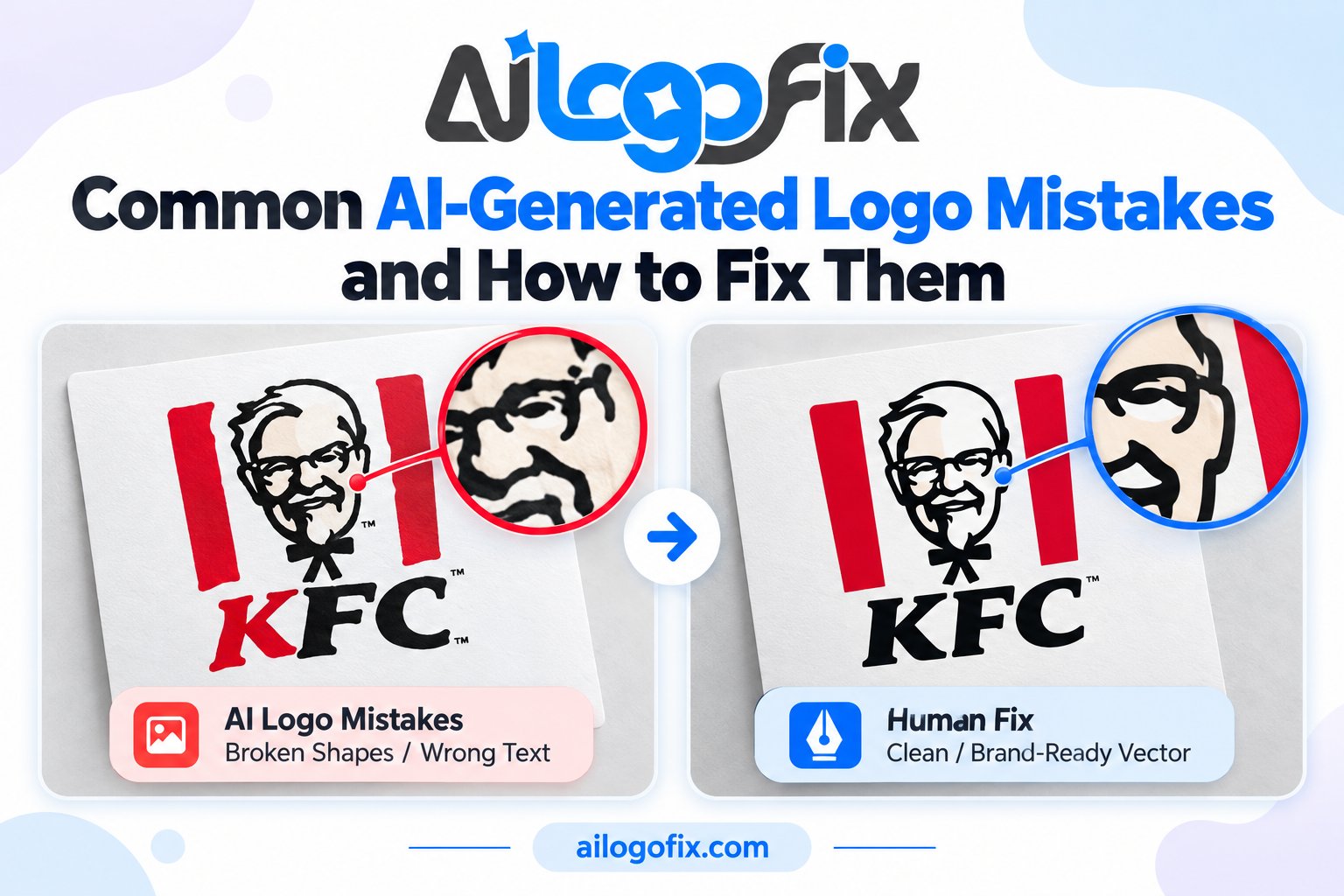
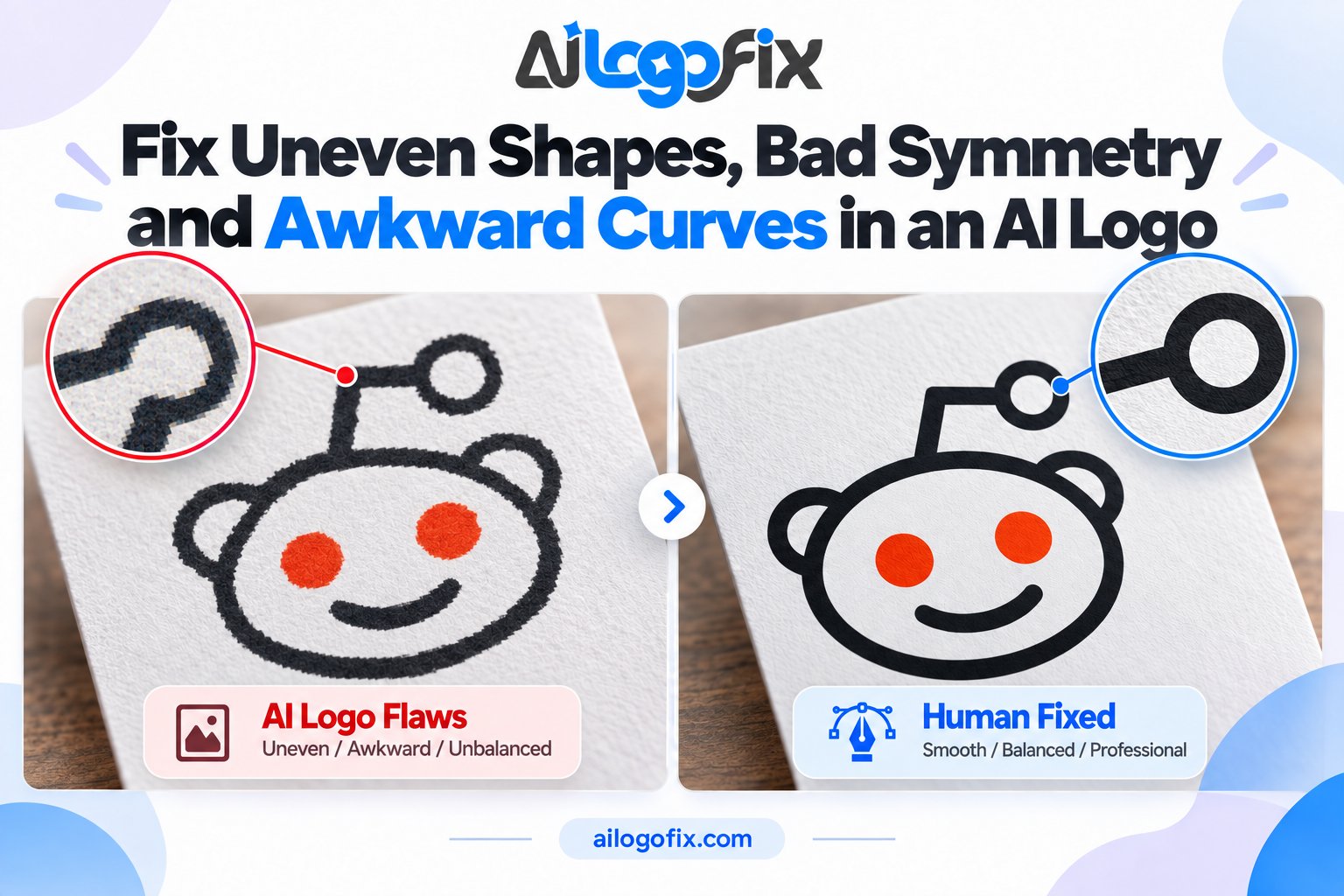
Sometimes the lettering is just one symptom. If your AI logo also has lopsided shapes, strange artifacts, blurry edges, or colors that will not print properly, the text fix should happen as part of a full cleanup. Our AI logo fix guide walks through the seven most common AI logo flaws and how each one is repaired.
And once the lettering is rebuilt as vector outlines, you are most of the way to a complete professional file package — learn what that includes in What Is a Vector File?
AI Logo Text Looks Wrong? We Will Fix the Lettering by Hand
Send us your AI-generated logo — our designers will retype the text correctly, match the original style, fix the spacing, and rebuild your wordmark as clean vector outlines you can print, trademark, and use everywhere.
FAQs
Can AI fix its own logo text?
Sometimes, with retries and quoted short text — but each regeneration changes the whole design, so you can lose the version you liked. For a logo you intend to keep, human correction is more reliable than rolling the dice again.
Can you keep the same lettering style and only fix the errors?
Yes — that is the standard approach. The designer matches the AI’s style with a real font (or hand-lettering) so the fixed text looks like it was always meant to be there.
Do I need to send you the font from the AI image?
No. AI images do not contain real fonts — the letters are just pixels. Tell us the correct wording and we will handle the typography.
Will fixing the text make my logo trademark-safe?
Correct, human-set typography in original vector artwork is a big step toward a registrable logo, since AI outputs themselves are generally not copyrightable as-is. For legal certainty about your specific case, check with a trademark professional.
What should I send you to get my AI logo text fixed?
Just the AI-generated image in whatever quality you have — even a screenshot works. Include the correct spelling of your business name and tagline, and tell us which parts of the style you want to keep.
Is it better to fix the text or regenerate the whole logo?
If you love the concept and only the text is wrong, fixing is faster and preserves what you like. If the whole design feels off, regenerating (or a fresh custom design) may make more sense. When in doubt, message our team with your image — we will give you an honest recommendation.
The bottom line: AI logo generators are great at ideas and terrible at spelling. Bad lettering does not mean a bad logo concept — it means you need a specialist to fix AI logo text properly. Retype it correctly, set it with proper spacing, rebuild it as vector outlines, and the design you loved becomes a brand asset you can actually use.
Fix AI Logo Text: Complete FAQ
AI image generators mangle lettering constantly. This fix ai logo text FAQ answers the most common questions about repairing garbled, misspelled, or warped text in AI-generated logos. Every fix ai logo text method below is used by working designers daily.
Why does AI mess up logo text so badly?
Image generators do not understand letters; they predict pixels that look like text. That is why every fix ai logo text job starts with the same discovery: the lettering is decorative noise, not real type. Strokes merge, letters repeat, and spelling goes sideways because the model never learned an alphabet.
Knowing this changes your approach. You cannot spellcheck an AI logo or nudge a letter into place, because there are no letters, only shapes. A real fix ai logo text repair means replacing the fake lettering with genuine typography or hand-drawn letterforms.
Can I fix AI logo text myself in Photoshop?
Sometimes, for simple cases. If the AI text sits on a clean background, you can clone it out and set real type over it. This DIY fix ai logo text trick works for social posts and mockups where perfection is not required.
But for a real brand logo, Photoshop patching falls short. The replacement text needs matching perspective, lighting, and texture, plus a vector version for print. A professional fix ai logo text rebuild redraws the lettering as clean vectors, which no pixel patch can match.
Should I just regenerate the logo until the text is right?
You will wait a long time. AI text errors are structural, not random, so regenerating usually produces new errors instead of correct spelling. Chasing a perfect generation burns hours that a fix ai logo text professional spends actually repairing the file.
The smarter workflow: generate for the concept, then hand the best version to a designer for fix ai logo text repair. Keep the AI imagery you love and replace only the broken lettering. You get the speed of AI plus the correctness of human typography.
What does a professional fix ai logo text service actually deliver?
A complete fix ai logo text delivery includes the logo with corrected, properly spelled text set in a matching or improved typeface, supplied as editable vectors (AI, EPS, SVG) plus web and print exports. The designer also fixes any warped letterforms and aligns the text properly within the composition.
Ask whether the quote covers font licensing. A thorough fix ai logo text job uses properly licensed type, so you own the right to use the lettering commercially. Free mystery fonts from the AI output carry legal risk; professional replacement removes it.
How do designers match the original AI lettering style?
They usually do not copy it; they improve it. AI lettering is inconsistent by nature, so a fix ai logo text specialist picks a real typeface with a similar personality, then customizes key letters to echo the AI original. The result looks intentional instead of accidental.
For script or decorative styles, designers may hand-letter the wordmark from scratch, using the AI version as a style reference. This fix ai logo text approach gives you unique, ownable lettering that no prompt can reproduce. It is the premium option and worth it for primary brand marks.
How long does it take to fix AI logo text?
Simple wordmark repairs take 24 to 48 hours. Complex fix ai logo text jobs with custom lettering or integrated text-and-symbol lockups run 3 to 5 days. The variable is how much of the logo must be rebuilt around the new type.
Rush service is widely available for fix ai logo text work since it is one of the most requested AI-era repairs. If you have a launch deadline, say so upfront; most studios will prioritize a text fix because the scope is tightly defined.
7 Fix AI Logo Text Mistakes That Make Things Worse
Well-meaning repairs often damage the logo further. Avoid these seven fix ai logo text mistakes and your fix ai logo text project will end with a professional wordmark instead of a bigger mess.
1. Stretching fake letters into shape. Warping garbled AI text never produces real letterforms; it produces warped garbage. A true fix ai logo text repair replaces the lettering entirely with genuine type or hand lettering.
2. Using a random similar font. Close is not correct. Slapping any serif on the logo changes its personality. Proper fix ai logo text work matches the typeface voice to the brand, then fine-tunes spacing and details.
3. Ignoring kerning. AI lettering has no real spacing logic, and replacement type needs manual kerning to look professional. Every serious fix ai logo text job includes kerning passes at multiple sizes.
4. Keeping AI spelling errors. Always retype the text from scratch; never copy-paste from the AI render. The most embarrassing fix ai logo text failures ship with the original misspelling intact because nobody retyped the word.
5. Forgetting the vector version. A pixel-only text fix cannot go to print or signage. Complete fix ai logo text delivery always includes editable vectors of the corrected lettering.
6. Mismatched text and symbol styles. New crisp type next to a soft AI symbol looks patched together. Good fix ai logo text work harmonizes the whole lockup, sometimes refining the symbol too.
7. Skipping legal checks. AI outputs can echo existing trademarks. A responsible fix ai logo text process includes a quick originality sanity check before you invest in the brand.
Pro Tips for a Perfect Fix AI Logo Text Result
Start every fix ai logo text project by extracting the concept, not the pixels. Ask what the AI was trying to say: the wording, the mood, the style. Then rebuild the lettering fresh from that brief. Designers who begin with a clean type canvas produce better fix ai logo text results than those who try to salvage mangled letterforms.
Build the wordmark as vectors from the first click. Set the type, convert to outlines, then refine each letter as paths: fix the crossbars, balance the counters, tune the spacing. This vector-first fix ai logo text workflow means your corrected logo is print-ready the moment the design is approved. The vector graphics format is the only sane home for finished logo lettering.
Finally, proof like a hawk. Print the fix ai logo text result at business-card size and billboard size, check it reversed out of black, and have someone else read the spelling aloud. Fresh eyes catch what tired ones miss. The W3C SVG standard makes it easy to test your corrected wordmark everywhere from favicons to signage with one master file.
When to Hire a Designer to Fix AI Logo Text
DIY patching works for mockups, but hire a professional the moment the logo represents your business. A designer does not just patch pixels; they rebuild the lettering as proper typography, kern it, vectorize it, and harmonize it with the symbol. That level of fix ai logo text craft is what separates a brand from a meme.
Hire out when the AI text is badly warped, when the logo needs print or signage versions, or when you have already wasted hours regenerating. Our logo modify service handles fix ai logo text repairs daily: we replace garbled lettering with clean, licensed typography, deliver full vector files, and send a proof you approve first.
Stop fighting the pixels. Message our team with your AI logo and tell us what the text should say. Most fix ai logo text jobs are done within 48 hours, and you will never have to explain a misspelled logo to a client again.
Fix AI Logo Text Glossary: 10 Key Terms
Font matching: Identifying the typeface closest to the AI original. The first step in most fix ai logo text repairs.
Hand lettering: Drawing custom letterforms from scratch. The premium fix ai logo text option for unique wordmarks.
Kerning: Adjusting space between individual letter pairs. Essential polish in any fix ai logo text job.
Ligature: Two letters joined as one glyph. Designers add them to give replacement type a custom feel.
Lockup: The fixed arrangement of symbol and text. A fix ai logo text repair often rebalances the whole lockup.
Outlines: Text converted to vector paths. Required so the corrected lettering prints anywhere without font issues.
Tracking: Uniform spacing across a whole word. Set it before fine kerning in fix ai logo text work.
Typeface: The design of the letterforms (what people call a font). Choosing the right one defines the repair.
Wordmark: A logo made of text. Most fix ai logo text projects center on rebuilding the wordmark.
X-height: The height of lowercase letters. Matching x-height keeps replacement type visually consistent.