
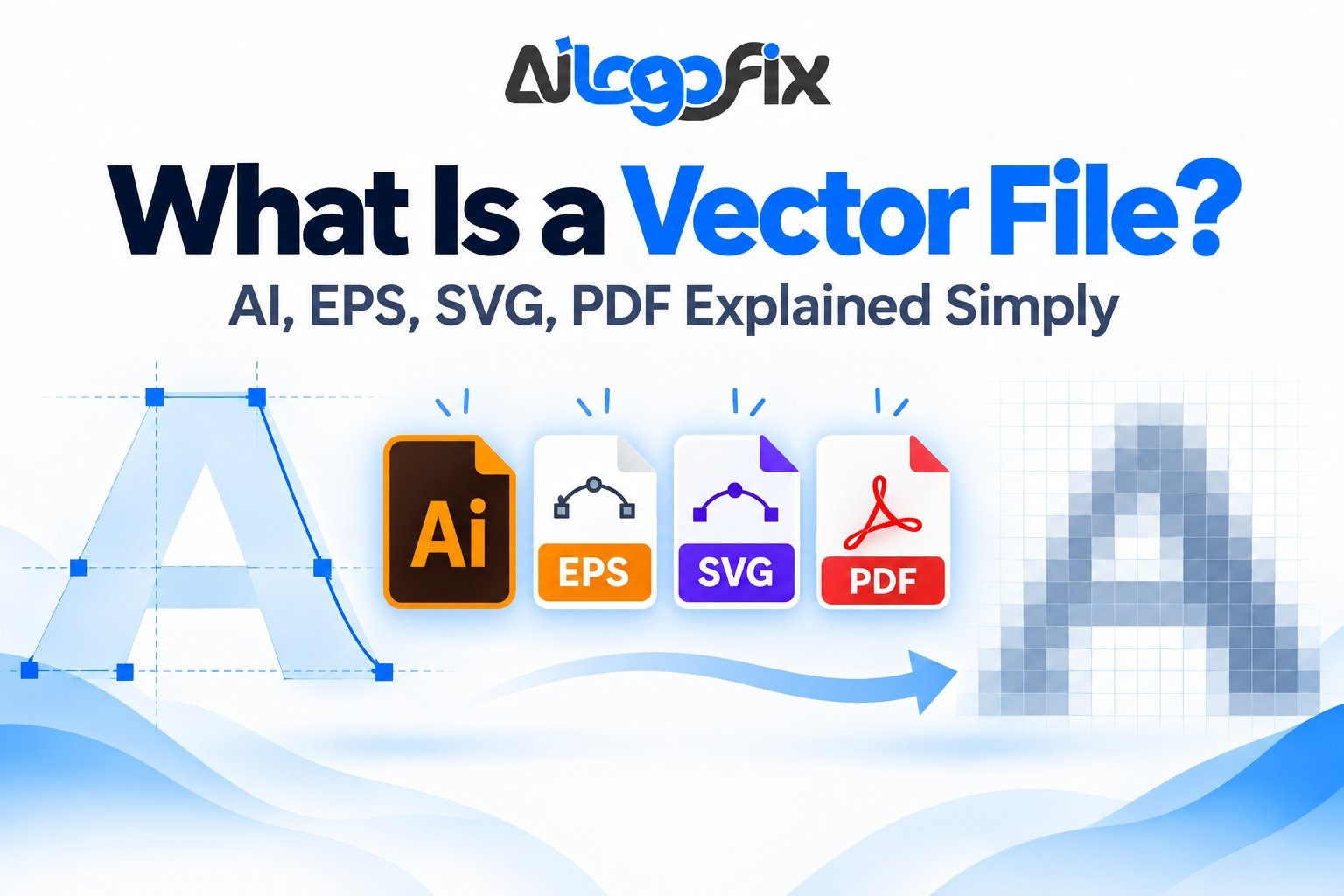
If a printer, sign shop, embroidery company, or designer has ever asked you for a “vector file,” you may have wondered what that actually means. Many business owners only have a JPG or PNG version of their logo, and it may look fine on a phone or website. But when that same logo is enlarged for a banner, packaging, vehicle graphic, or T-shirt, it can suddenly look blurry or pixelated.
In This Guide
- What Is a Vector File?
- Why Do Printers and Designers Ask for Vector Files?
- Vector vs Raster: The Simple Difference
- What Is an AI File?
- What Is an EPS File?
- What Is an SVG File?
- What Is a PDF Vector File?
- AI vs EPS vs SVG vs PDF: Which One Should You Use?
- How Can You Tell if Your Logo Is Really Vector?
- Does Saving a JPG as SVG, EPS, or PDF Make It Vector?
- What If You Only Have a JPG, PNG, Screenshot, or Blurry Logo?
- Why Manual Vector Redrawing Is Better for Many Logos
- Which Vector Files Should You Ask Your Designer For?
- Turn Your Logo Into a Clean, Scalable Vector File
- Frequently Asked Questions About Vector Files
- Final Answer: What Is a Vector File?
This is where vector files matter. Understanding what is a vector file helps you know which logo files to keep, what to send to a printer, and why formats such as AI, EPS, SVG, and PDF are commonly requested for professional design work. This guide answers what is a vector file in plain language, walks through AI, EPS, SVG, and PDF, and shows you how to tell whether your logo is really vector.
What Is a Vector File?
A vector file is a graphic made from mathematical paths, curves, lines, and shapes rather than a fixed grid of pixels. Because the artwork is defined by geometry, it can be scaled from a small business card to a large sign without losing sharpness.
That is the biggest difference between vector and raster graphics. Raster files such as JPG and PNG are made from pixels. If a raster image is enlarged beyond its original resolution, the pixels become more visible and the image can look soft, jagged, or blocky. Vector artwork can be redrawn at a new size from its paths, so the edges stay clean.
For logos, icons, lettering, line art, badges, and other graphics that must work at many sizes, a vector master file is usually the safest long-term choice.
Why Do Printers and Designers Ask for Vector Files?
A logo is rarely used at only one size. Today you may need it for a website header; tomorrow it may be used on packaging, apparel, signage, or print.
A small PNG may be enough for one digital use, but production companies often need artwork they can resize, separate, recolor, or prepare for a specific printing process. Vector artwork gives them much more control.
Common reasons a vendor may ask for vector artwork include:
- Large-format signs and banners.
- Screen printing, DTF, and apparel graphics.
- Packaging and label design.
- Business cards and stationery.
- Vehicle graphics and decals.
- Laser cutting or engraving preparation.
- Embroidery artwork preparation.
- Website and app logos that need clean scaling.
If your only logo file is blurry, you do not necessarily need a new logo. In many cases, the original design can be professionally recreated as clean vector artwork. Once you understand what is a vector file and what it is not, you can ask vendors the right questions and keep the right master files for future projects.
Vector vs Raster: The Simple Difference
Think of a raster image as a mosaic made from tiny colored squares. When you zoom in far enough, you can see those squares. A vector graphic is more like a set of drawing instructions: draw this curve from one point to another, fill this shape with blue, and place this line at a certain thickness.
Raster formats are excellent for photographs because photos contain millions of tiny color variations. Vector formats are better for graphics that depend on clean edges, shapes, typography, and repeatable colors.
A logo package often contains both. The vector file acts as the master source, while PNG or JPG versions are exported from that master for everyday use. If someone asks you what is a vector file in this context, the short answer is simple: it is the editable master file that every other version is exported from.

What Is an AI File?
An AI file is the native file format used by Adobe Illustrator. Adobe describes AI as a vector-oriented format for Illustrator artwork, although AI documents can also contain placed or embedded pixel images.
For logo work, AI is especially useful because designers can edit the paths, colors, shapes, typography, artboards, and other elements directly in Illustrator. It is often the main working file a designer keeps after creating or recreating a logo.
Best uses for AI files
- Keeping an editable master logo.
- Professional design changes and revisions.
- Preparing print artwork.
- Exporting SVG, PDF, EPS, PNG, or JPG versions.
An AI extension alone does not guarantee that everything inside the document is vector. A low-resolution JPG can be placed inside an Illustrator file. To confirm that the logo is truly vector, the artwork itself should contain editable paths and shapes.
What Is an EPS File?
EPS stands for Encapsulated PostScript. It has been used for many years in professional printing and graphic production. Adobe notes that EPS can contain both vector and bitmap content, so it is important to understand that an EPS file is not automatically 100% vector.
EPS is still requested by many sign shops, printers, apparel companies, and older production workflows because it is widely recognized by professional graphics software.
Best uses for EPS files
- Sending logos to print and signage vendors.
- Older production systems that specifically request EPS.
- Exchanging vector artwork between compatible design applications.
For modern workflows, PDF and SVG may sometimes be more convenient, but EPS remains useful when a supplier asks for it.
What Is an SVG File?
SVG stands for Scalable Vector Graphics. The W3C SVG specification defines SVG as a language for describing two-dimensional vector graphics and also allows mixed vector and raster content.
SVG is particularly useful on websites because it can stay sharp on different screen sizes and resolutions. It is commonly used for logos, icons, interface graphics, illustrations, and other web assets.
Best uses for SVG files
- Website logos and icons.
- Responsive graphics.
- Apps and digital interfaces.
- Web graphics that need to stay sharp at different sizes.
SVG files can also contain embedded raster images, so again, the extension alone is not proof that every element is vector.
What Is a PDF Vector File?
PDF stands for Portable Document Format. It is one of the easiest formats to share with printers, clients, and vendors because it can be opened on many devices without specialized design software.
A PDF can contain vector paths, text, raster images, or a combination of all three. That means a PDF is not automatically a vector file. If someone takes a blurry JPG and saves it as a PDF, the logo inside is still raster.
A proper vector PDF exported from clean vector artwork can preserve scalable logo shapes and is widely used for printing and proofing.
Best uses for PDF files
- Sending print-ready artwork to vendors.
- Sharing a logo in an easy-to-open format.
- Proofing artwork before production.
- Keeping vector graphics and text in a portable document.
AI vs EPS vs SVG vs PDF: Which One Should You Use?
There is no single format that is best for every job. The most useful approach is to keep a clean vector master and export the format required for each situation.
| Format | Best for | Important note |
|---|---|---|
| AI | Editing and master artwork | Best when working in Adobe Illustrator |
| EPS | Print and older production workflows | Can contain raster content too |
| SVG | Websites, apps, scalable digital graphics | Ideal for many web uses |
| Printing, sharing, proofs | May contain vector, raster, or both |
For a business logo, having AI, EPS, SVG, and PDF versions gives you flexibility, because different vendors ask for different things. Once you understand what is a vector file, choosing between these formats becomes much easier. You can also keep transparent PNG and JPG exports for normal digital use.
How Can You Tell if Your Logo Is Really Vector?
The easiest test is not simply checking the file extension. Open the file in a vector-editing program such as Adobe Illustrator and inspect the artwork. The real question behind what is a vector file is not the extension — it is whether the artwork itself is built from editable paths.
A real vector logo will usually show selectable paths, anchor points, shapes, or outlined letters. You should be able to select individual parts and edit them. If the entire logo behaves like one flat image and becomes pixelated when zoomed in, it may only be a raster image placed inside a vector-capable file.
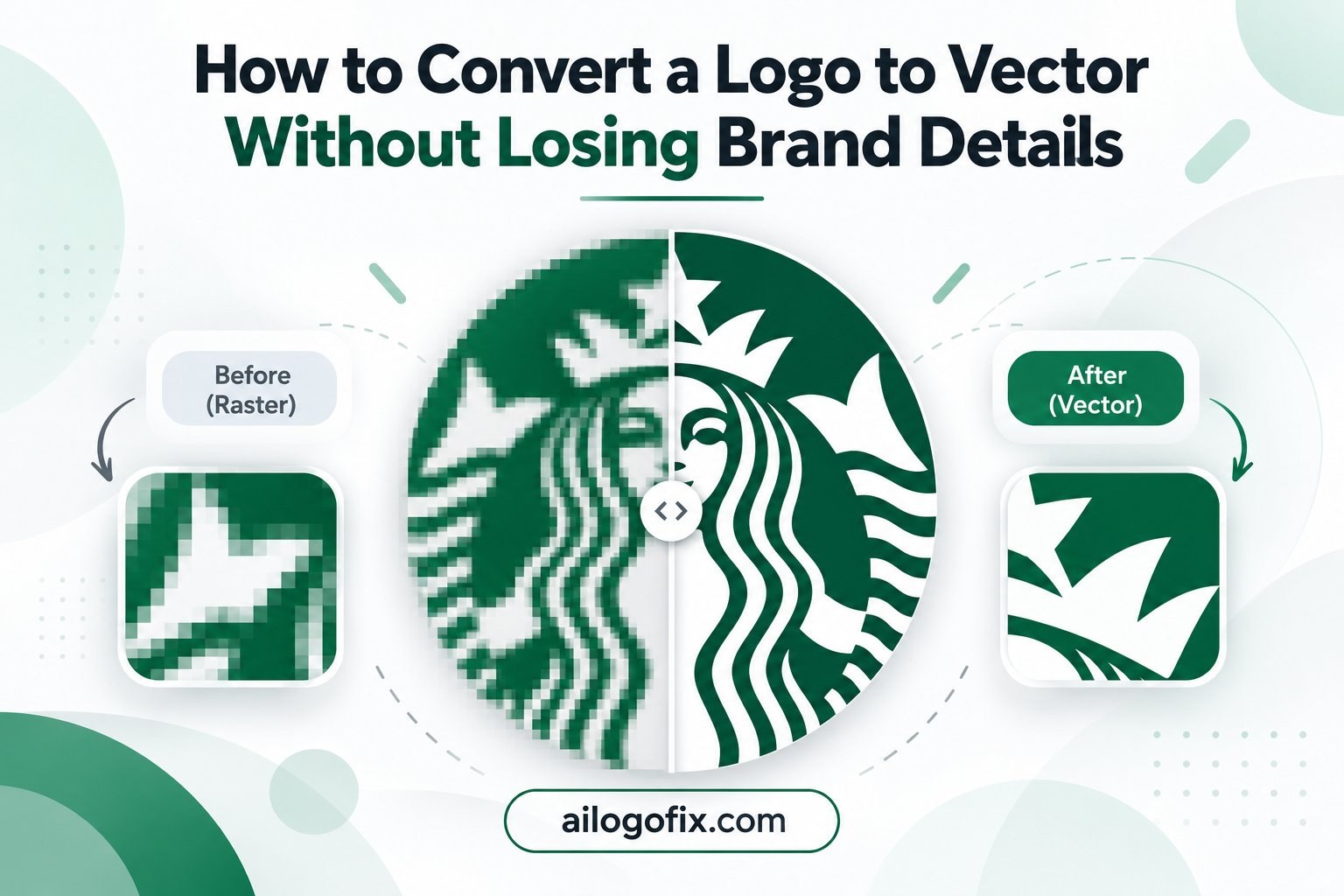
You can also try enlarging the artwork dramatically. Clean vector paths should remain smooth. Embedded raster elements will eventually reveal pixels.
Does Saving a JPG as SVG, EPS, or PDF Make It Vector?
No. This is one of the most common misunderstandings.
Changing a file extension, exporting a JPG into PDF, or placing a PNG inside Illustrator does not rebuild the artwork as vector paths. The original pixel image is still there unless the design itself has been recreated or traced into vector geometry.
That is why a printer may reject a file even though it ends in .PDF or .EPS. The vendor is usually asking for true vector artwork, not just a vector-looking filename. No matter how the file is named, the test for what is a vector file stays the same: zoom in and look for clean paths instead of pixels.
What If You Only Have a JPG, PNG, Screenshot, or Blurry Logo?
This is a very common situation. Original logo files get lost, designers disappear, old computers fail, or a company may inherit only a small image from a website or social media profile. If your source files are gone for good, see our guide to recreating a lost logo.
First, find the best source you can. Look for an old PDF, brochure, business card, packaging file, email attachment, website backup, or larger PNG. Even several imperfect references can help confirm colors, lettering, and proportions.
If the logo is still recognizable, it can often be manually recreated as vector artwork. The goal is not simply to enlarge the blurry image. The designer rebuilds the intended shapes, curves, typography, spacing, and colors so the final result is clean and editable. Understanding what is a vector file helps here too: you are not asking a designer to enlarge your JPG, but to rebuild the intended artwork as clean, editable geometry.
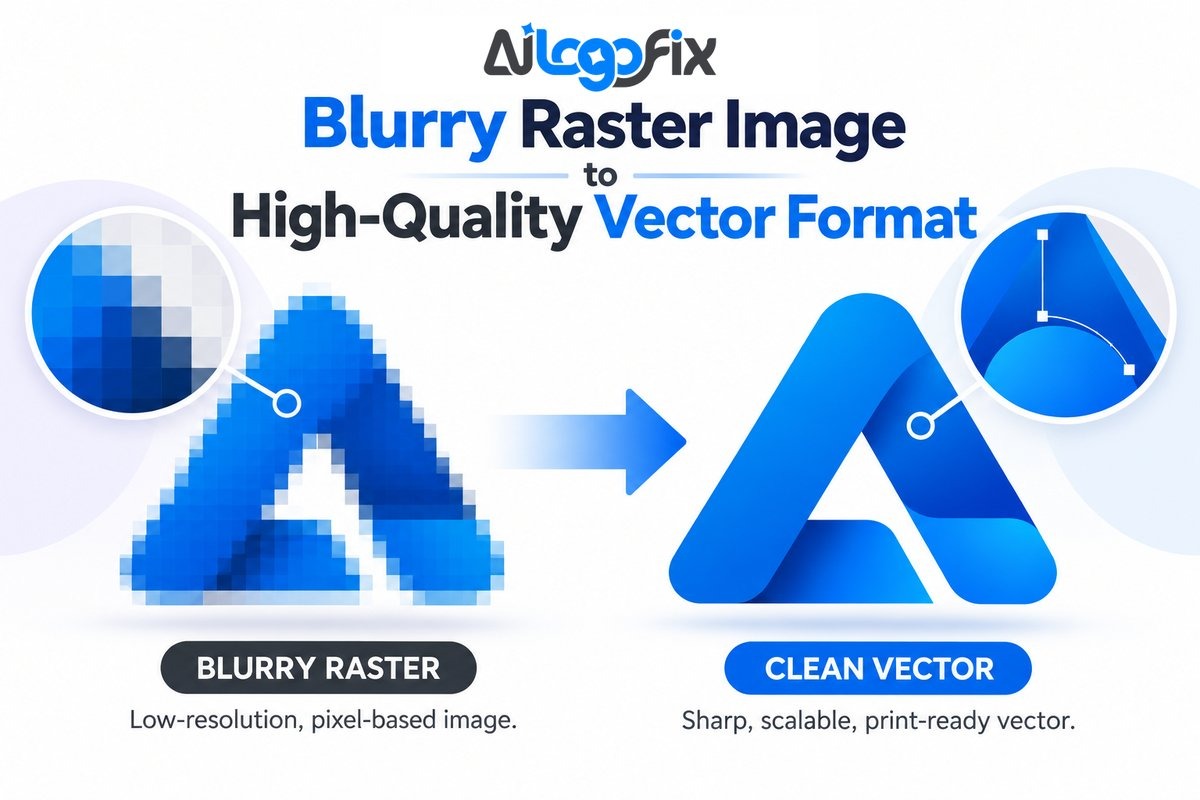
For a deeper explanation, read our guide: Blurry Raster Logo to Vector: How to Get a High-Quality Logo File.
Why Manual Vector Redrawing Is Better for Many Logos
Automatic tracing tools can be useful as a starting point, especially for clean, high-contrast artwork. But a blurry or compressed logo often contains jagged edges, damaged letters, uneven circles, strange shadows, and compression artifacts. This is another reason the question what is a vector file matters: a true vector rebuild fixes the design, while a blind auto-trace simply copies the damage. If the logo came from an AI generator and contains design flaws, our AI Logo Fix Service may be the better option.
If software traces every visible defect, those defects can become vector shapes too. The result may contain too many anchor points, lumpy curves, broken corners, and inconsistent spacing.
Manual redrawing allows a designer to rebuild what the logo was intended to look like rather than copying every damaged pixel. Clean paths also make future editing easier.
Which Vector Files Should You Ask Your Designer For?
Now that you know what is a vector file, here is the practical part: for most logo projects, it makes sense to keep several formats instead of relying on only one.
- AI: editable master file.
- EPS: useful for many printers and production vendors.
- SVG: excellent for websites and scalable digital use.
- PDF: convenient for printing and sharing.
- PNG: transparent raster export for everyday digital use.
- JPG: simple raster export when transparency is not needed.
Store the vector originals safely so you can export fresh files later instead of repeatedly resizing an old PNG.
Turn Your Logo Into a Clean, Scalable Vector File
You do not need to guess which vector format your printer wants, and you do not need to redraw a blurry logo yourself. The AiLogoFix specialist team manually rebuilds logos and artwork as clean, editable vector files with smooth paths, accurate colors, and professional output.
If you only have a JPG, PNG, screenshot, or scan, our Raster to Vector Service recreates your logo as AI, EPS, SVG, and PDF master files — without relying on one-click auto tracing.
Have questions first? Send your logo to the AiLogoFix team and tell us where you plan to use it.
Frequently Asked Questions About Vector Files
Is PNG a vector file?
No. PNG is a raster image format made from pixels. It is excellent for transparent backgrounds and digital use, but it is not a true vector format.
Is JPG a vector file?
No. JPG is a raster format and is commonly used for photographs and compressed images. It can become blurry when enlarged beyond its useful resolution.
Is PDF always a vector file?
No. PDF can contain vector artwork, raster images, text, or a mixture. A JPG saved inside a PDF remains raster.
Is SVG always vector?
SVG is designed for scalable vector graphics, but the format can also include raster images. You should inspect the actual artwork if you need to confirm that every element is vector.
What is the best vector format for a logo?
AI is excellent as an editable master file, SVG is very useful for web, EPS is still common in production workflows, and PDF is convenient for printing and sharing. Keeping several formats is usually best.
Can a blurry logo be converted to vector?
Yes, in many cases. If the design is still recognizable, a designer can manually redraw the shapes, text, and details into clean vector artwork. Extremely unclear details may require additional references or interpretation.
Can I open a vector file without Illustrator?
Yes, depending on the format. SVG can be opened in modern web browsers, and PDF can be viewed on most devices. Editing AI or EPS files generally requires compatible graphics software.
Final Answer: What Is a Vector File?
A vector file is scalable artwork built from paths, curves, and shapes instead of a fixed grid of pixels. For logos, vector files give you a clean master that can be resized, edited, recolored, and prepared for many different uses without the same resolution limits as a small JPG or PNG. So if anyone ever asks you what is a vector file, you can answer with confidence: it is the clean, scalable master your logo deserves.
AI, EPS, SVG, and PDF are all commonly used in vector workflows, but the file extension alone does not guarantee that the artwork inside is truly vector. The safest approach is to keep properly constructed vector source files and export raster versions only when you need them.
If you are unsure whether your current logo is really vector, send it to the AiLogoFix team. We can review the file and help you choose the right solution.
Key Takeaways
Understanding what is a vector file comes down to a few essentials: vectors use mathematical paths instead of pixels, they scale infinitely without quality loss, and they are the required format for professional logos, print, and signage. The most common vector formats are AI, EPS, SVG, and PDF — each suited to different workflows. If you only remember one thing: never send a JPG when someone asks for your logo. Get a true vector version made, keep it backed up, and your brand will reproduce perfectly at any size, from favicon to billboard.
Remember: Every professional logo should exist as a vector file. If you only have a JPG or PNG, get a vector file made before your next print project. A proper vector file saves you from blurry prints, rejected files, and redesign costs. Convert to vector file or ask our team.