
Common AI-Generated Logo Mistakes and How to Fix Them
You generated a logo with AI in under a minute. At thumbnail size, it looks fantastic. Then you zoom in — and the illusion breaks. The text is gibberish, one side of the badge does not match the other, and there is a strange extra curve nobody asked for.
In This Guide
- Why AI Logos Come With Built-In Mistakes
- Mistake 1: Garbled or Misspelled Text
- Mistake 2: Uneven Shapes and Bad Symmetry
- Mistake 3: Melted Shapes and Stray Artifacts
- Mistake 4: Inconsistent Line Weights
- Mistake 5: Too Much Detail to Work as a Logo
- Mistake 6: Only a Low-Resolution File Exists
- Mistake 7: Colors That Will Not Survive Print
- Mistake 8: It Looks Like Every Other AI Logo
- AI Generated Logo Mistakes: Which Can You Fix Yourself?
- Mistakes to Avoid When Fixing an AI Logo
- FAQs
- AI Generated Logo Mistakes: Complete FAQ
- 7 AI Generated Logo Mistakes Owners Keep Repeating
- Pro Tips for Erasing AI Generated Logo Mistakes
- When to Hire a Designer to Fix AI Generated Logo Mistakes
- AI Generated Logo Mistakes Glossary: 10 Key Terms
These AI generated logo mistakes are not your fault. AI image generators are brilliant at concepts and unreliable at precision — and logos are all about precision. The good news: most of these mistakes are fixable, and you rarely need to throw away a concept you love.
Quick answer: The most common AI logo mistakes are garbled text, bad symmetry, melted shapes, stray artifacts, inconsistent line weights, excessive detail, unprintable colors, and low-resolution-only files. Small issues can be patched with DIY tools; structural problems need a designer to manually redraw and rebuild the logo as a clean vector file.
Why AI Logos Come With Built-In Mistakes
AI generators like Midjourney, ChatGPT, DALL-E, and Gemini create images by predicting pixels, not by drawing with intention. A human designer places every curve deliberately; an AI assembles patterns it has seen before and hopes they land correctly.
That works wonderfully for mood, style, and composition — the things that make you say “ooh, I like that.” It fails at the things a logo must get exactly right: spelling, symmetry, clean geometry, and production-ready files. Understanding this gap tells you which mistakes you can fix yourself and which ones need professional hands.
Mistake 1: Garbled or Misspelled Text
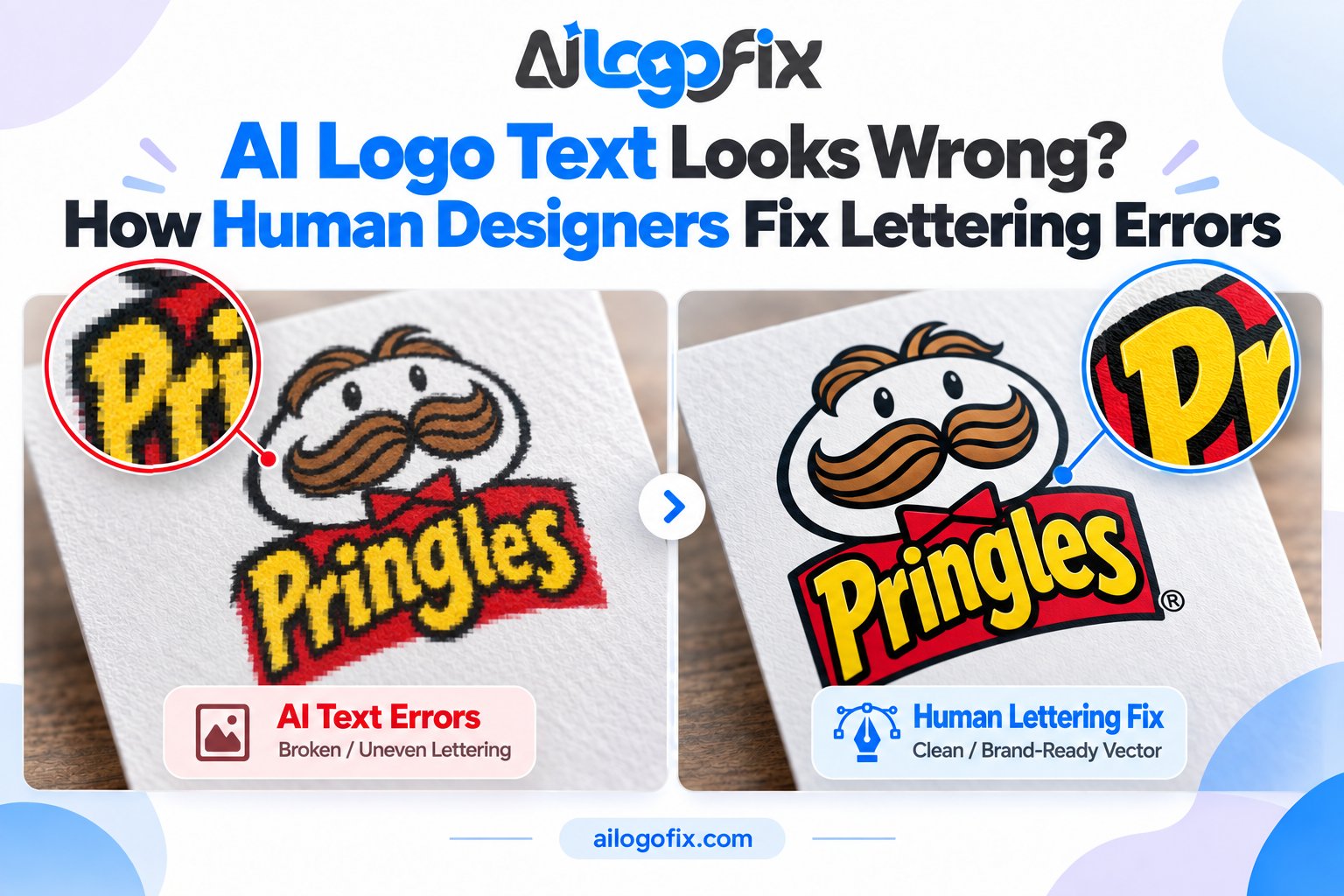
The number one AI logo flaw. The AI paints letters as shapes rather than typing them, so brand names come out as gibberish, misspelled, or with letters fused together.
DIY fix: Regenerate with the text in quotes and kept short (“Logo text: BAKERY”), or use an AI text-repair tool to repaint just the lettering. Fine for mockups.
Professional fix: A designer retypes the name in a real font that matches the AI’s style (or hand-letters it), sets proper kerning and spacing, and converts the wordmark to vector outlines. We covered this in depth in AI Logo Text Looks Wrong? How Human Designers Fix Lettering Errors.
Mistake 2: Uneven Shapes and Bad Symmetry
Circles that are not quite circular. Badges that lean slightly. An icon that should be perfectly mirrored but is not — one wing bigger than the other, one side of a shield thicker. These are easy to miss at first glance, but they make a logo feel amateur.
DIY fix: Honestly, there is not a good one. You cannot “nudge” pixels into true geometric precision with consumer tools.
Professional fix: The designer rebuilds the shapes with proper vector geometry — true circles, mirrored halves, aligned centers. This is pure craftsmanship, and it is one of the biggest visible upgrades in a professional cleanup.
Mistake 3: Melted Shapes and Stray Artifacts
AI loves to add things: a mysterious extra curve, a dot that serves no purpose, a shadow that appears from nowhere, two shapes melted into one blob. These artifacts hide in the details and surface the moment you enlarge the logo.
DIY fix: Small stray marks can be painted out in Photoshop or a free editor. Tedious, but possible for one or two spots.
Professional fix: During a manual redraw, the designer simply does not redraw the junk. The clean vector version contains only the shapes that earn their place — which usually makes the logo stronger, not just cleaner.
Mistake 4: Inconsistent Line Weights
One part of an outline is thick, another fades to a hairline for no reason. AI does this constantly, and it looks especially bad when the logo is printed small or embroidered — thin sections vanish, thick sections blob together.
DIY fix: None that is practical. Evening out stroke weights across a whole logo by hand in a pixel editor is painstaking and imprecise.
Professional fix: The designer rebuilds the logo with a consistent stroke system, so every line has intention. This single change often makes an AI logo look “designed” instead of “generated.”
Mistake 5: Too Much Detail to Work as a Logo
AI generators adore detail — intricate patterns, tiny flourishes, photorealistic shading. Gorgeous at 2000 pixels wide; a muddy smudge at 40 pixels. A logo must survive as a favicon, an app icon, an embroidered cap, and a stamp.
DIY fix: Test it yourself right now: shrink your AI logo to 50×50 pixels. If it becomes unreadable, it has too much detail — no filter fixes that.
Professional fix: Simplification. The designer distills the concept to its essential shapes, keeping the character while making it legible at every size. Our AI logo fix guide shows how this is done without losing what made the concept appealing.
Mistake 6: Only a Low-Resolution File Exists
Your AI logo arrives as a JPG or PNG — a flat grid of pixels. Enlarge it for a sign, a banner, or packaging, and the edges turn to mush. There is no “enhance” button that creates real detail.
DIY fix: AI upscalers can add pixels, but they invent detail rather than recovering it — edges get smoother, not truer. Acceptable for web use, risky for print.
Professional fix: Manual vector tracing: redrawing the logo as resolution-independent vector paths. Infinite scaling, razor edges at any size. Learn what the finished files look like in What Is a Vector File?
Mistake 7: Colors That Will Not Survive Print
AI loves electric neons, hyper-saturated gradients, and glowing effects — all in RGB, the color mode of screens. Converted to CMYK for print, those colors go dull or shift entirely. What looked stunning on your monitor arrives from the printer looking tired.
DIY fix: You can preview the damage: in Photoshop, use View → Proof Colors with a CMYK profile. If the logo dies in the preview, it will die on paper too.
Professional fix: The designer rebuilds a print-safe palette — CMYK builds or Pantone spot colors that reproduce reliably — while keeping a vibrant RGB version for screens. Two color modes, one brand.
Mistake 8: It Looks Like Every Other AI Logo
This one is subtle but important. AI generators remix the same visual patterns, so AI logos in the same industry start to look alike — the same gradient orbs, the same geometric foxes, the same “modern minimalist” badges. A logo that looks like everyone else’s is not a brand asset; it is a placeholder.
DIY fix: Push the AI harder with unusual style references and specific details from your actual story. It helps, but only so far.
Professional fix: A designer injects what AI cannot: your story, your differentiation, deliberate originality. Even a light human redesign pass on top of an AI concept can take it from generic to ownable.
AI Generated Logo Mistakes: Which Can You Fix Yourself?
| Mistake | Try it yourself | Hire a designer |
|---|---|---|
| Garbled text | Regenerate with quoted short text; text-repair tools for mockups | Retype, kern, and rebuild as vector outlines |
| Bad symmetry | — | Rebuild with true vector geometry |
| Stray artifacts | Paint out 1–2 small marks in a photo editor | Clean redraw without the junk |
| Inconsistent line weights | — | Rebuild with a consistent stroke system |
| Too much detail | Shrink test to diagnose | Simplify while keeping character |
| Low resolution only | AI upscaler for web use | Manual vector tracing for print |
| Unprintable colors | CMYK proof preview to diagnose | Print-safe palette rebuild |
| Generic look | More specific prompts | Human redesign for originality |
Mistakes to Avoid When Fixing an AI Logo
When fixing AI generated logo mistakes yourself, avoid these traps:
Do not auto-trace a flawed AI logo. Auto-trace copies every flaw faithfully — the gibberish, the wobbles, the artifacts — just in vector form. Flaws must be corrected first, then vectorized. Never the reverse.
Do not “fix” it with more AI filters. Running a broken AI logo through another AI filter usually adds new artifacts instead of removing old ones. Each pass drifts further from clean geometry.
Do not skip the small-size test. A fix that looks good at full size but fails at favicon size is not a fix. Always check the three sizes: favicon, business card, signage.
Do not ignore the file problem. Even a visually perfect AI logo is still a flat pixel file. Until it is rebuilt as a vector, you cannot print it professionally, trademark the artwork cleanly, or hand real files to a sign shop.
Love Your AI Concept? We Will Fix Every Mistake by Hand
Send us your AI-generated logo — our designers will correct the text, geometry, details, and colors, then rebuild it as a clean, professional vector logo that works everywhere from favicons to billboards.
FAQs
Can all AI logo mistakes be fixed, or should I start over?
Almost all of them can be fixed while keeping your concept — text, symmetry, artifacts, line weights, detail level, and colors are all repairable. Starting over only makes sense if you no longer like the concept itself.
How do I check my AI logo for mistakes?
Zoom to 200–400% and inspect the text, edges, and small details. Then shrink it to 50×50 pixels to test small-size legibility. Finally, check it in black and white — if it fails in one color, the structure is weak.
Will fixing my AI logo change how it looks?
A good fix preserves the concept and style you liked while repairing the flaws. The fixed version should look like your logo on its best day — not like a different logo.
Can I trademark a fixed AI logo?
A professionally fixed logo — with human-authored typography and original vector artwork — is in a far stronger position than a raw AI output. For certainty about your situation, consult a trademark professional.
What file formats will I get after a professional fix?
Typically AI, EPS, SVG, and PDF vectors plus high-resolution PNG and JPG, in both print (CMYK) and web (RGB) color modes — everything a printer, sign shop, or developer would ask for.
Is it cheaper to fix my AI logo or order a fresh custom logo?
Fixing is usually the economical choice when you already love the concept — the designer works from your starting point instead of from zero. If the concept itself is wrong, a fresh design may serve you better. Message our team with your image for an honest recommendation.
The bottom line: AI logo generators are idea machines, not finishing machines. Expect the mistakes, learn to spot them, fix the small ones yourself — and hand the structural ones to a human designer. The concept you loved, minus every flaw, plus real production files: that is a logo.
AI Generated Logo Mistakes: Complete FAQ
AI logo tools are fast but flawed. This ai generated logo mistakes FAQ answers what goes wrong most often and what to do about each issue. Understanding these ai generated logo mistakes saves you from shipping a broken brand.
What are the most common ai generated logo mistakes?
Garbled text tops every list of ai generated logo mistakes, followed by warped symmetry, melted shapes, inconsistent line weights, and stray artifacts. AI models also love adding too much detail, producing logos that fail at small sizes, and they only output low-resolution rasters with no vector source.
The deeper problem behind these ai generated logo mistakes is that generators predict pixels, not design. They have no concept of a grid, a typeface, or a brand system. Every output needs human review before it touches anything public.
Can ai generated logo mistakes be fixed, or should I start over?
Most ai generated logo mistakes are fixable, and fixing is usually smarter than regenerating. A designer keeps the concept you liked and repairs the flaws: retyping text, rebuilding symmetry, cleaning paths, and vectorizing the result. You keep the AI speed advantage without the AI quality penalty.
Start over only when the concept itself is weak or the ai generated logo mistakes run so deep that repair costs more than a fresh design. A quick professional assessment tells you which path is cheaper, and honest studios will tell you when a redraw beats a repair.
Why do AI logos all look the same?
Because they are drawn from the same training soup. This sameness is one of the subtler ai generated logo mistakes: gradient orbs, generic geometric animals, and swoosh people that could belong to any startup. Your brand deserves better than a remix of ten thousand other logos.
The fix is human art direction. A designer takes the AI starting point and pushes it somewhere ownable: custom lettering, a distinctive mark, a unique color story. Erasing the generic AI look is one of the highest-value ai generated logo mistakes repairs you can commission.
Are there legal risks with ai generated logo mistakes?
Yes, and they are underrated. Among ai generated logo mistakes, accidental trademark similarity is the scariest, because AI models remix their training data and can echo existing marks. There is also the murky question of who owns an AI output in your jurisdiction.
Protect yourself: run a trademark search before investing in the brand, keep records of your prompts and iterations, and have a designer create enough original expression that the final logo is clearly yours. These ai generated logo mistakes are legal, not just visual, so treat them seriously.
Why do AI logos fail at small sizes?
AI generators optimize for the big, beautiful hero render, not the 32-pixel favicon. Fine lines vanish, detail turns to mush, and text becomes illegible. These scaling ai generated logo mistakes surface the moment you need an app icon or embroidery.
The professional answer is a responsive logo system: a full version, a simplified icon, and a tiny favicon variant. Building these from your AI concept fixes the scaling ai generated logo mistakes permanently and gives your brand the flexibility real businesses need.
How much does it cost to fix ai generated logo mistakes?
Simple repairs like text replacement run $30 to $80. Full ai generated logo mistakes overhauls with vectorization, custom lettering, and a mini brand kit run $100 to $300. Compare that against the cost of a full custom logo from scratch, and AI-plus-repair is usually the bargain.
Get a fixed quote after showing the AI file. Reputable studios price ai generated logo mistakes repairs by scope, not by hour, so you know the total before work begins. Avoid anyone who cannot explain exactly which flaws they will fix.
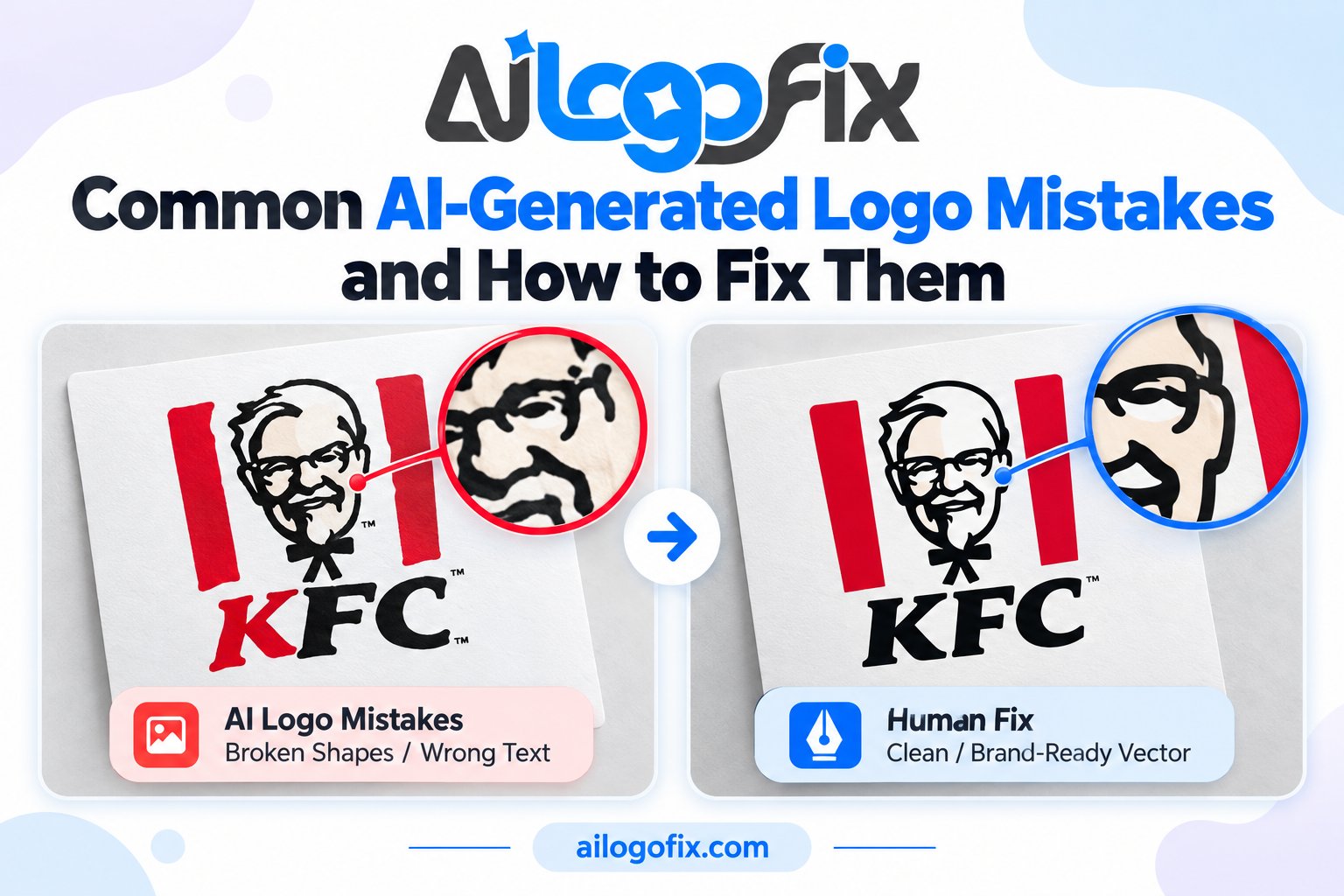
7 AI Generated Logo Mistakes Owners Keep Repeating
Beyond the flaws in the artwork, owners repeat these seven ai generated logo mistakes in how they handle AI logos. Each one turns fixable ai generated logo mistakes into expensive brand problems.
1. Shipping the raw output. Unreviewed AI logos go public with misspellings and warped shapes. Every AI file needs a human pass; skipping it is the costliest of all ai generated logo mistakes.
2. Endless regenerating. Rolling the dice fifty times hoping for perfection wastes days. Pick the best concept early and spend the saved time on professional ai generated logo mistakes repair instead.
3. Ignoring the vector gap. AI tools output pixels, but brands run on vectors. Failing to convert means your logo cannot print properly. Closing the vector gap is the most practical ai generated logo mistakes fix there is.
4. Using AI text as final. AI lettering is decorative noise. Retype everything with real fonts or custom lettering; never let raw AI text represent your business.
5. Skipping trademark checks. AI remixes training data, so similarity to existing marks is a real risk. Search before you invest; it is the cheapest insurance against ai generated logo mistakes of the legal kind.
6. One logo for every use. A single detailed AI render cannot serve as favicon, embroidery, and signage. Build a responsive set of lockups and kill the scaling ai generated logo mistakes for good.
7. Hiding the AI origin from your designer. Tell your designer the logo is AI-generated and share the prompt. It helps them understand the intent and target the real ai generated logo mistakes faster. Honesty saves billable hours.
Pro Tips for Erasing AI Generated Logo Mistakes
Think of AI as your junior concept artist, not your designer. Generate ten directions, pick one, then hand it to a human with a clear brief: keep the idea, kill the flaws. This division of labor turns ai generated logo mistakes from liabilities into raw material. The AI explores fast; the designer finishes right.
Vectorize early in the repair process. Converting the chosen concept to clean vectors forces every ai generated logo mistakes issue into the open: wobbly paths get redrawn, fake text gets replaced, stray artifacts get deleted. The vector graphics format is unforgiving in the best way; it exposes everything the pixels were hiding.
Build the brand kit AI cannot give you. Real brands need more than one image: primary logo, icon, monochrome version, clear-space rules, and color codes. Assembling this kit around your repaired concept permanently resolves the ai generated logo mistakes of incompleteness. The W3C SVG standard keeps your web assets crisp while print vectors handle everything physical.
When to Hire a Designer to Fix AI Generated Logo Mistakes
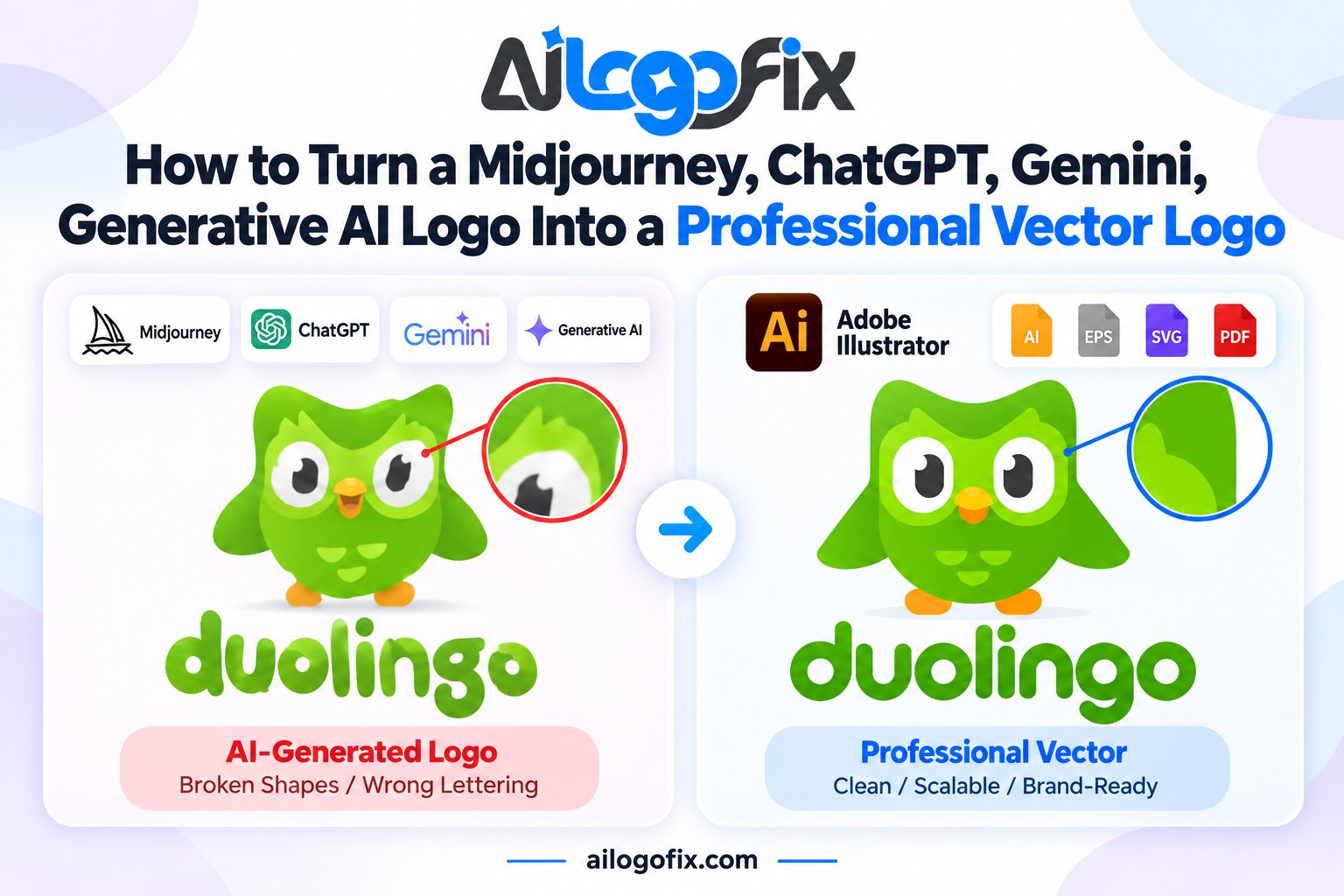
Hire a professional the moment your AI logo will represent the business publicly. Designers do what generators cannot: real typography, true symmetry, clean vectors, trademark-aware originality, and a complete brand kit. If your logo will touch a website, packaging, or signage, professional ai generated logo mistakes repair is not optional, it is the job.
Bring help early rather than after fifty regenerations. A designer assesses your AI concept in minutes and quotes the repair scope honestly. Our logo modify service specializes in ai generated logo mistakes repair: we fix text, rebuild shapes, vectorize everything, and deliver a proof you approve before finalizing.
Your AI concept was the fast part; now finish it right. Message our team with your generated logo. We will list every flaw we find, quote a fixed price, and return a brand-ready logo free of ai generated logo mistakes.
AI Generated Logo Mistakes Glossary: 10 Key Terms
Artifact: A stray pixel blob the AI invented. Cleaning artifacts is routine ai generated logo mistakes repair.
Brand kit: The full set of logo versions, colors, and rules. AI never delivers one; designers build it.
Generative fill: AI inpainting used to extend or repair artwork. Handy, but no substitute for real ai generated logo mistakes correction.
Hallucination: Confidently wrong AI output, like extra fingers or impossible letterforms. The root cause of most ai generated logo mistakes.
Lockup: The fixed arrangement of logo elements. AI lockups are usually accidental; designers make them deliberate.
Prompt: The text instruction given to the AI. A good prompt reduces ai generated logo mistakes but never eliminates them.
Responsive logo: A system of logo variants for different sizes. The cure for AI scaling failures.
Training data: The images the AI learned from. Its biases explain why ai generated logo mistakes repeat across outputs.
Upscaling: Enlarging a raster with AI. It sharpens pixels but never creates true vectors.
Vectorization: Converting the AI raster to real vector paths. The single most important ai generated logo mistakes repair step.