
Business Card Size and Bleed: The Exact Setup Printers Want
Business cards look simple — until yours comes back from the printer with text clipped off or white edges. The difference between a professional card and an amateur one is setup precision: exact size, correct business card bleed, and disciplined safe margins. Here are the exact numbers printers want.
In This Guide
- Standard Business Card Sizes
- Business Card Bleed: The 3mm Rule
- Safe Margins: Where Text Lives
- Resolution and Color
- The Setup Checklist
- FAQs
- Business Card Size and Bleed FAQ: 8 Questions Answered
- 7 Business Card Size and Bleed Mistakes (and How to Fix Each)
- The Business Card Layout System
- Business Card Preflight Checklist
- Pro Tips for Business Cards People Keep
- When to Hire a Designer for Business Cards
- Business Card Paper and Finish Guide
- Business Card Glossary
Quick answer: Standard US card: 3.5 × 2 in (89 × 51mm). UK/EU: 85 × 55mm. Add 3mm bleed on all sides, keep text 5mm inside the trim edge, work at 300 DPI in CMYK, and export a print-ready PDF.
Standard Business Card Sizes
| Region | Trim size | With 3mm bleed |
|---|---|---|
| US / Canada | 3.5 × 2 in (89 × 51mm) | 3.74 × 2.24 in (95 × 57mm) |
| UK / Europe | 85 × 55mm | 91 × 61mm |
| Square cards | 2.5 × 2.5 in (65 × 65mm) | 2.74 × 2.74 in (71 × 71mm) |
| Slim cards | 3.5 × 1.75 in (89 × 44mm) | 3.74 × 1.99 in (95 × 50mm) |
Business Card Bleed: The 3mm Rule
Bleed is the extra artwork area beyond the trim edge — standard is 3mm (0.125 in) on every side. It exists because cutting isn’t microscopically precise; the blade lands within ~1mm of the intended line. Without proper business card bleed, any tiny shift exposes a white sliver.
How to handle business card bleed correctly:
Extend backgrounds fully into the bleed on all four sides — colors, photos, and patterns must continue past the trim line.
Don’t put content in the bleed. Bleed gets cut off and discarded. Nothing important lives there — it’s sacrificial artwork.
Build it in from the start. Set up the document at trim + bleed dimensions (e.g. 91 × 61mm for a UK card) rather than adding bleed as an afterthought.
Safe Margins: Where Text Lives
The safe margin (quiet zone) is the area inside the trim edge where text and logos are safe from the blade. Standard: 5mm minimum from every trim edge — more for elegant, airy designs.
The classic amateur mistake: contact details running right to the card’s edge. Even if the trim is perfect, text crowded against the edge looks wrong. Give it room.
Resolution and Color
300 DPI at final size — non-negotiable for crisp text. CMYK color mode throughout; convert early and proof. Place a vector logo — at card size, pixelation is brutally visible. Full color background: RGB vs CMYK vs Pantone.
The Setup Checklist
Document at trim + 3mm bleed. 300 DPI. CMYK. Backgrounds extended into bleed. Text and logos 5mm+ inside trim. Vector logo placed. Fonts embedded or outlined. Export print-ready PDF with crop marks. For the full AI-to-print card workflow, see AI business card to print.
FAQs
How much bleed do business cards need?
3mm (0.125 inches) on all four sides — the industry standard worldwide.
What is the safe margin for business cards?
Keep all text and important elements at least 5mm inside the trim edge.
What size is a standard business card in pixels?
At 300 DPI: US 1050 × 600px trim (1122 × 672px with bleed); UK 1004 × 650px trim (1077 × 723px with bleed).
Why did my card come back with white edges?
Missing bleed. The cutter landed on unprinted paper because no extra artwork extended past the trim line.
Can I design a business card in Canva?
Yes, if you set custom dimensions including bleed, use CMYK-safe colors, and export as PDF Print with crop marks and bleed. Double-check its export settings carefully.
Do I need a different file for the back?
Design front and back as separate pages in one PDF — most printers expect a 2-page print-ready PDF.
The bottom line: Business card bleed and safe margins aren’t fussy details — they’re the entire difference between a card that looks designed and one that looks accidental. Set up the numbers right, and the print takes care of itself.
Business Card Size and Bleed FAQ: 8 Questions Answered
Every detail about business card size and bleed, answered for designers and business owners.
What is the standard business card size?
The US standard is 3.5 x 2 inches (89 x 51mm); the international standard is 85 x 55mm. When setting up business card size and bleed, confirm which standard your printer uses, because the 4mm difference matters for templates. Square cards (65 x 65mm), slim cards (85 x 40mm), and folded cards all exist but cost more to cut. Stick with the standard unless you have a strong design reason. Your business card size and bleed document should be built at exactly the trim size plus bleed, never at an approximate size.
How much bleed do business cards need?
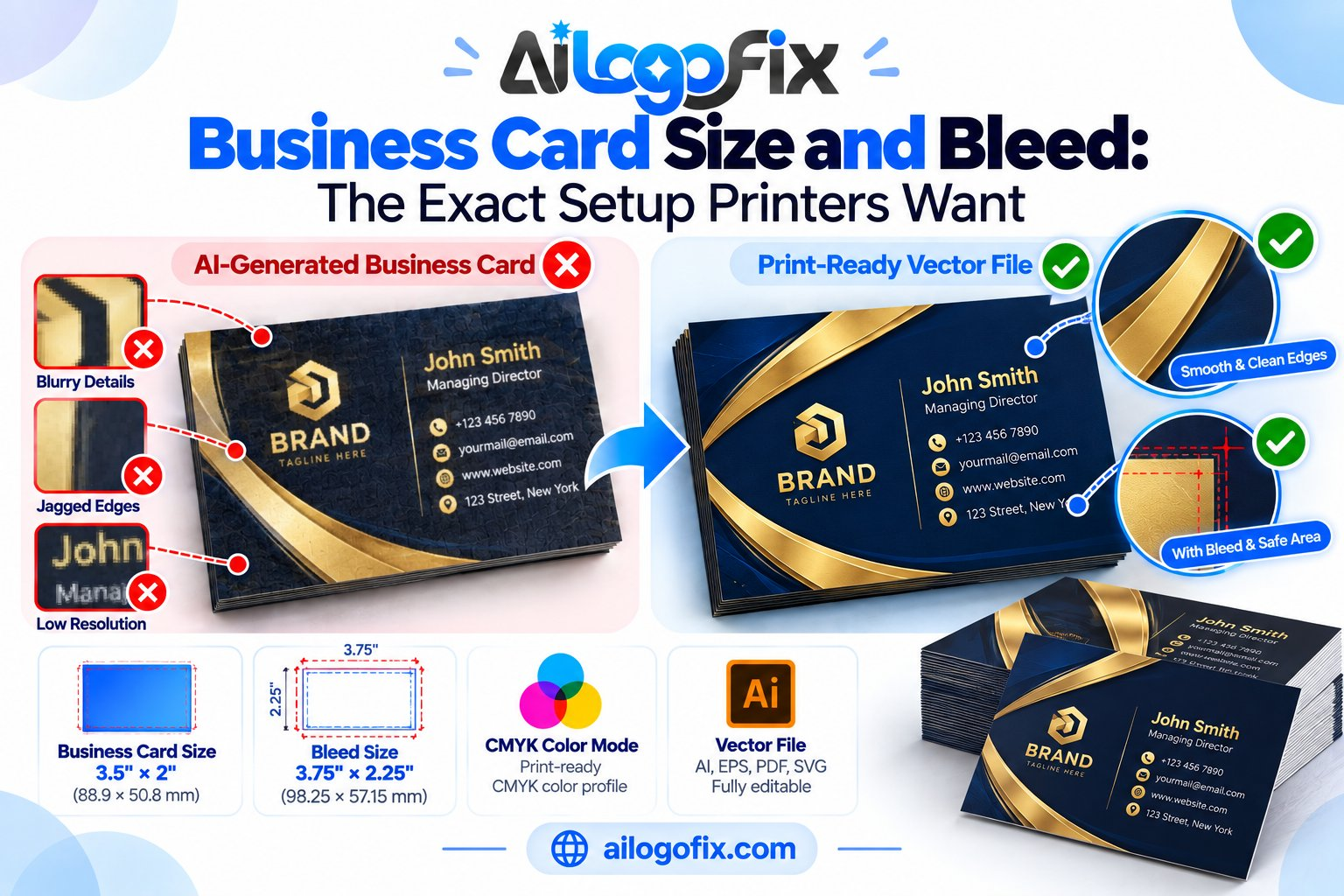
3mm on every side (0.125 inch in the US). This is the universal rule for business card size and bleed work. Your document size becomes 91 x 57mm for international cards (85 x 55 plus 3mm bleed each side) or 3.75 x 2.25 inches for US cards. Extend all backgrounds and edge graphics fully into the bleed zone. The cutter removes this margin, so anything important must stay inside the trim. Setting business card size and bleed correctly in the document setup dialog takes ten seconds and prevents the most common print failure.
What is the safe zone for business cards?
Keep all critical text and logos at least 5mm inside the trim edge, ideally 8mm. Business cards are tiny, so the safe zone in business card size and bleed layout is proportionally large. Cutters can drift 1mm, which is significant on a 55mm-tall card. Contact details clipped by the trim look amateur. Mark safe-zone guides in your layout and treat them as hard boundaries. The business card size and bleed safe zone is where your information lives; everything outside it is decoration.
What DPI should business card images be?
300 DPI at final size, no exceptions. Because cards are small, every flaw in business card size and bleed files is magnified by close viewing distance. People hold cards 30cm from their face, so 150 DPI images look visibly soft. Check effective DPI after placing each image. Logos should always be vector. A pixelated logo on a business card undermines credibility instantly, which is why proper business card size and bleed preparation starts with vector brand assets.
Should business cards be CMYK?
Yes, always design in CMYK. RGB-to-CMYK conversion shifts colors unpredictably, and on a small card there is nowhere to hide. Set your business card size and bleed document to CMYK before placing anything. For brand-critical colors, specify Pantone spot colors. Dark, rich backgrounds are popular on cards but demand care: use rich black (C40 M30 Y30 K100) instead of plain K100 for deep, even coverage. Discuss business card size and bleed color expectations with your printer if exact matching matters.
Can I design business cards in Canva or Word?
You can, but export carefully. These tools can produce correct business card size and bleed if you set custom dimensions including bleed and export print-quality PDF. The risk is hidden RGB elements, unembedded fonts, and low-resolution uploads. For important print runs, have a designer rebuild the file professionally. Many business card size and bleed rejections come from well-designed Canva files with invisible technical flaws.
What paper should I choose?
350-400gsm is the premium standard; 300gsm is the minimum for a quality feel. Business card size and bleed specs stay the same regardless of stock, but paper choice affects perception enormously. Silk laminate resists fingerprints; matte laminate feels sophisticated; uncoated stock takes pen ink. Spot UV or foil accents add luxury. Whatever you choose, the underlying business card size and bleed setup does not change, only the finish.
How do I export print-ready business card PDFs?
Export PDF/X-1a or PDF/X-4 with 3mm bleed, crop marks, embedded fonts, and 300 DPI images. Verify your business card size and bleed PDF page size equals trim plus bleed on all sides. Open the PDF and confirm bleed is present, fonts are embedded, and no RGB objects remain. Send the printer a single PDF with the front and back as separate pages. Correct business card size and bleed export is the final gate before printing.
7 Business Card Size and Bleed Mistakes (and How to Fix Each)
1. Designing at the wrong dimensions. A random 1000px canvas is not a business card. Fix: create your business card size and bleed document using real units (mm or inches) at the exact trim size plus 3mm bleed.
2. No bleed at all. Edge-to-edge backgrounds stop at the trim line, leaving white slivers after cutting. Fix: extend every background fully through the business card size and bleed margin on all four sides.
3. Text too close to the edge. Cutter drift scalps tight contact details. Fix: pull all text 5-8mm inside trim. Respect the business card size and bleed safe zone religiously.
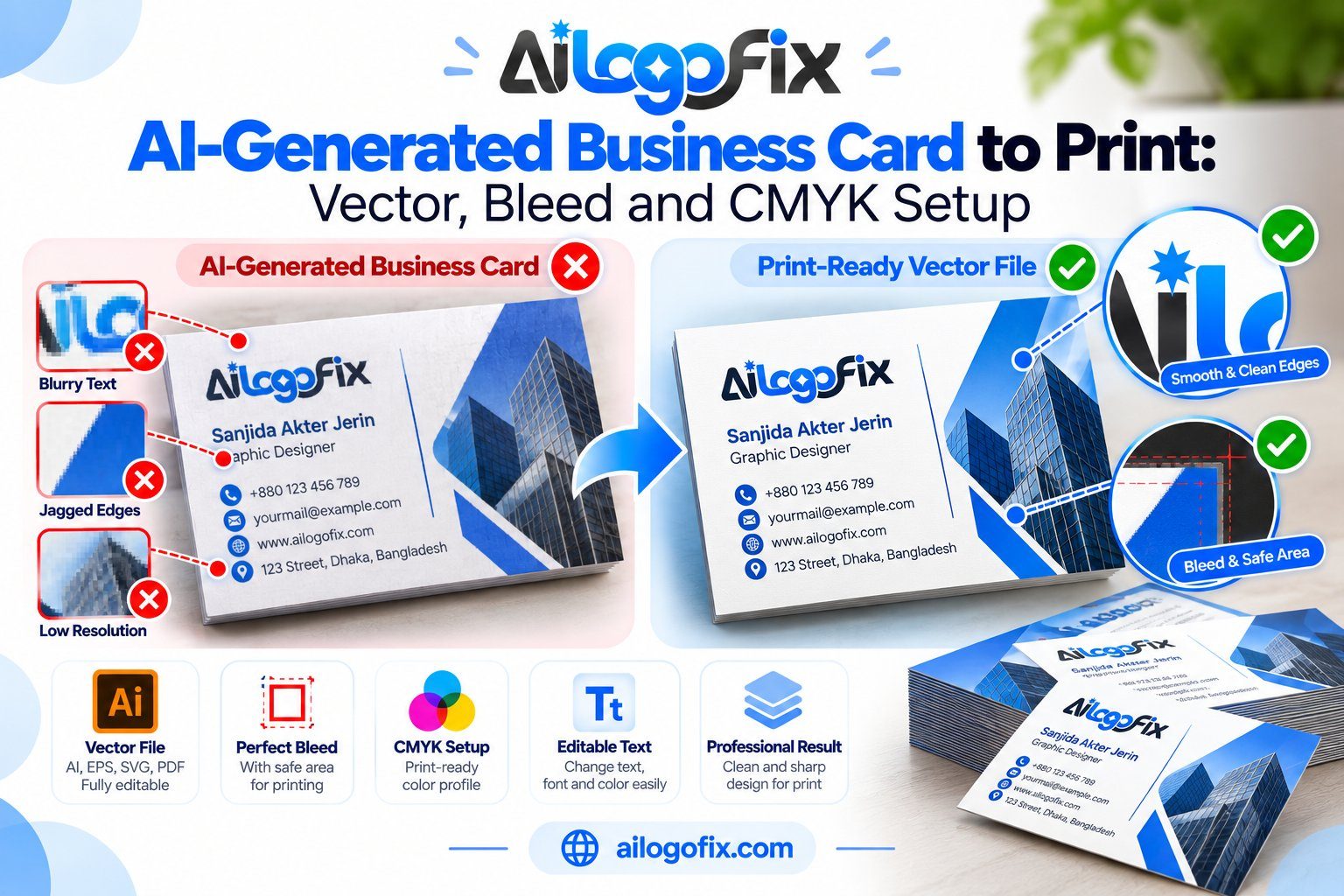
4. Low-resolution logo. A website PNG looks fine on screen and awful in print. Fix: use a true vector logo. If you only have a raster, convert it to vector before touching your business card size and bleed layout.
5. RGB color mode. Screen-bright colors print dull. Fix: build the entire business card size and bleed file in CMYK from the first click.
6. Missing fonts. Unembedded fonts substitute or reflow at the printer. Fix: embed fonts on export or convert text to outlines in your final business card size and bleed PDF.
7. Forgetting the back. A blank back wastes half your canvas. Fix: design both sides with equal care, applying identical business card size and bleed discipline to each.
Card dimensions trace back to the history of business cards, while paper sizing follows international paper standards.
The Business Card Layout System
A repeatable method for perfect business card size and bleed every time.
Start with a master template. Build one business card size and bleed document with correct dimensions, bleed, safe-zone guides, and CMYK mode. Save it as your template. Every future card starts here, never from scratch.
Establish the hierarchy. Name first (largest), then title, then contact details, then company info. On a 55mm-tall card, hierarchy is survival. Good business card size and bleed design makes the name readable at arm’s length.
Limit your fonts. Two typefaces maximum. Body text at 7-8pt minimum; anything smaller becomes unreadable in print. Your business card size and bleed layout has no room for typographic experiments.
Use the back strategically. Appointment reminders, QR codes, taglines, or a bold brand pattern. The back of your business card size and bleed file deserves the same design rigor as the front.
Proof at actual size. Print your business card size and bleed layout on a desktop printer, cut it out, and hold it. Screen previews lie about readability; paper tells the truth.
Business Card Preflight Checklist
- Document is exact trim size plus 3mm bleed on all sides
- All backgrounds extend fully into the bleed zone
- Text and logos sit 5-8mm inside the trim edge
- Images are 300 DPI effective at placed size
- Logo is vector, not a scaled web graphic
- Document color mode is CMYK throughout
- Fonts embedded or converted to outlines
- Front and back designed with equal care
- Exported PDF/X with bleed marks and correct page size
- Proof printed at actual size and checked by hand
Pro Tips for Business Cards People Keep
White space wins. Crammed cards feel desperate. Generous margins signal confidence. Restraint in business card size and bleed design reads as premium.
One focal point. A striking logo, a bold color block, or an elegant pattern. Cards with five competing elements get remembered for none of them.
Make the back work. A QR code linking to your portfolio, a memorable tagline, or a useful calendar. Smart business card size and bleed use turns the back into a second impression.
Choose texture deliberately. Soft-touch laminate, letterpress, or thick uncoated stock creates tactile memory. People remember how your business card size and bleed choices felt.
Update ruthlessly. Old titles, dead numbers, and dated designs cost credibility. Review your business card size and bleed files yearly.
Proofread twice, print once. Typos on business cards are permanent and embarrassing. Read every word aloud, have someone else check, then check again after export. A single wrong digit in a phone number turns a print run into recycling.
When to Hire a Designer for Business Cards
Templates cover basics, but professional business card size and bleed expertise matters when impressions count.
Your logo is low-resolution. A blurry logo ruins the card instantly. Designers secure vector artwork first, the foundation of proper business card size and bleed files.
You need a full identity. Cards, letterheads, and envelopes should share one system. A designer builds your business card size and bleed specs as part of a coherent brand package.
Print keeps failing. Repeated rejections mean technical gaps. A designer fluent in business card size and bleed prepress ends the cycle.
Want cards worth keeping? Message our team or explore our business card design service for print-ready business card size and bleed files done right.
Business Card Paper and Finish Guide
Stock and finish choices change how your business card size and bleed work feels in the hand.
Uncoated stock. Natural, writable, eco-friendly feel. Great for creatives and consultants who want approachability. Your business card size and bleed colors print slightly softer on uncoated paper, so boost saturation a touch.
Silk and gloss laminate. Colors pop, surfaces resist scuffs and fingerprints. The professional default for corporate business card size and bleed work. Gloss shows fingerprints; silk hides them.
Soft-touch laminate. Velvety texture that people comment on. Premium feel at moderate cost. Fingerprints show, but the tactile impression of your business card size and bleed investment is unforgettable.
Spot UV. Glossy raised coating on matte cards, usually over the logo. Dramatic contrast that draws fingers. Apply it to vector elements in your business card size and bleed file for sharp edges.
Foil and letterpress. True luxury finishes for low-volume, high-impact cards. These specialty processes have their own file requirements beyond standard business card size and bleed specs, so consult the finisher early.
Business Card Glossary
Bleed: The 3mm printed margin trimmed away; essential in business card size and bleed setup.
Trim size: Final card dimensions after cutting (85 x 55mm or 3.5 x 2in).
Safe zone: The 5-8mm inner margin protecting text from trimming.
GSM: Paper weight; 350-400gsm feels premium for cards.
CMYK: Four-color process printing; the required mode for cards.
Spot UV: Glossy coating on selected areas for contrast.
Foil stamping: Metallic foil pressed onto the card for luxury accents.
Letterpress: Debossed printing that presses type into thick stock.
Rich black: CMYK mix producing deeper blacks than K100 alone.
Die cut: Custom-shaped cutting beyond standard rectangles.
Bottom line: Master business card size and bleed once, and every card you print will look sharp, professional, and intentional.
Quick reference: Standard business cards are 3.5 x 2 inches (89 x 51mm) with 3mm bleed. Always design in CMYK at 300 DPI, keep text 5mm from trim, and export as PDF/X with bleed marks. Your business card size and bleed setup determines whether the final cards look professional or amateur.