
If you have ever received a logo folder and wondered which of the common logo file formats to use, you are not alone. A designer may send JPG, PNG, SVG, PDF, AI, or EPS files, while a printer, web developer, sign shop, or apparel vendor may ask for something completely different.
In This Guide
- JPG vs PNG vs SVG for Logos: Quick Comparison
- What Is a JPG Logo File?
- What Is a PNG Logo File?
- What Is an SVG Logo File?
- Which File Is Best for a Website Logo?
- Which Format Is Best for Social Media?
- Which Format Is Best for Email Signatures?
- Which Format Is Best for Presentations and Documents?
- What Should You Use for Business Cards and Professional Printing?
- What About Signs, Vehicle Graphics, Apparel and Packaging?
- JPG and PNG Are Not Bad Logo Formats
- Can You Convert JPG or PNG to SVG Just by Exporting It?
- How Can You Tell If Your Logo Is Actually Vector?
- Which Logo File Formats Should a Professional Package Include?
- Simple Decision Guide: Logo File Formats for Every Use
- Common Logo File Mistakes to Avoid
- Logo File Checklist
- Frequently Asked Questions
- Final Answer: JPG vs PNG vs SVG for Logos
The confusion usually starts with three common logo file formats: JPG vs PNG vs SVG for logos. They can all display a logo, but they are built differently and are useful for different jobs. Choosing the wrong format can lead to blurry printing, unwanted backgrounds, poor scaling, unnecessarily large files, or a vendor rejecting the artwork.
The simple answer is this: JPG is useful for basic previews and situations where transparency is not needed, PNG is excellent for transparent raster logos on digital platforms, and SVG is usually the best choice when you need a truly scalable vector logo for modern web and design workflows.
But there are important exceptions, so this guide explains exactly when to use each format and what a professional logo file package should contain.
JPG vs PNG vs SVG for Logos: Quick Comparison
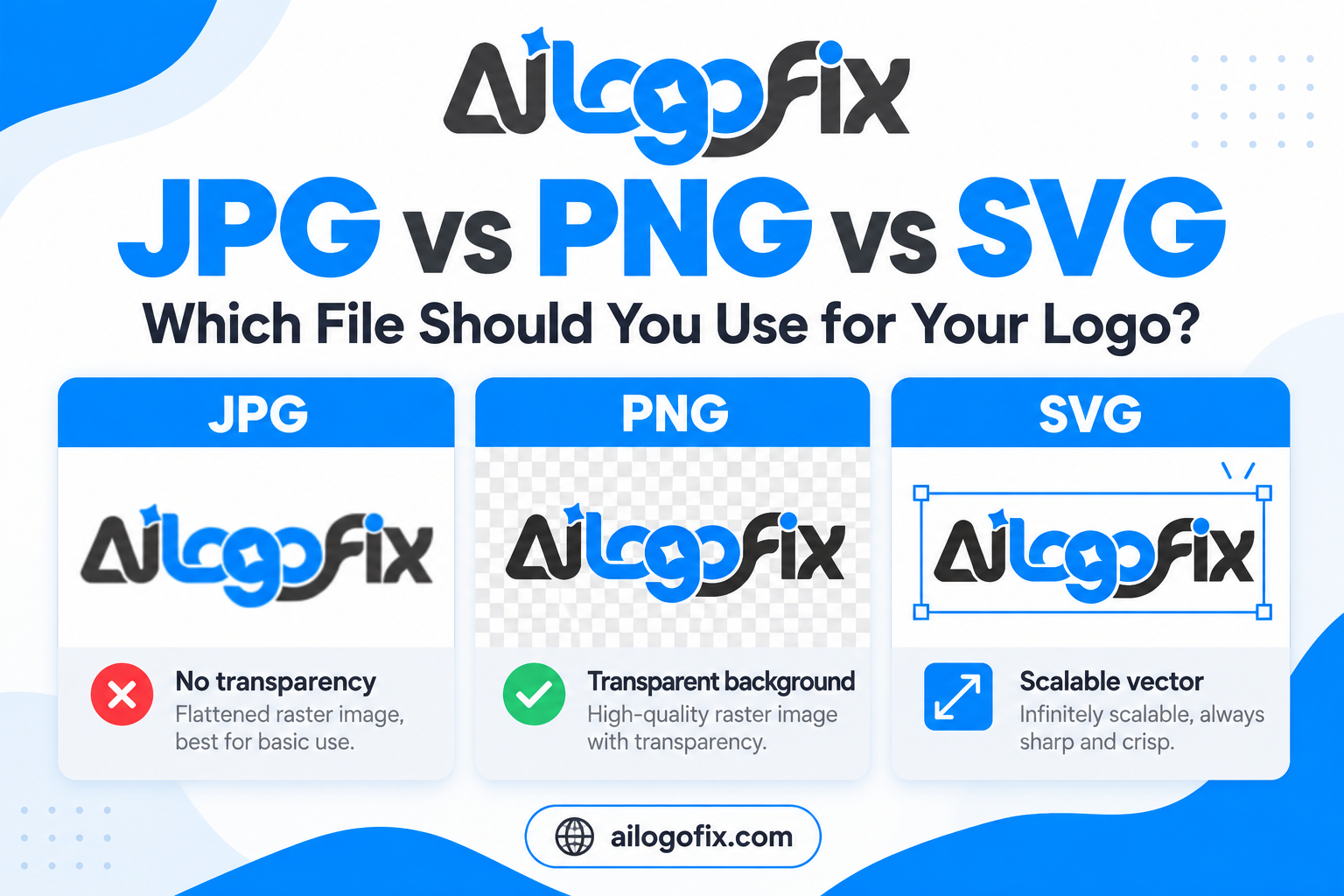
| Feature | JPG | PNG | SVG |
|---|---|---|---|
| Type | Raster | Raster | Vector-oriented |
| Transparency | No | Yes | Yes |
| Scales without pixelation | No | No | Yes, when the artwork is truly vector |
| Best for | Simple previews, photos, general use | Transparent digital logos | Web logos, scalable graphics, editable vector workflows |
| Common limitation | Lossy compression and no transparency | Still pixel-based and resolution-dependent | Not every SVG is automatically pure vector |
What Is a JPG Logo File?
JPG, also written as JPEG, is a raster image format and one of the most widely shared logo file formats. Raster images are made from pixels, so their quality depends on the number of pixels in the file.
JPG uses lossy compression. That makes files smaller, which is useful for photos and general web images, but repeated saving or aggressive compression can remove visual information. Around sharp logo edges, this may create small artifacts or fuzzy areas. The JPEG standard on Wikipedia explains how this lossy compression trade-off works.
Advantages of JPG for logos
- Widely supported on websites, email, phones, documents, and social platforms.
- Usually smaller than high-resolution PNG files.
- Convenient for quick previews and sharing.
- Useful when the background is intentionally solid and transparency is unnecessary.
Limitations of JPG for logos
- Does not support a transparent background.
- Can lose quality through compression.
- Becomes pixelated when enlarged beyond its useful resolution.
- Not ideal as the only master logo file.
A JPG logo is not automatically bad. It is simply an export format with specific strengths. The problem comes when a small JPG is the only copy of the logo and someone later tries to enlarge it for a sign, package, or large print.
What Is a PNG Logo File?
PNG is also a raster format, which means it is made from pixels, and it is one of the most practical logo file formats for digital use. Unlike JPG, PNG uses lossless compression and supports transparency.
That transparency is one reason PNG is extremely popular for logos. A transparent PNG can be placed on a colored website background, presentation slide, social-media graphic, or document without showing a white rectangle around the logo.
Advantages of PNG for logos
- Supports transparent backgrounds.
- Preserves sharp raster detail well.
- Excellent for websites, social media, presentations, and digital documents.
- Easy to open and use without professional design software.
Limitations of PNG for logos
- Still pixel-based.
- Can become blurry when enlarged beyond its original dimensions.
- High-resolution PNG files can become large.
- Does not replace an editable vector master.
A high-quality PNG can look excellent on screen, but it is still not the same as vector artwork. If you zoom in far enough, you will eventually see pixels.
What Is an SVG Logo File?
SVG stands for Scalable Vector Graphics, and among modern logo file formats it is the one built specifically for the web. The W3C SVG specification defines SVG as an XML-based language for describing two-dimensional graphics.
For a true vector logo, the important parts of the design are stored as paths, shapes, fills, strokes, and other scalable instructions rather than a fixed grid of pixels.
That means the logo can usually be displayed very small or extremely large without the type of pixelation you see with JPG or PNG.
Advantages of SVG for logos
- Scales cleanly for responsive websites and high-resolution displays.
- Can stay sharp at many sizes.
- Often efficient for simple logos and icons.
- Supports transparency.
- Can be edited in compatible vector software.
- Can work especially well for modern website logos and interface graphics.
Limitations and important SVG nuance
An SVG extension does not guarantee that every element inside the file is true vector artwork. SVG can also embed or reference raster images.
For example, placing a PNG inside an SVG container does not magically convert that PNG into editable vector paths. The actual artwork inside the file matters more than the filename.
If you want a broader explanation of vector formats, see our guide: What Is a Vector File? AI, EPS, SVG and PDF Explained Simply.
Which File Is Best for a Website Logo?
Of all the logo file formats, SVG is often the strongest choice for modern websites because it can remain sharp on normal screens, Retina/high-density displays, phones, tablets, and large monitors without requiring multiple raster sizes.
PNG is also a strong choice when the website platform, plugin, email template, or workflow does not handle SVG conveniently. A transparent PNG is simple and predictable.
JPG is usually less attractive for a website logo because it has no transparency and can show compression around sharp edges, although it may still be acceptable on a fixed solid background.
Which Format Is Best for Social Media?
Among social-ready logo file formats, PNG is often the safest practical choice for social-media profile images, post graphics, and transparent logo overlays because social platforms generally expect raster uploads.
Even if your master artwork is vector, you will often export a correctly sized PNG from that vector master before uploading.
For profile avatars, it is also important to test the logo inside circular and square crops. A technically perfect file can still look bad if important elements sit too close to the edge.
Which Format Is Best for Email Signatures?
For email signatures, the list of suitable logo file formats narrows to one practical pick: PNG is usually the best choice because it supports transparency and works reliably in many email environments.
A JPG can also work if the email background is known and transparency is not needed. SVG support can vary between email clients and security environments, so it is not always the most dependable choice for email signatures.
Which Format Is Best for Presentations and Documents?
For slides and documents, the most convenient logo file formats are PNG for transparency and JPG for simple placement. PNG is often ideal for PowerPoint, Google Slides, Word documents, proposals, invoices, and similar materials because it is easy to place and can have transparency.
SVG support has improved in many modern applications and can provide excellent quality, but compatibility depends on the software and workflow.
JPG remains useful when a simple non-transparent image is all you need.
What Should You Use for Business Cards and Professional Printing?
For professional print, relying only on JPG or PNG is risky, especially if the vendor needs to resize, recolor, separate, or prepare the artwork.
A high-resolution raster image can print well at a specific size, but a clean vector master gives the printer more flexibility.
For business cards, brochures, packaging, signage, and similar work, vendors may request AI, EPS, PDF, or another vector-capable format depending on their workflow.
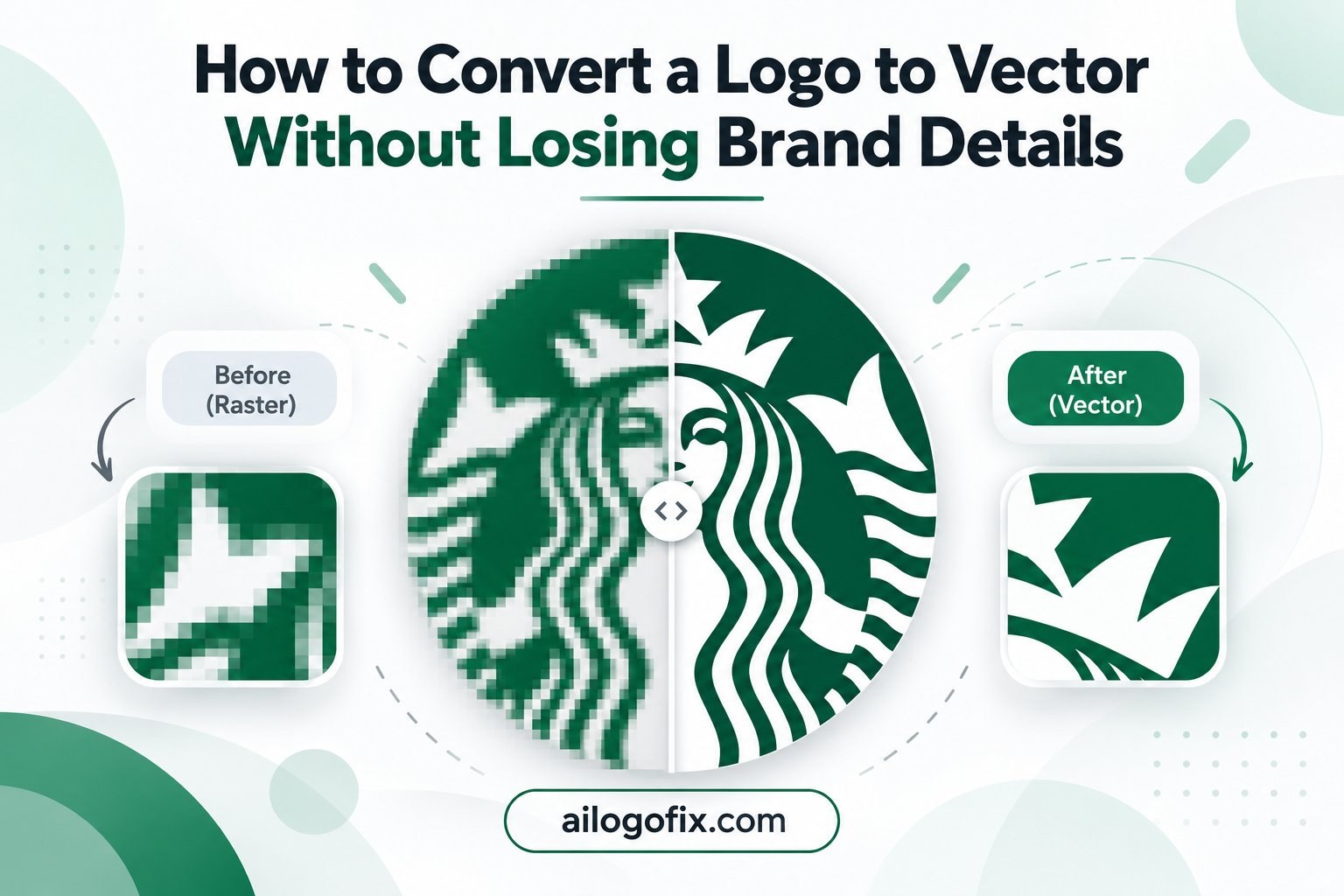
If the only logo you have is a small JPG or PNG, our article on how to convert a logo to vector without losing brand details explains the proper reconstruction process.
What About Signs, Vehicle Graphics, Apparel and Packaging?
Large-format and production work makes file quality more important.
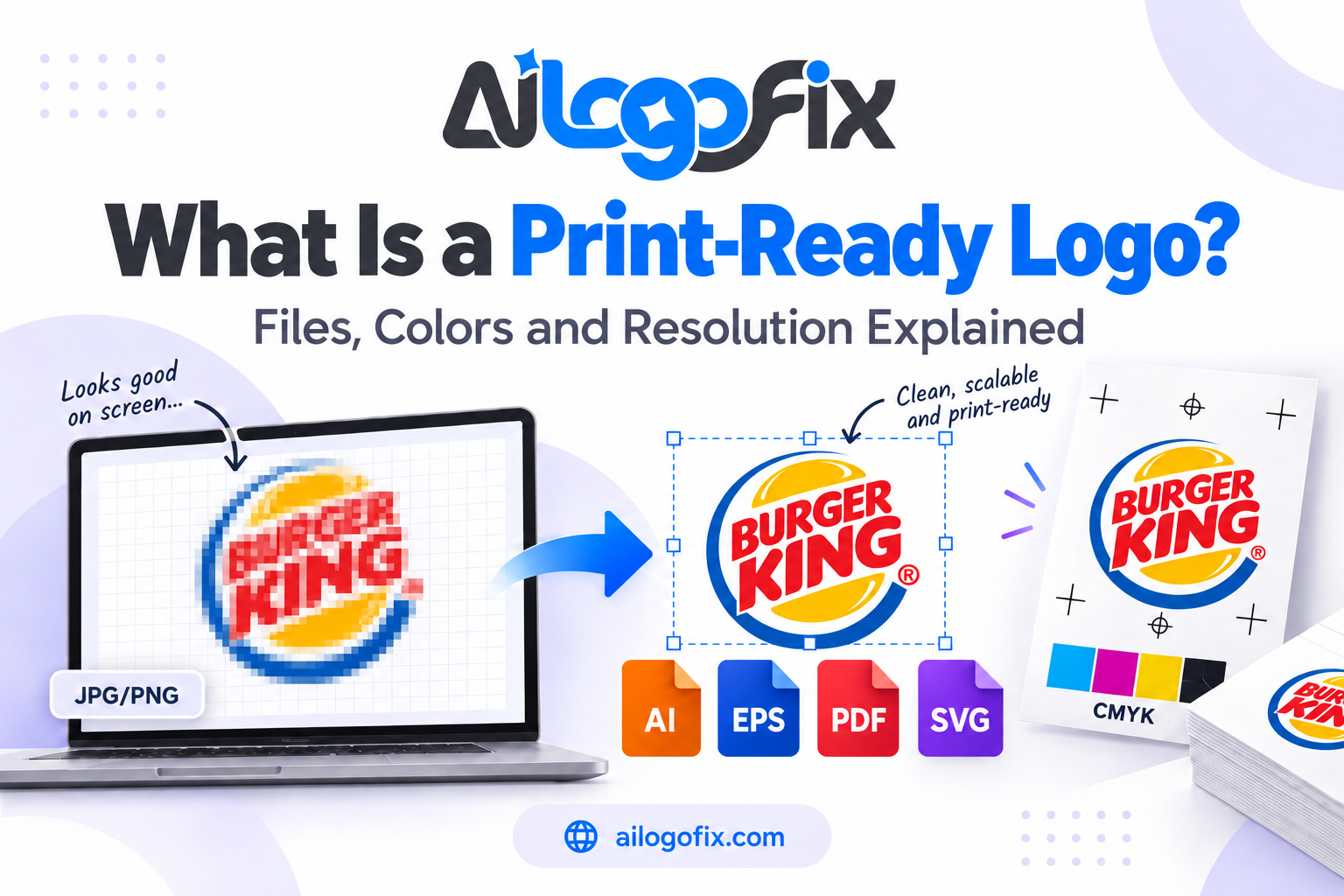
A storefront sign or vehicle graphic may enlarge a logo far beyond the size used on a website. A small JPG or PNG that looks fine on a laptop can become visibly pixelated when scaled up.
Screen printing, DTF, embroidery preparation, vinyl cutting, engraving, and packaging can also require clean shapes and production-ready artwork.
In these situations, start from a real vector master whenever possible. Raster PNG or JPG exports can still be supplied for previews, but they should not be your only source files.
JPG and PNG Are Not Bad Logo Formats
It is easy to oversimplify the discussion and say that raster files are bad and vector files are good. That is not accurate.
As logo file formats, JPG and PNG are useful delivery formats. Most brands need them.
The better approach is to keep a clean vector master and export JPG or PNG versions from that master for specific uses.
For example, you might keep AI, EPS, SVG, or vector PDF as source or master files, then create transparent PNGs for websites and social media, and JPGs for simple previews or situations where transparency is not needed.
Can You Convert JPG or PNG to SVG Just by Exporting It?
Not necessarily.
If you open a JPG in vector software and save it as SVG, the file can still contain the original raster image. The extension changed, but the logo did not become clean vector geometry.
True vectorization means rebuilding or converting the design into actual vector paths and shapes.
Automatic tracing can sometimes help with simple artwork, but it may create rough edges, extra anchor points, distorted lettering, or noisy paths. Our guide on manual vector tracing vs auto trace explains when each approach makes sense.
How Can You Tell If Your Logo Is Actually Vector?
Open the file in a vector-editing application and inspect the artwork.
A true vector logo should generally contain selectable paths, shapes, anchor points, text objects, or outlined lettering. You should be able to select individual components rather than one flat pixel image.
If the entire logo behaves like a single bitmap, it may simply be an embedded JPG or PNG inside an SVG, PDF, EPS, or AI file.
Zooming in can also help. Vector paths remain mathematically smooth, while embedded raster images eventually reveal pixels.
Which Logo File Formats Should a Professional Package Include?
A useful logo package usually contains both editable and vector files and practical raster exports.
- AI: editable Adobe Illustrator master.
- EPS: useful for many printers and production vendors.
- SVG: scalable web and digital vector format.
- PDF: convenient for print and sharing when exported correctly.
- PNG: transparent digital export.
- JPG: simple universal preview and export.
Depending on the brand, you may also want horizontal, stacked, icon-only, dark-background, light-background, full-color, and one-color versions.
Simple Decision Guide: Logo File Formats for Every Use
- Need transparency for web or social graphics? Use PNG, or SVG when the platform and artwork support it.
- Need unlimited scaling? Use a true vector SVG or another proper vector master format.
- Need a simple universal preview? JPG is convenient.
- Need professional printing or vendor handoff? Use the appropriate vector or master files rather than relying only on JPG or PNG.
- Only have a blurry JPG or PNG? Rebuild it as clean vector artwork before creating new exports.
Common Logo File Mistakes to Avoid
- Using a tiny JPG as the only master logo.
- Assuming a transparent PNG is a vector file.
- Assuming every SVG, PDF, EPS, or AI file contains true vector artwork.
- Repeatedly resizing and resaving compressed JPG files.
- Sending the same file format to every vendor without asking what they need.
- Uploading enormous PNG files to a website when a clean SVG would be more appropriate.
- Converting a raster image by changing the extension instead of rebuilding the artwork.
Logo File Checklist
Before sending or exporting your logo, ask:
- Does this use require transparency?
- Will the logo be enlarged significantly?
- Does the vendor need editable vector artwork?
- Is my current source truly vector or just a raster image inside another file?
- Do I have a clean master version saved safely?
- Is the color mode appropriate for the intended use?
- Have I tested the logo at the actual size where it will appear?
Only Have a JPG or PNG? Turn It Into a Clean Vector Logo
Our specialist team at AiLogoFix manually rebuilds blurry, pixelated, or incomplete logos into clean, scalable vector artwork, and we deliver every format you need for web, print, and production. With over 4000 projects completed and unlimited revisions, you can get your logo rebuilt with confidence.
Message Us Not sure what you need? Message the team – we will review your current logo file for free.
Frequently Asked Questions
Is PNG or SVG better for a logo?
Of these two logo file formats, SVG is usually better when you need a scalable true-vector logo for the web or design workflows. PNG is better when you need a simple transparent raster file that works reliably across many apps and platforms.
Should I use JPG or PNG for a website logo?
Both logo file formats work on the web, but PNG is usually preferred because it supports transparency and avoids JPG compression artifacts around sharp logo edges. SVG may be even better when the logo is truly vector and the website supports it.
Is SVG always higher quality than PNG?
For true vector artwork, SVG can scale without raster pixelation. But an SVG can contain embedded raster images, so the extension alone does not guarantee better quality.
Can I print a logo from a PNG?
Yes, if the PNG has enough resolution for the intended print size. For professional or large-format work, a vector master is usually more flexible.
Why does my JPG logo look blurry?
JPG is pixel-based. If the file is too small for the size where it is being displayed or printed, the pixels become more visible. Compression can also soften sharp logo edges.
Can AiLogoFix convert my PNG or JPG logo to SVG?
If the artwork can be reconstructed, our team can manually redraw it into clean vector artwork and provide appropriate vector file formats rather than simply changing the file extension.
Final Answer: JPG vs PNG vs SVG for Logos
When comparing logo file formats – JPG vs PNG vs SVG for logos – there is no single format that replaces all the others.
Use JPG for simple universal previews where transparency is unnecessary. Use PNG when you need a transparent, high-quality raster logo for websites, social media, presentations, and everyday digital use. Use a true vector SVG when you need scalable, sharp artwork for modern web and vector workflows.
The best long-term setup is to keep a clean vector master and export JPG or PNG versions when needed.
If your only logo is a blurry JPG, PNG, screenshot, or old raster file, visit our Raster to Vector Service or Message Us. We can help rebuild the artwork into a professional vector file you can use confidently across your brand.
JPG vs PNG vs SVG: FAQs
Deciding between JPG vs PNG vs SVG? These answers help.
When should I use JPG vs PNG vs SVG for my logo?
Use SVG for your master logo file — in the JPG vs PNG vs SVG debate, SVG wins for scalability. Use PNG for web images needing transparency. Use JPG only for photographic content where JPG vs PNG vs SVG file size matters more than crisp edges. For logos specifically, the JPG vs PNG vs SVG choice is clear: SVG first, PNG as backup.
Why does JPG vs PNG vs SVG matter for printing?
Printers need vector or high-resolution files. In JPG vs PNG vs SVG for print, SVG (vector) is ideal; high-res PNG works; JPG often disappoints. Understanding JPG vs PNG vs SVG prevents the blurry-print problem that sends clients back for proper files.
Can I convert between JPG vs PNG vs SVG?
Converting within JPG vs PNG vs SVG has limits. JPG to PNG is easy but stays raster. PNG to JPG loses transparency. Neither becomes true SVG without vector redrawing. The JPG vs PNG vs SVG conversion that matters most — raster to vector — requires manual tracing. We convert any format to vector.
Which is smallest: JPG vs PNG vs SVG?
For photos, JPG is smallest in the JPG vs PNG vs SVG comparison. For logos and graphics, SVG is typically smallest and sharpest. PNG sits in the middle. But in JPG vs PNG vs SVG, smallest is not always best — quality and scalability matter more for brand assets.
Do I need all three of JPG vs PNG vs SVG?
A professional logo package includes all relevant formats from the JPG vs PNG vs SVG family: SVG/EPS for print and scaling, PNG for web transparency, JPG for universal compatibility. When you order JPG vs PNG vs SVG coverage from AiLogoFix, you get every format you will ever need. Message us for a complete logo file package.
JPG vs PNG vs SVG: Key Points
- In JPG vs PNG vs SVG, SVG is the only true vector format.
- JPG vs PNG vs SVG: use SVG for logos, PNG for web transparency, JPG for photos.
- The JPG vs PNG vs SVG decision affects print quality directly.
- JPG vs PNG vs SVG file sizes vary: SVG smallest for graphics, JPG smallest for photos.
- Converting within JPG vs PNG vs SVG cannot create vector from raster automatically.
- Every professional brand needs all three JPG vs PNG vs SVG formats ready.
Final word: Stop guessing between JPG vs PNG vs SVG. Get a professional logo package with every format done right — vector SVG for scaling, PNG for web, JPG for compatibility. Understanding JPG vs PNG vs SVG is step one; owning the right files is step two. Message us and we will sort your JPG vs PNG vs SVG needs.